Overview
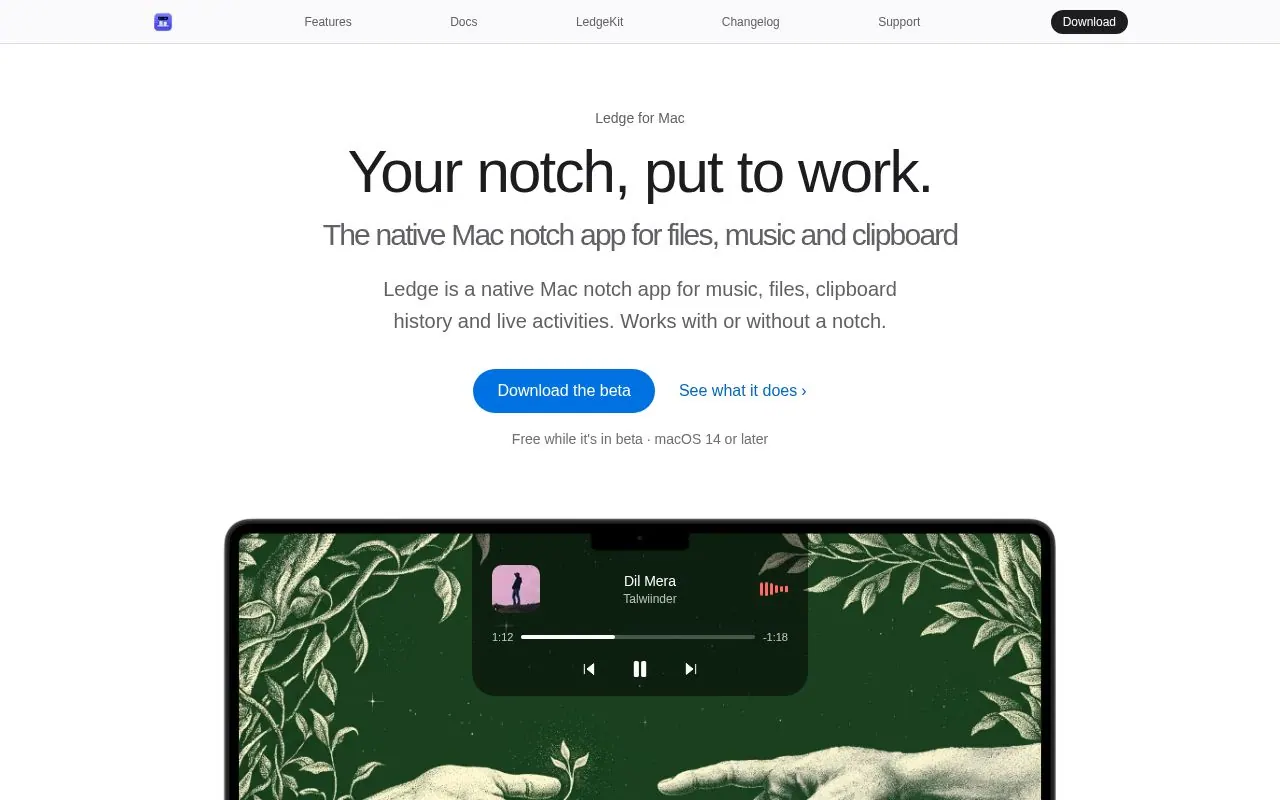
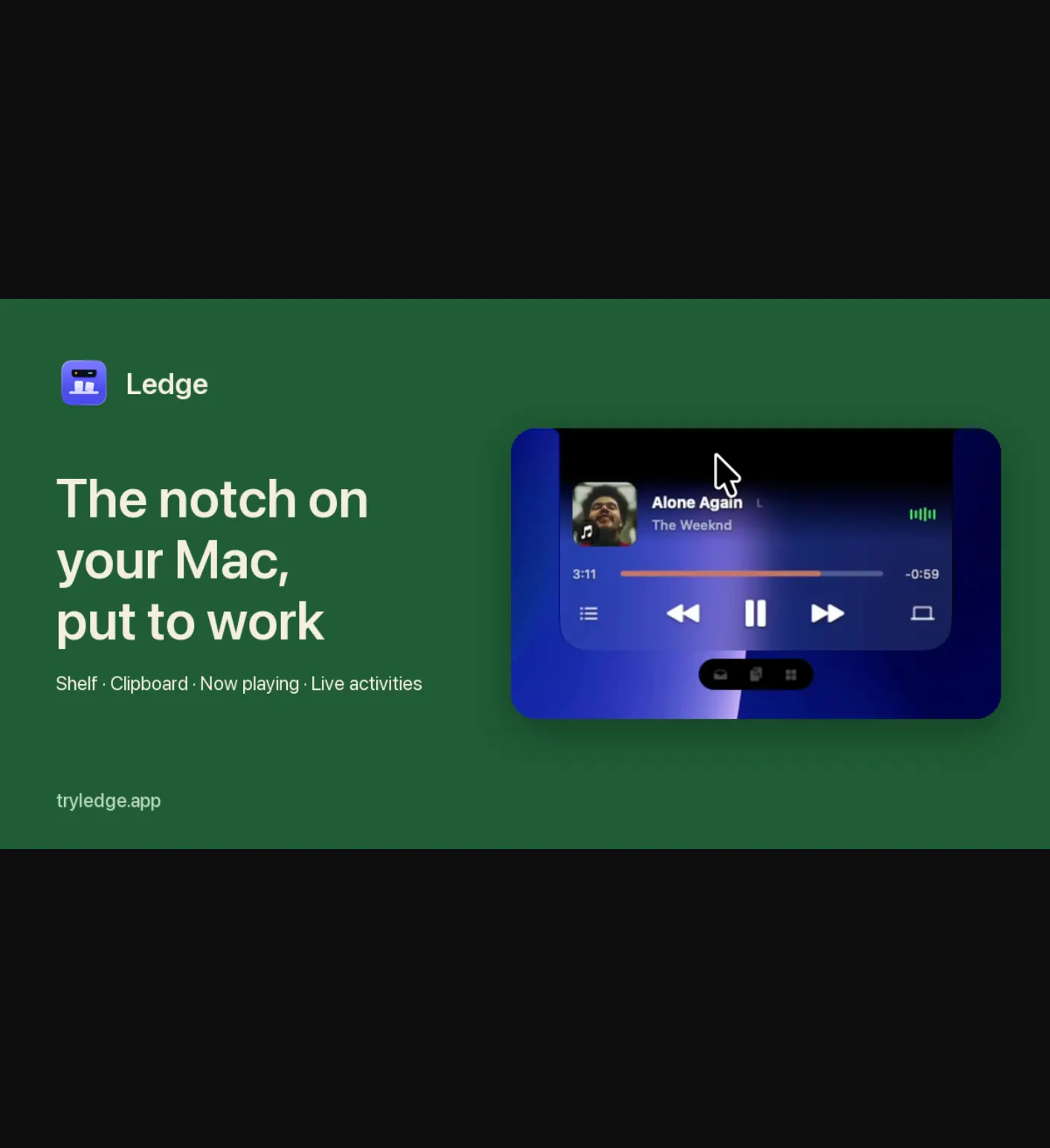
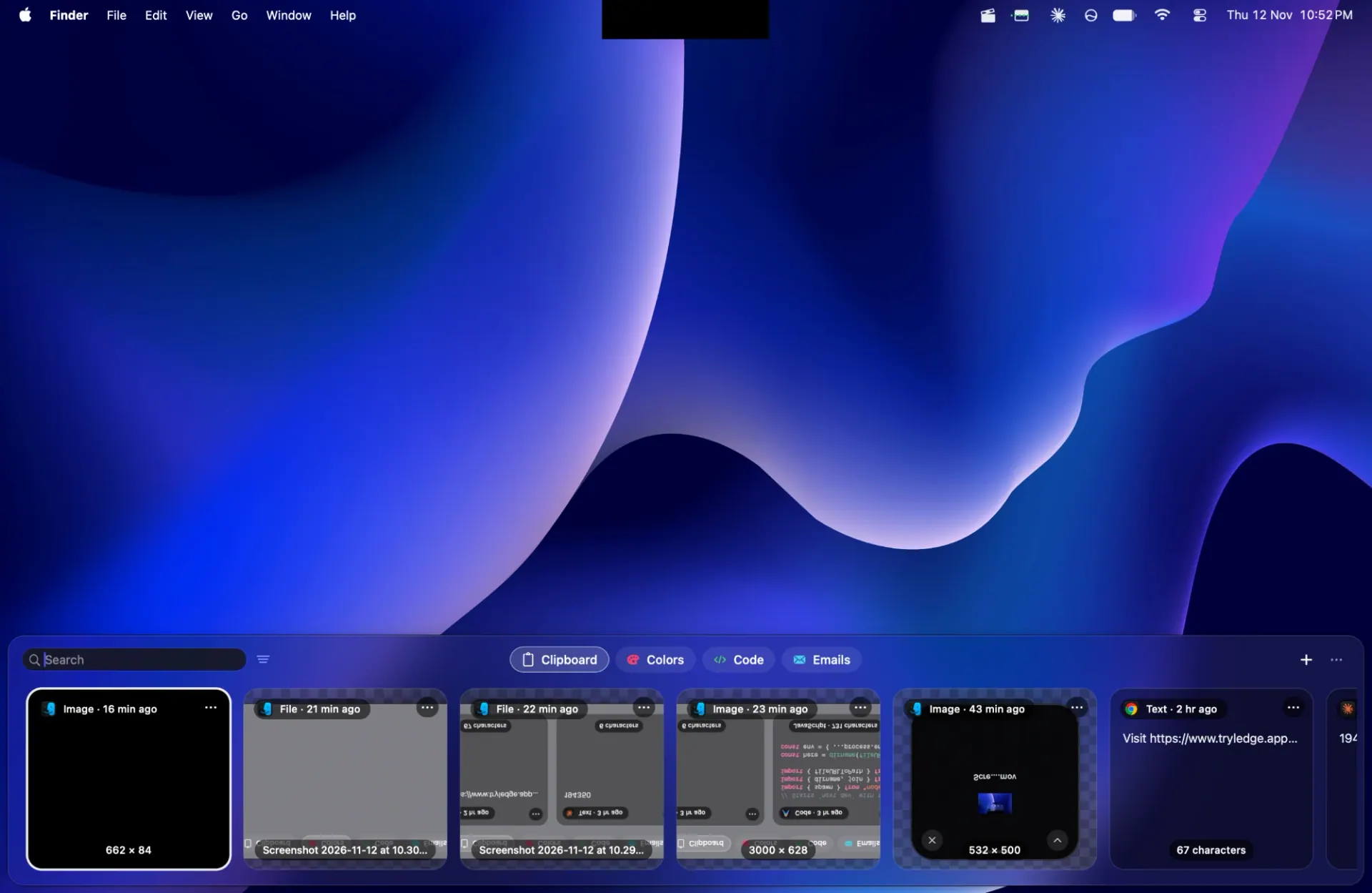
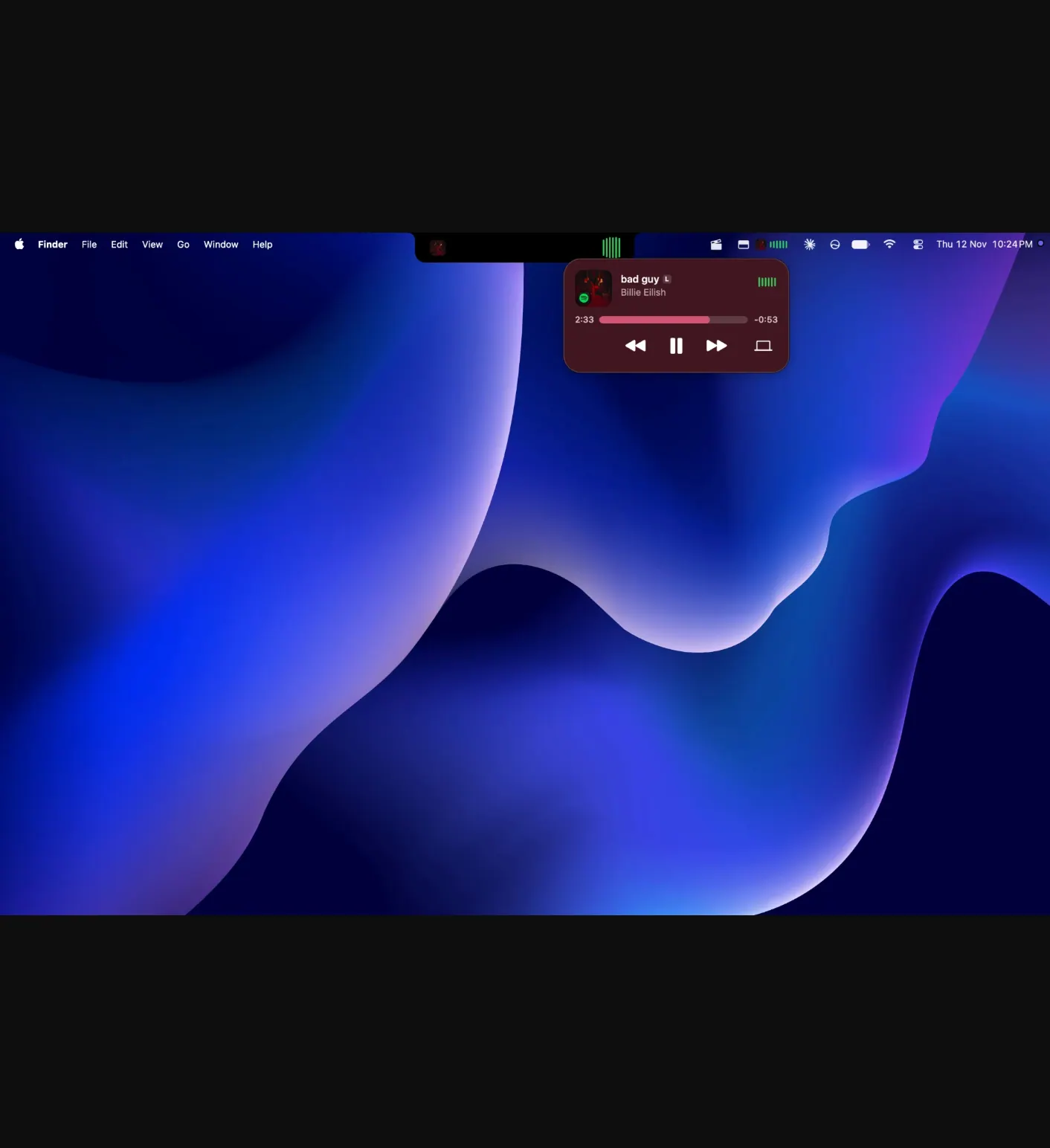
Ledge is a native macOS app that brings music controls, clipboard history, a file shelf, live activities, widgets and file transformation tools to the Mac’s notch or a floating pill on displays without one. Its launcher can search apps, settings and files, perform calculations and convert units.
It is designed for Mac users who want these tools close at hand. Ledge is written in Swift and AppKit, keeps clipboard history and shelf files on the Mac, and performs file transformations locally. The app is free during its public beta and requires macOS 14 or later.
Highlights
- Searchable, pinnable clipboard history
- Drag-and-drop file shelf and on-device transformation tools
- Music player with timed lyrics and motion artwork
- Live activities, widgets and customizable notch or floating pill
- Launcher for apps, files, settings and quick answers