Submit app
Zipic icon
New

Zipic

Save Space, Keep Quality

$29.99 · 5KM Tech LLC

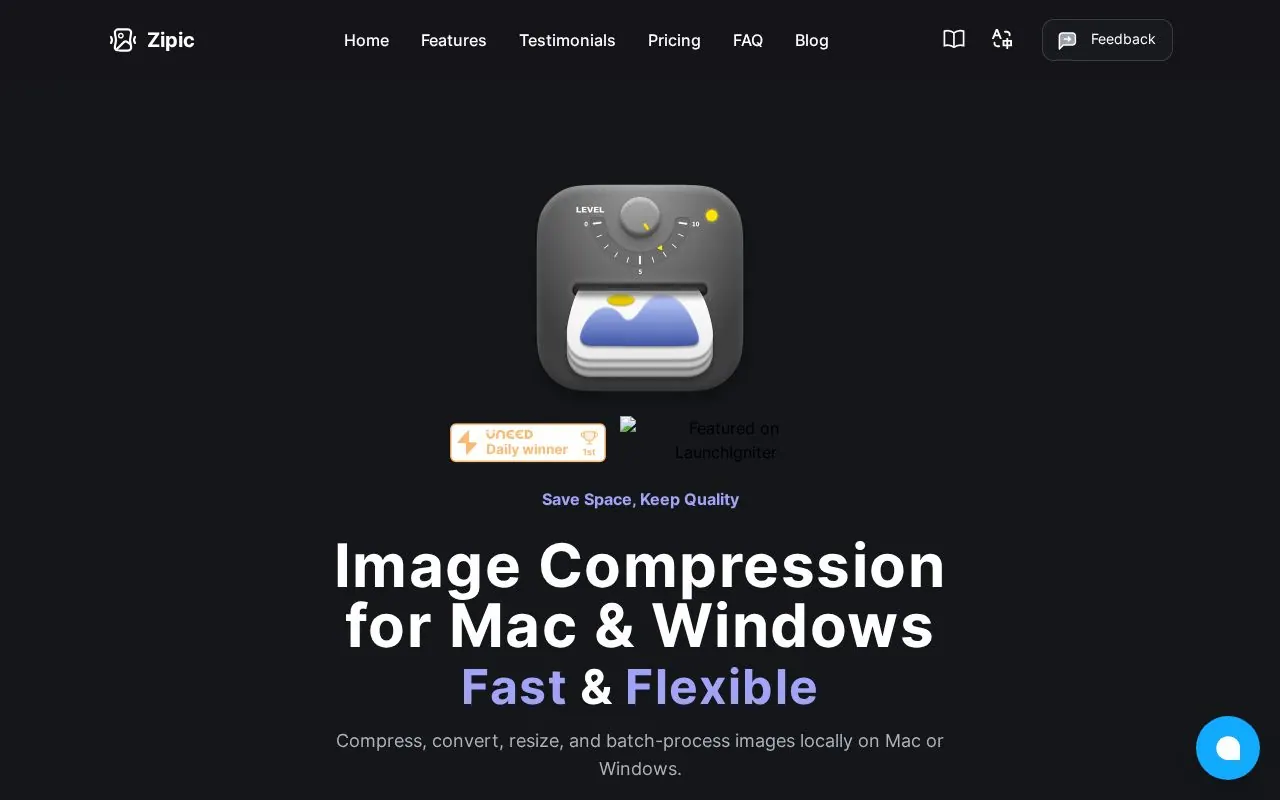
Screenshot of Zipic
Mac
Mac
Version 1.10.7
Version 1.10.7
macOS 13.0 or later
macOS 13.0 or later
$29.99
$29.99

Overview

Zipic is a native macOS app for compressing, converting, resizing, and batch-processing images. It supports formats including JPEG, PNG, WebP, HEIC, AVIF, JPEG XL, TIFF, GIF, PDF, SVG, APNG, and ICNS, and processes images locally without uploading them.

The app is for people who work with images, including developers, designers, bloggers, and photographers. Features include custom presets, Finder and menu bar access, folder monitoring, clipboard auto-compression, Apple Shortcuts, Raycast, and a CLI. Zipic requires macOS 13.0 or later.

Highlights

  • Batch image compression and format conversion
  • Resize images and create custom compression presets
  • Local, on-device processing
  • Automation through Shortcuts, Raycast, CLI, and folder monitoring
  • Finder and menu bar integration

Questions about Zipic

Is Zipic free?
Zipic is free to download. Extra features are unlocked with in-app purchases or a paid upgrade.
What are the system requirements for Zipic?
Zipic runs on macOS 13.0 or later.
Who makes Zipic?
Zipic is developed by 5KM Tech LLC. The latest version we list is 1.10.7.
Where can I download Zipic?
You can download Zipic from the developer's website, zipic.app.
What are the best alternatives to Zipic?
Transmit 5, CleanShot X and Cyberduck are the top-ranked alternatives to Zipic on Mac App Index, by shared features and community votes. Compare all 24 on the Zipic alternatives page.

More like Zipic