Submit app
SoundBuddy icon
New

SoundBuddy

Input Lock, keyboard sounds and Bluetooth controls for Mac

Paid · Om Umrania

SoundBuddy screenshot 1
SoundBuddy screenshot 2
Mac
Mac
Version 0.4.0
Version 0.4.0
macOS 14.0 or later
macOS 14.0 or later
Paid
Paid

Overview

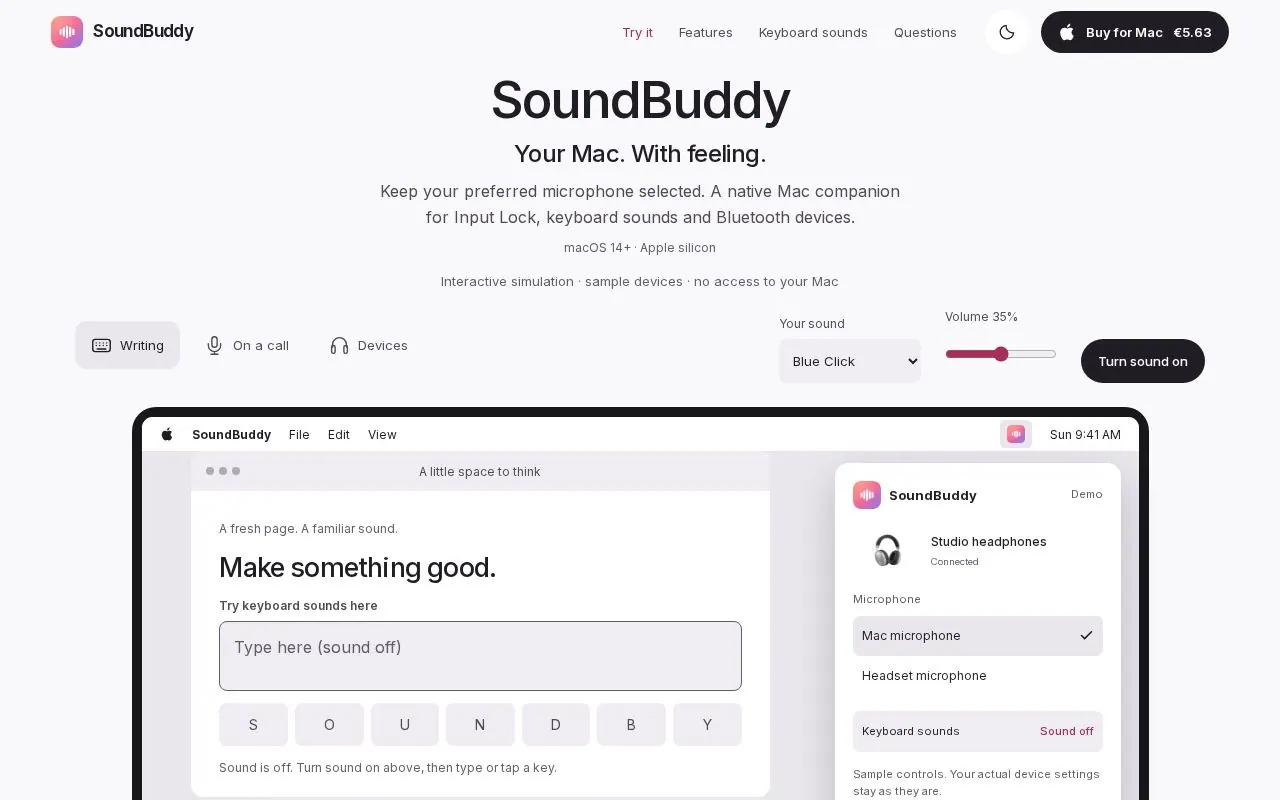
SoundBuddy is a native macOS menu bar companion for microphone choice, keyboard sounds and paired Bluetooth devices.

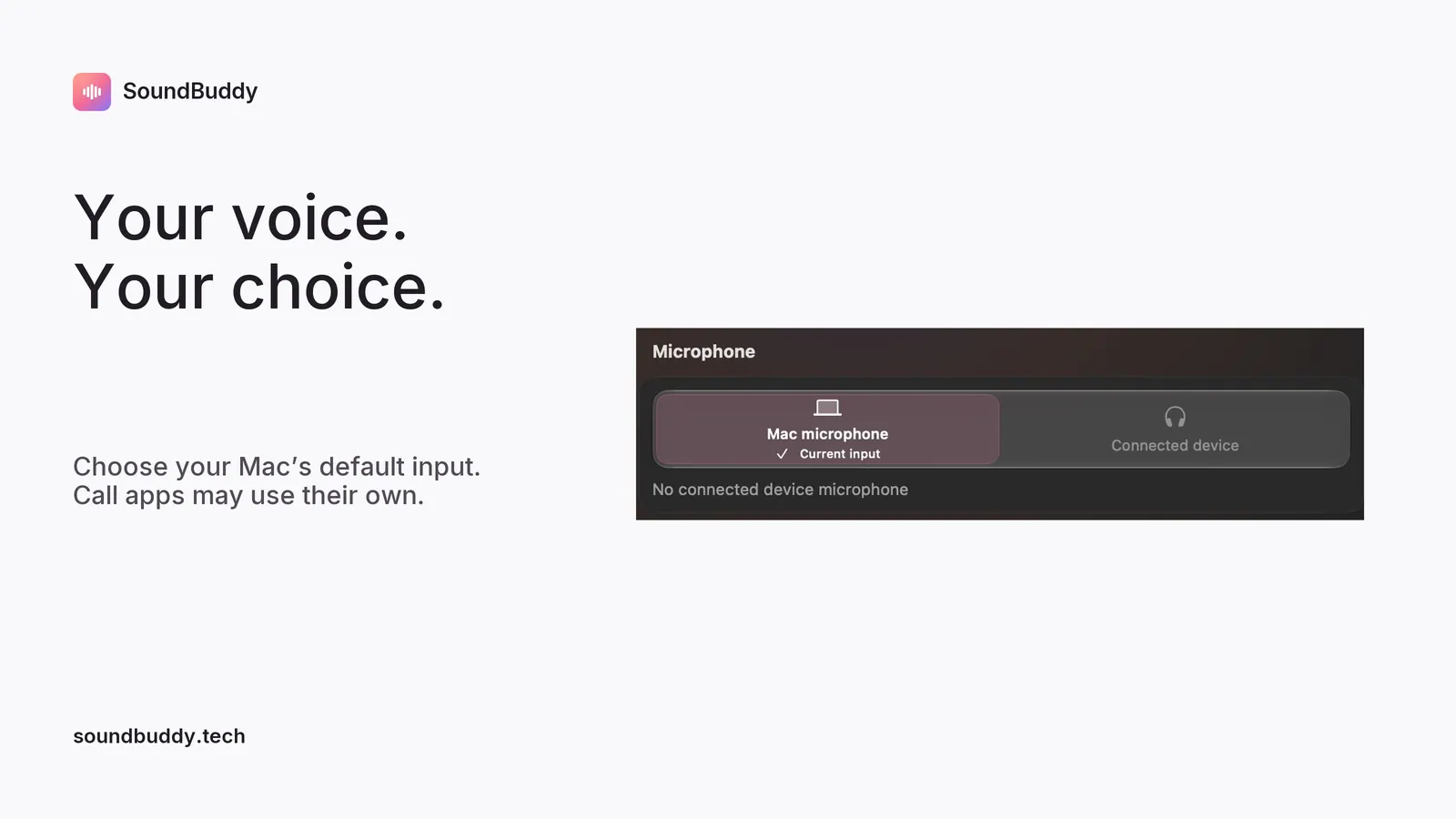
Choose your Mac's default microphone and optionally keep a preferred input selected with Input Lock while SoundBuddy is open. Call apps may use their own input settings. Add mechanical keyboard sounds with pack and volume controls. View paired Bluetooth devices and request connection or disconnection; available controls and battery information depend on hardware.

Requires Apple silicon and macOS 14 or later. One-time paid download for one Mac with online licence checks. The direct installer is Developer ID signed and notarised.

Installation guide: https://www.soundbuddy.tech/install.html

Questions about SoundBuddy

How much does SoundBuddy cost?
SoundBuddy is a paid app with a one-time price. Check the developer's website for the current price.
What are the system requirements for SoundBuddy?
SoundBuddy runs on macOS 14.0 or later.
Who makes SoundBuddy?
SoundBuddy is developed by Om Umrania. The latest version we list is 0.4.0.
Where can I download SoundBuddy?
You can download SoundBuddy from the developer's website, soundbuddy.tech.
What are the best alternatives to SoundBuddy?
Amphetamine, Bartender and Lungo are the top-ranked alternatives to SoundBuddy on Mac App Index, by shared features and community votes. Compare all 24 on the SoundBuddy alternatives page.

More like SoundBuddy