Overview
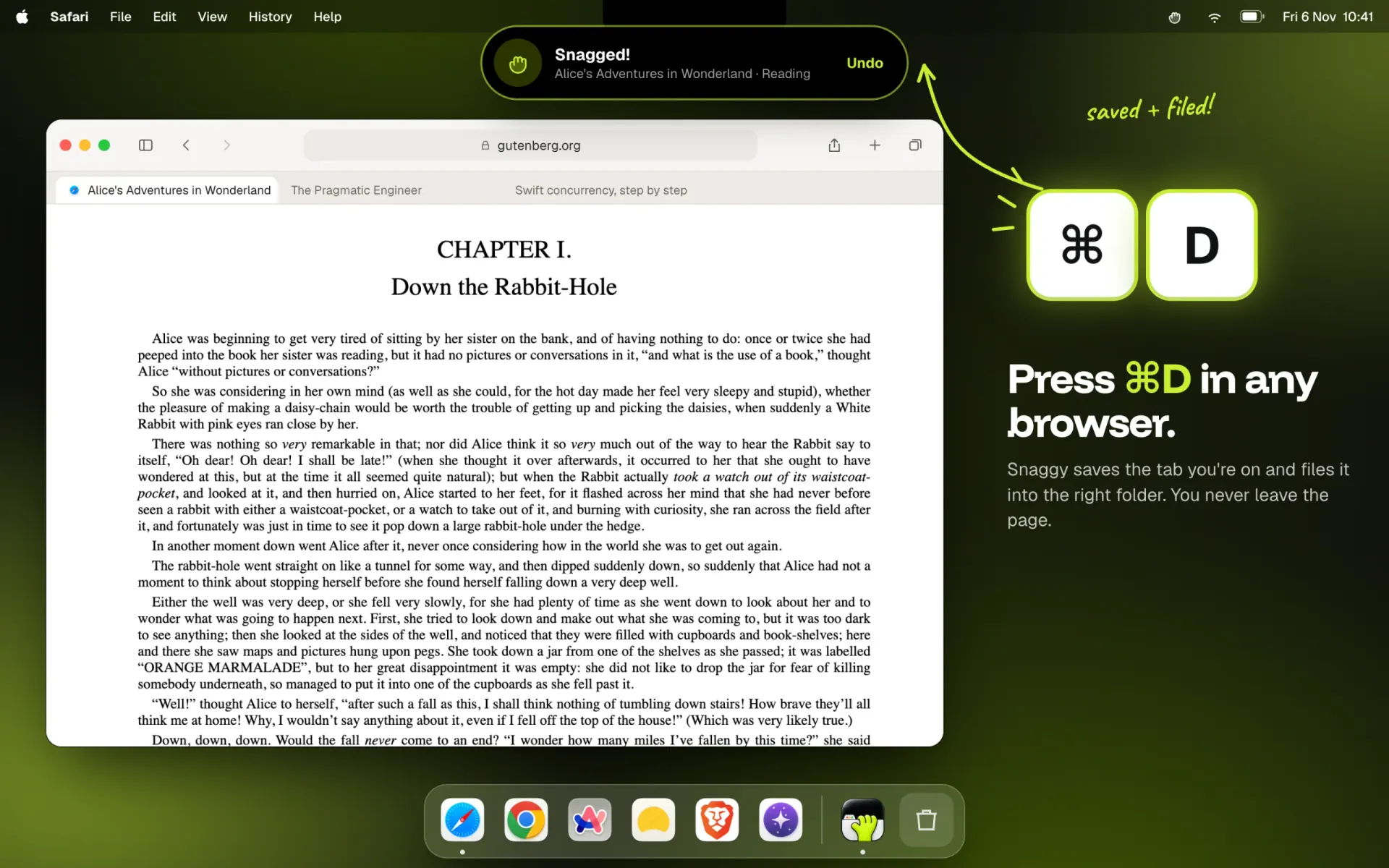
Snaggy is a menu bar bookmark app for people who use more than one browser. Press ⌘D in Safari, Chrome, Arc, Dia, Brave or Orion and Snaggy saves the page you're on. You never leave the page or pick a folder.
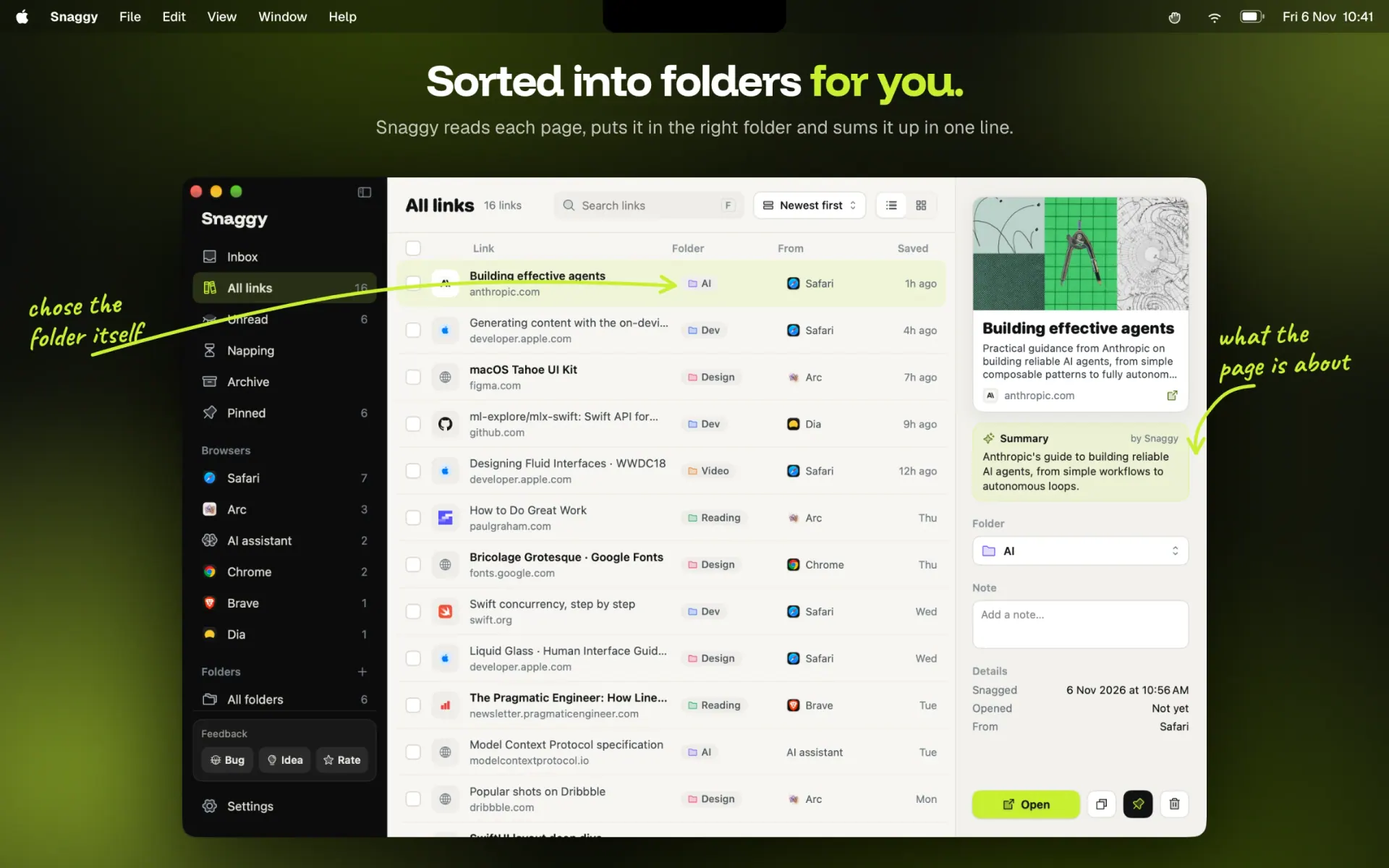
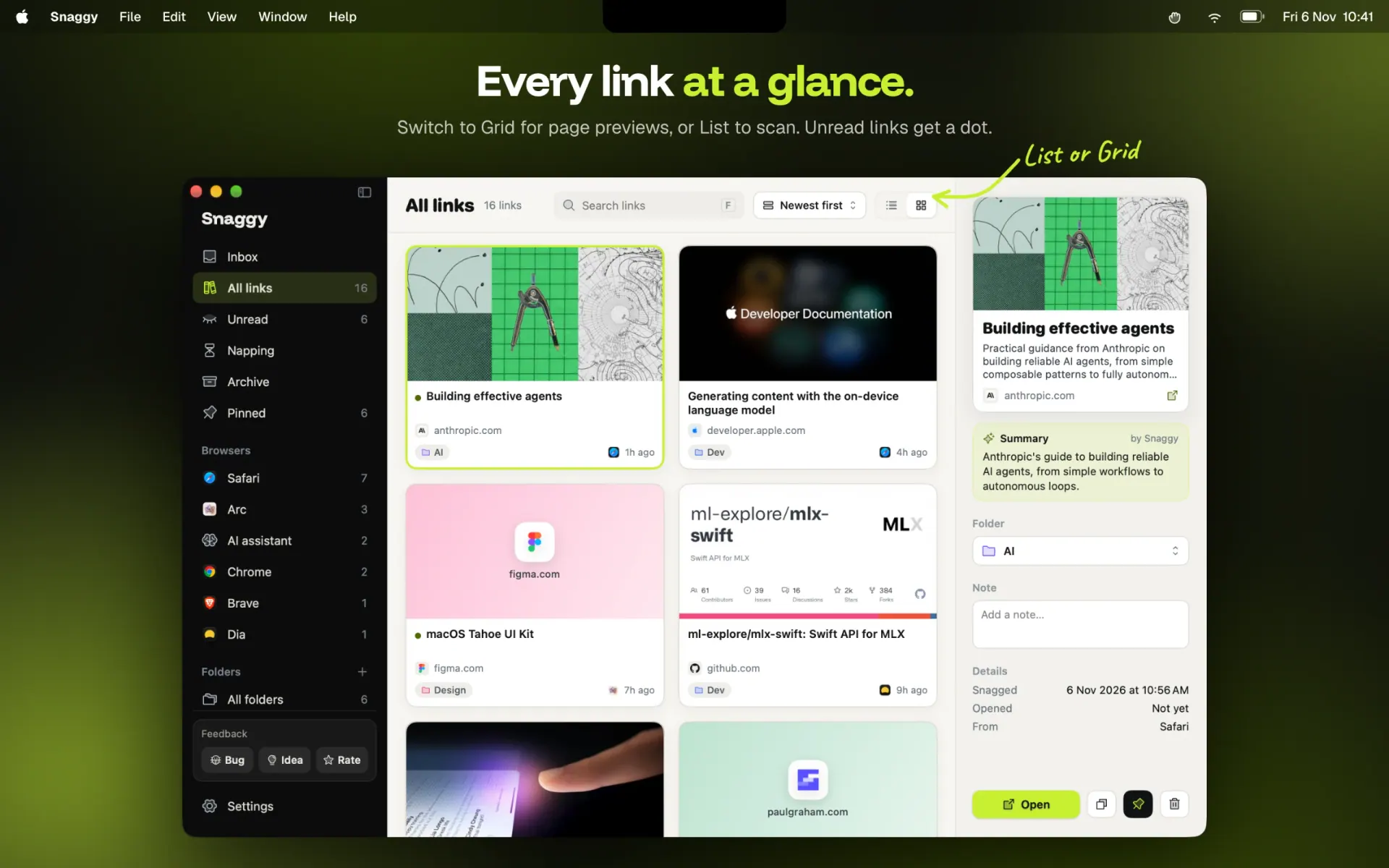
Apple Intelligence reads each page on your Mac, puts it in the right folder and writes a one-line summary of what it's about. Everything lands in one searchable library, with page previews, notes and an Unread list, instead of being split across browsers.
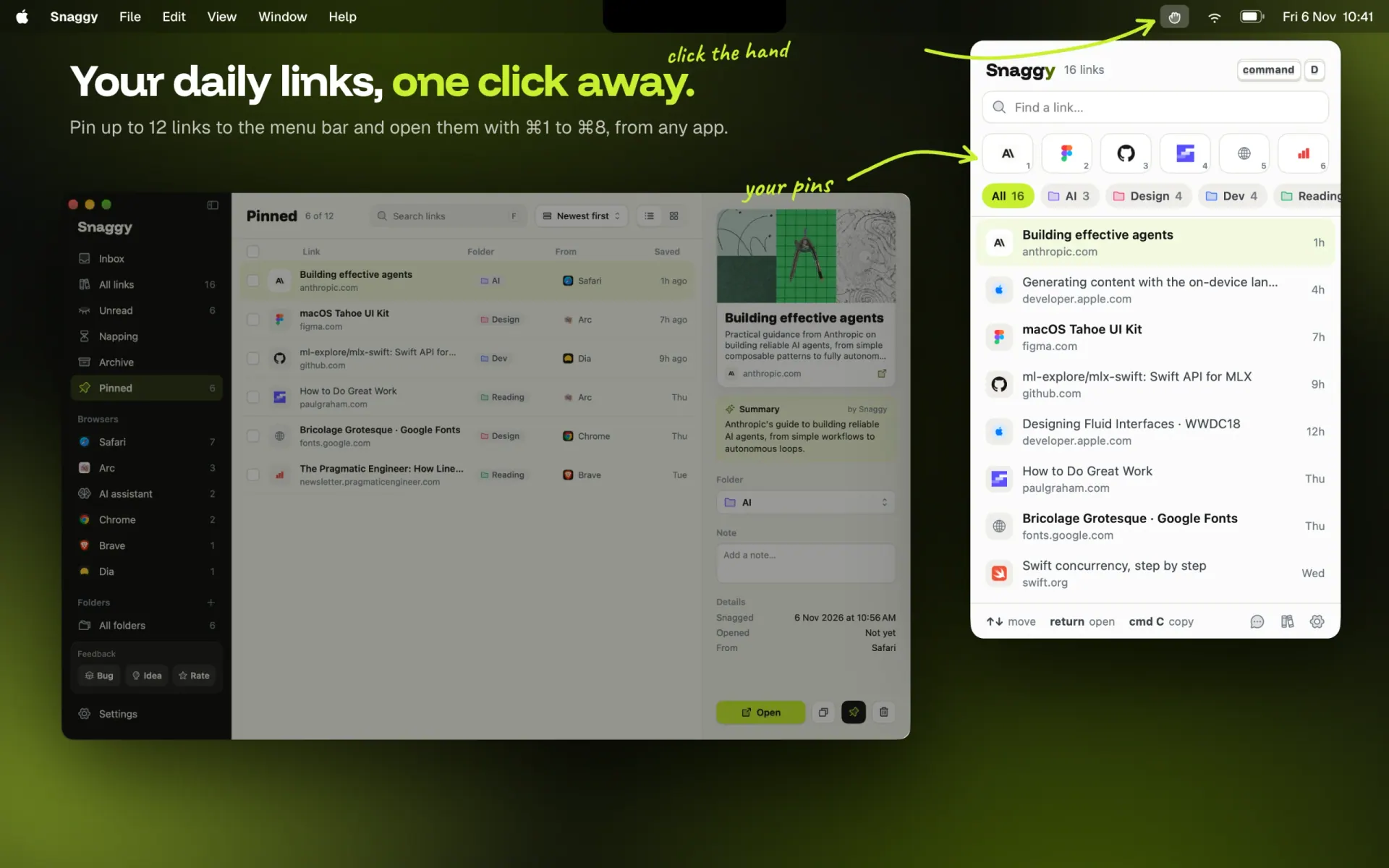
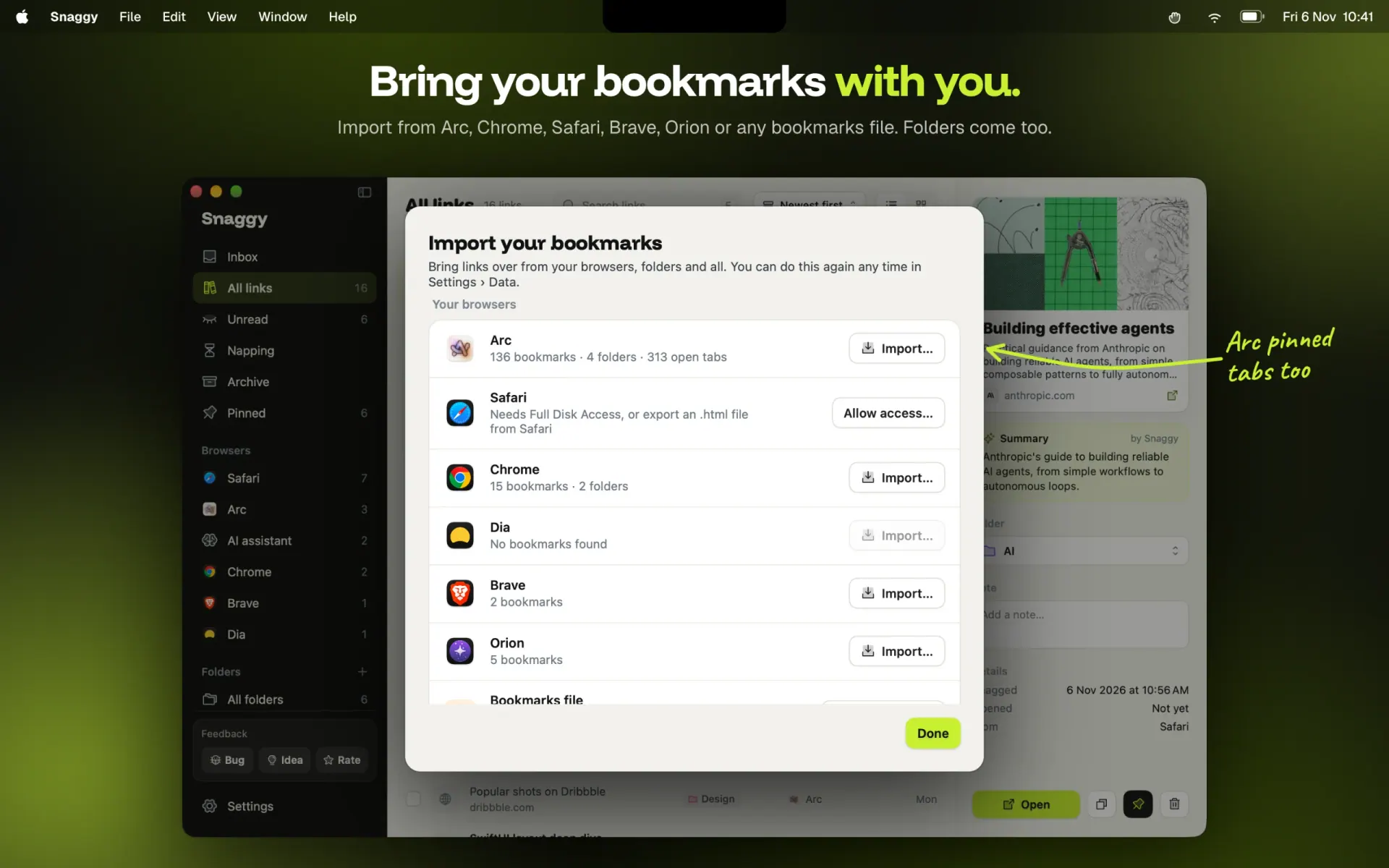
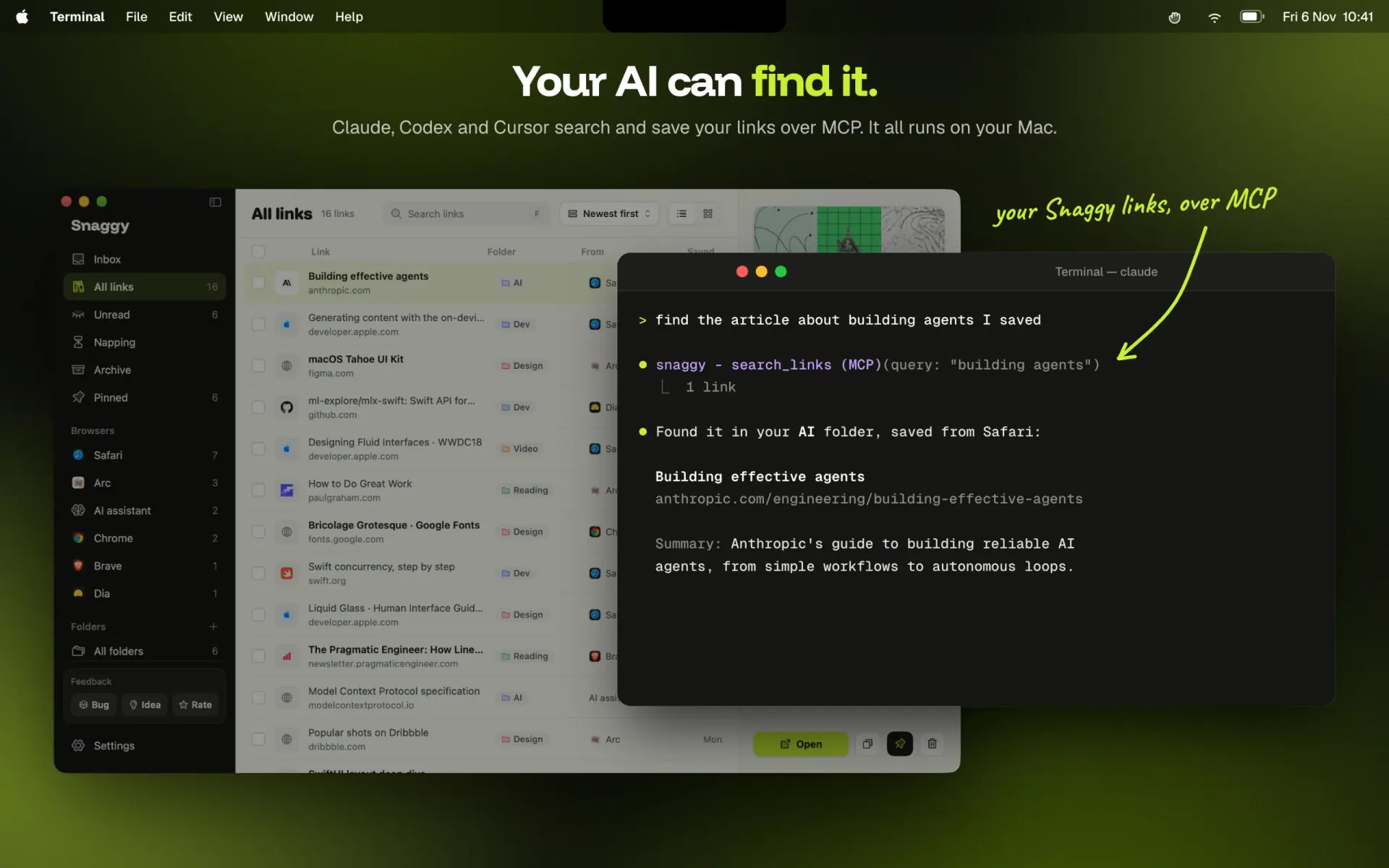
Bring your existing bookmarks over in a click, including Arc pinned tabs, with your folders kept. Pin the links you open every day to the menu bar and open them with ⌘1 to ⌘8. A built-in MCP server lets Claude, Codex and Cursor search and save your links.
No account and no Snaggy server: your links stay on your Mac, with optional iCloud sync between your Macs. Native SwiftUI, signed and notarized. One-time purchase. AI sorting needs a Mac with Apple silicon and Apple Intelligence.
• ⌘D in any browser: Safari, Chrome, Arc, Dia, Brave and Orion save the page you're on • AI sorting: Apple Intelligence puts each link in the right folder, on your Mac • One-line summary of every page you save • One library for every browser: search, page previews, notes and an Unread list • List and Grid views • Import bookmarks from every browser, Arc pinned tabs too, with folders kept • Pin up to 12 links to the menu bar and open them with ⌘1 to ⌘8 • Built-in MCP server: Claude, Codex and Cursor can search and save your links • Optional iCloud sync between your Macs • Export everything as JSON, CSV or an HTML bookmarks file • No account, no Snaggy server, one-time purchase • Native SwiftUI, signed and notarized, updates itself