
Submit app
Spumio Clean icon
New

Spumio Clean

Disk cleaner that asks before it deletes

Free · Benedetto Giordano

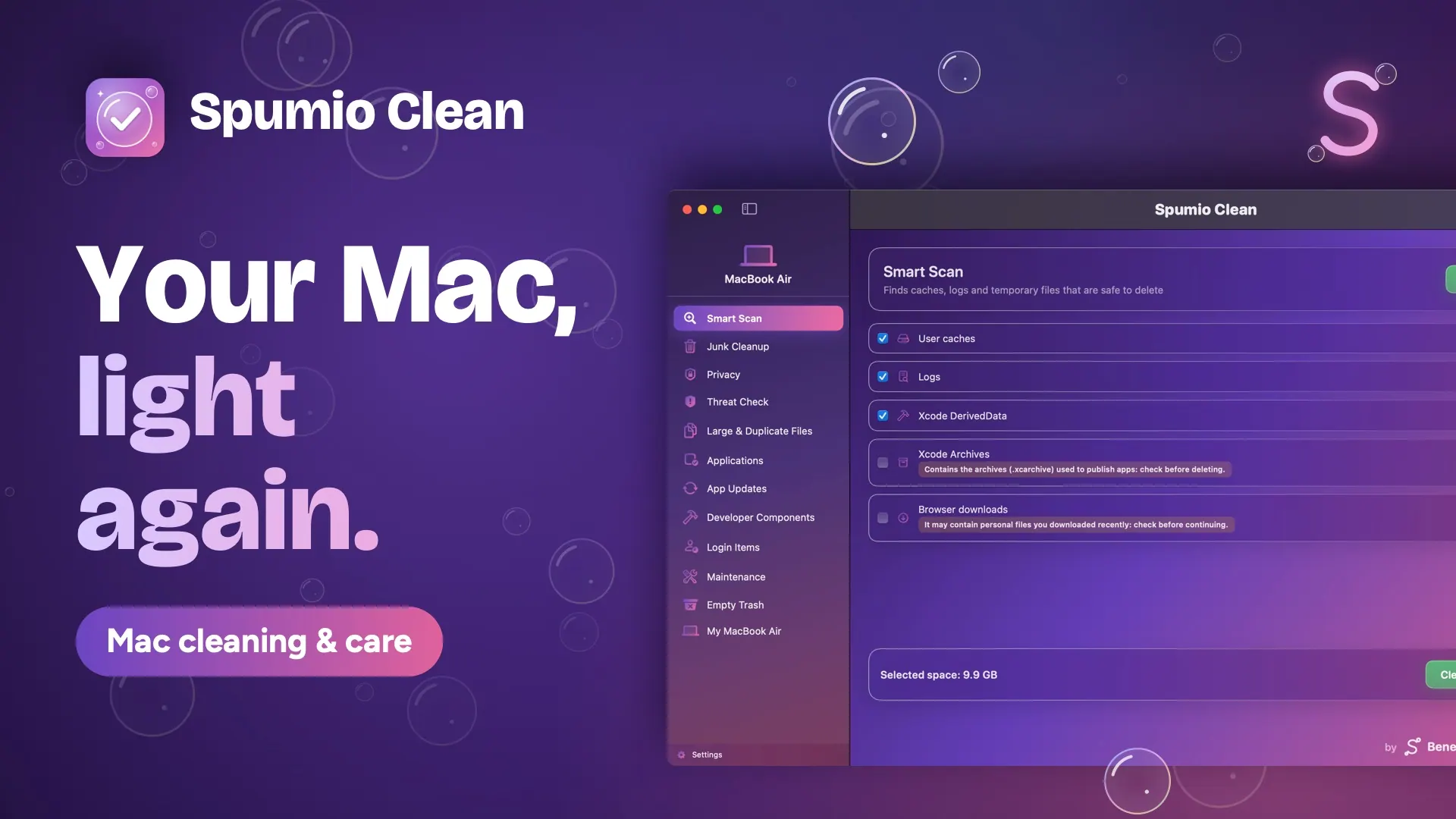
Spumio Clean screenshot 1
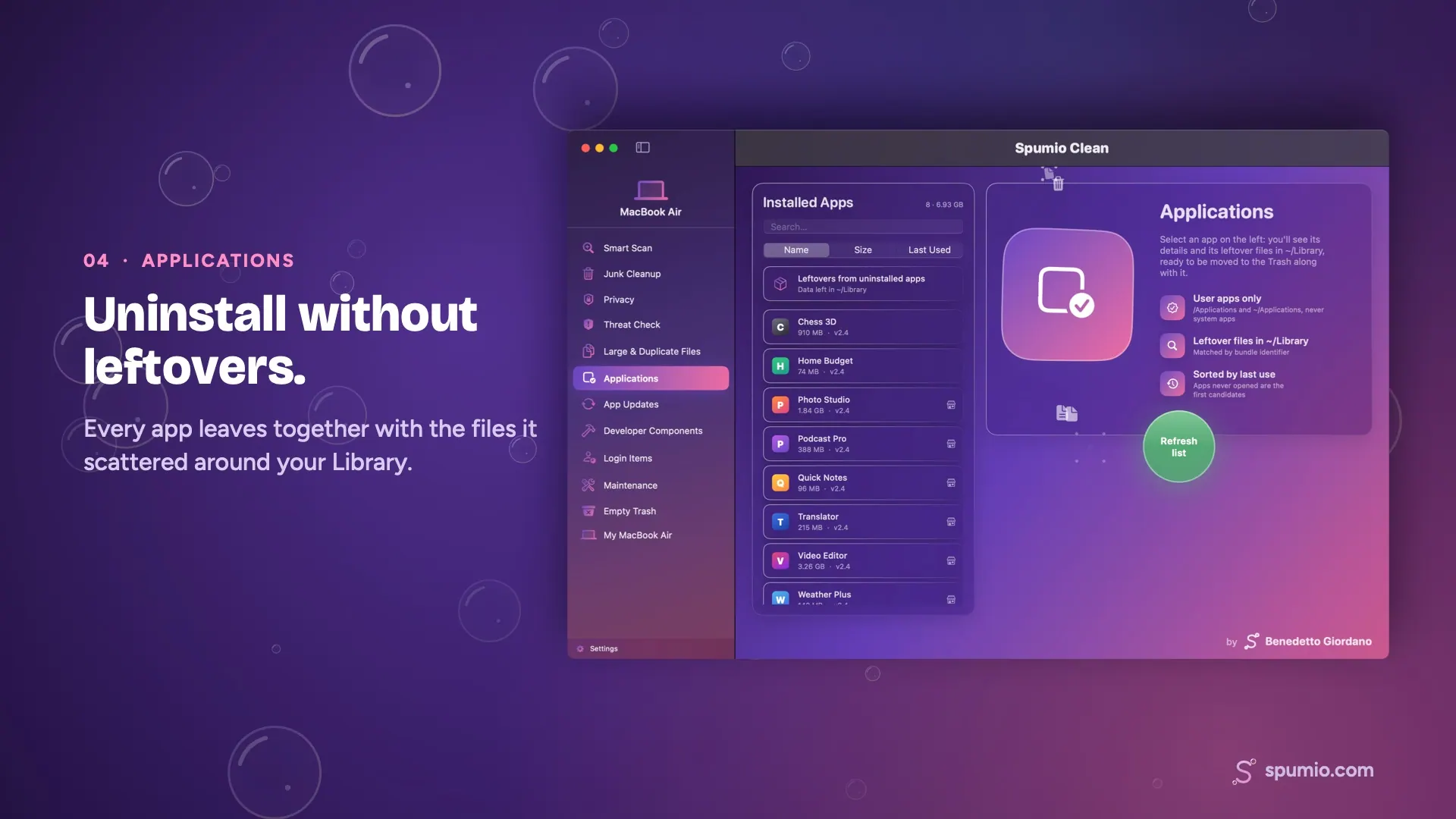
Spumio Clean screenshot 2
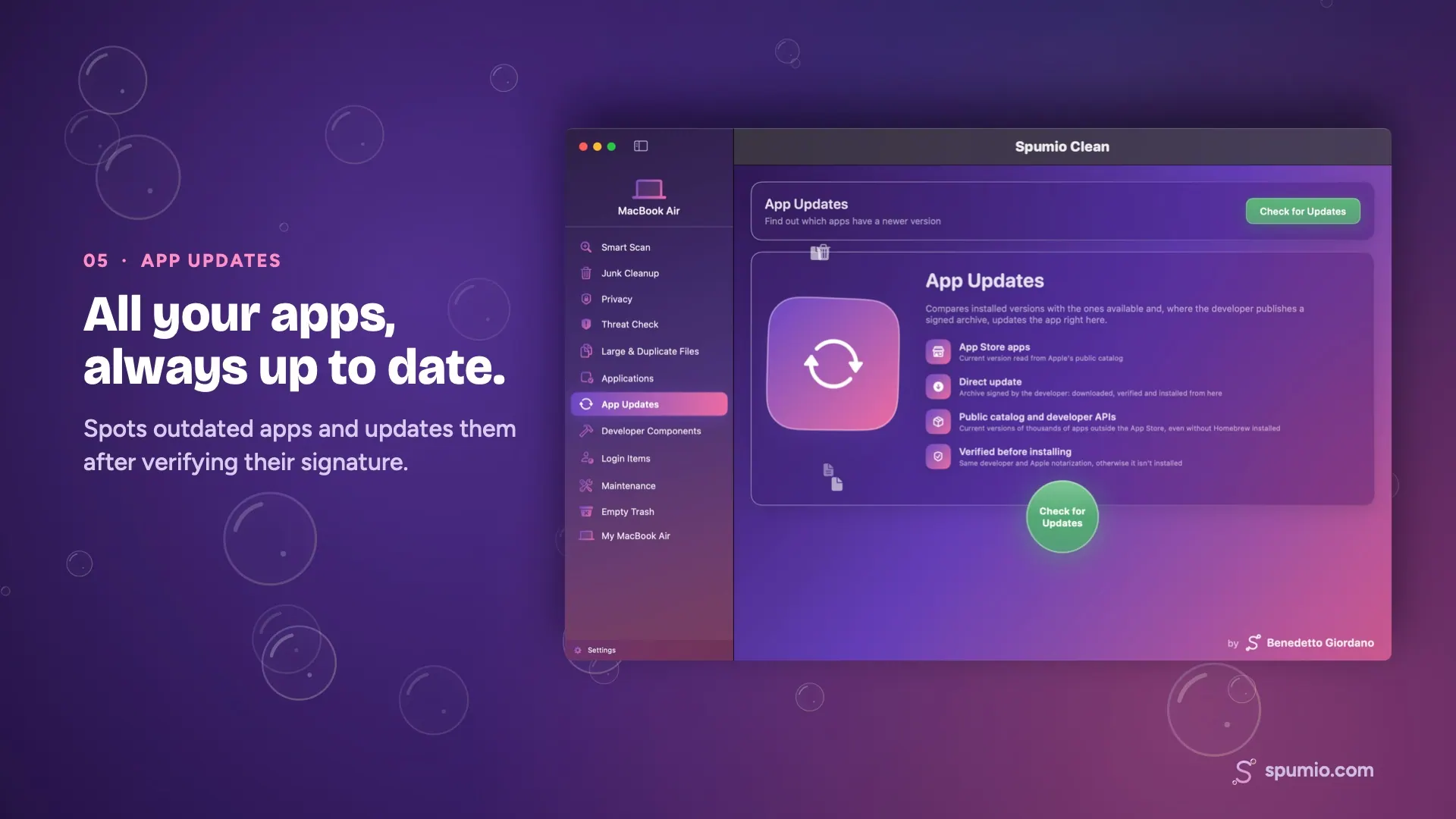
Spumio Clean screenshot 3
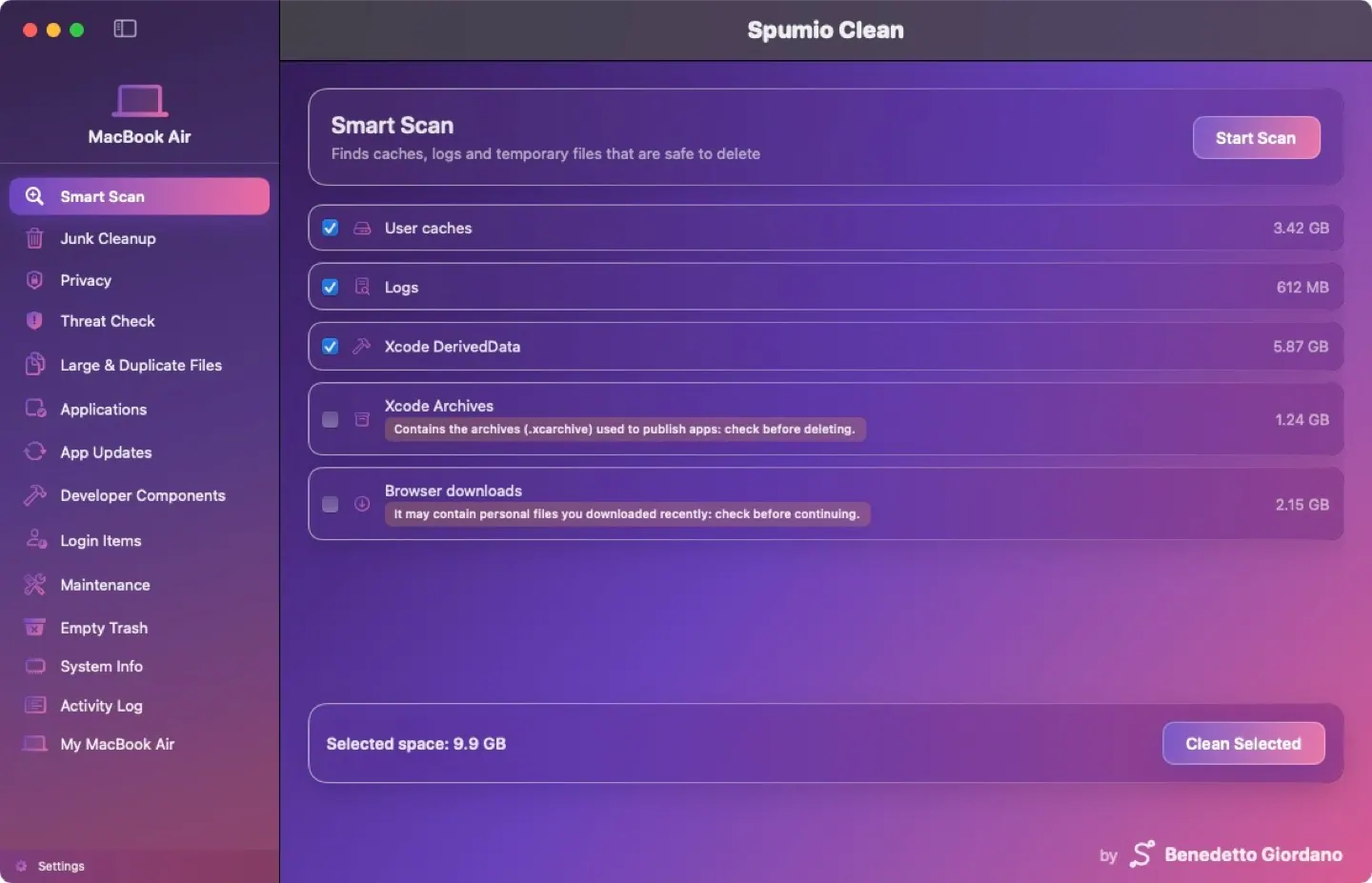
Spumio Clean screenshot 4
Mac
Mac
Version 1.0.3
Version 1.0.3
macOS 13.0 or later
macOS 13.0 or later
8 MB
8 MB
Free
Free

Overview

Spumio Clean scans for caches, logs, temporary files, large and duplicate files, and other items that may be removed. It can uninstall apps with their leftover files, check for app updates, clear browser data, check for known unwanted software, manage login items, and perform maintenance tasks. A menu bar panel provides access to CPU, temperature, fan, RAM, battery, network and disk information.

The app is for Mac users, including developers, and supports Intel and Apple silicon Macs running macOS 13 Ventura or later. Scans explain what was found, and cleaned files go to the Trash where possible. The page says the beta is free through December 31, 2026; the official version is planned to include a 14-day trial followed by a license.

Highlights

  • Scans and cleanup for caches, logs and temporary files
  • Finds large and duplicate files
  • Uninstalls apps with leftover files
  • Checks and installs app updates after verifying them
  • Menu bar system status panel

Questions about Spumio Clean

Is Spumio Clean free?
Yes. Spumio Clean is free to download and use on your Mac.
What are the system requirements for Spumio Clean?
Spumio Clean runs on macOS 13.0 or later. The download is about 8 MB.
Who makes Spumio Clean?
Spumio Clean is developed by Benedetto Giordano. The latest version we list is 1.0.3.
Where can I download Spumio Clean?
You can download Spumio Clean from the developer's website, spumio.com.
What are the best alternatives to Spumio Clean?
CleanMyMac, Magnet and Paste are the top-ranked alternatives to Spumio Clean on Mac App Index, by shared features and community votes. Compare all 24 on the Spumio Clean alternatives page.

More like Spumio Clean