BBEdit 16.1 adds Language Playgrounds and Highlight Patterns
BBEdit 16.1 from Bare Bones Software adds Language Playgrounds, Highlight Patterns and a built-in HTML checker, and opens large files much faster.

Written by Mac App Index Editorial

Bare Bones Software released BBEdit 16.1, an update to its text, code and markup editor for Mac, on 3 November 2026. The Mac App Store listing calls the update free and recommended for all customers. The company's release notes describe it as a feature update.
BBEdit 16.1 adds Language Playgrounds for building support for languages BBEdit does not include, Highlight Patterns that mark matching text in every open document, and a built-in W3C HTML5 checker. Large files open much faster and startup is quicker. BBEdit 16 requires macOS 14.0 or later.
What's new in BBEdit 16.1
- Language Playgrounds. A new interface for creating language modules. It produces Declarative Language Modules, which replace the older codeless language modules. You can start from scratch or import an old module. On macOS 26.0 or later with Apple Intelligence enabled, you can supply a language name, a sample file and a documentation excerpt, and BBEdit asks Apple Intelligence to draft a playground to start from.
- Highlight Patterns. Defined in the Setup window as a literal string or a Grep pattern, each with a color, an optional Dark Mode color and optional tick marks in the scroll bar. You can create one from the Find window or the Live Search bar, and turn patterns on or off globally or per language.
- Built-in HTML checker. The W3C HTML5 syntax checker now runs inside the app, so it does not depend on the network or on remote rate limits. The W3C's own service or a local instance remain available.
- Syntax coloring in Markdown code blocks. Fenced blocks are colored in the language named on the fence when a matching module is installed. Commenting, auto-pairing and spell checking inside the block follow that language.
- New language modules. Kotlin, SystemVerilog, TaskPaper and diff output are new, and JSONC (JSON with comments) joins the JSON module. The Kotlin module is prewired to the official
kotlin-lspserver, which the release notes say you can install withbrew install kotlin-lsp. - Performance. The notes report orders-of-magnitude improvements in UTF-8 validation and ASCII file reading, which speed up opening large files. A slow login shell no longer holds up startup, and BBEdit now stops waiting for the login environment after 5 seconds. Typing is cheaper in Markdown and CSS.
- Smaller changes. Right-to-left text display and editing were reworked, with a new Edit submenu for bidirectional control characters. The status bar language indicator opens a searchable popover. "Copy Recognized Text" works on images. SFTP gains a keepalive setting and a 30-second connection timeout by default. The release also fixes a long list of
vimode and SFTP bugs.
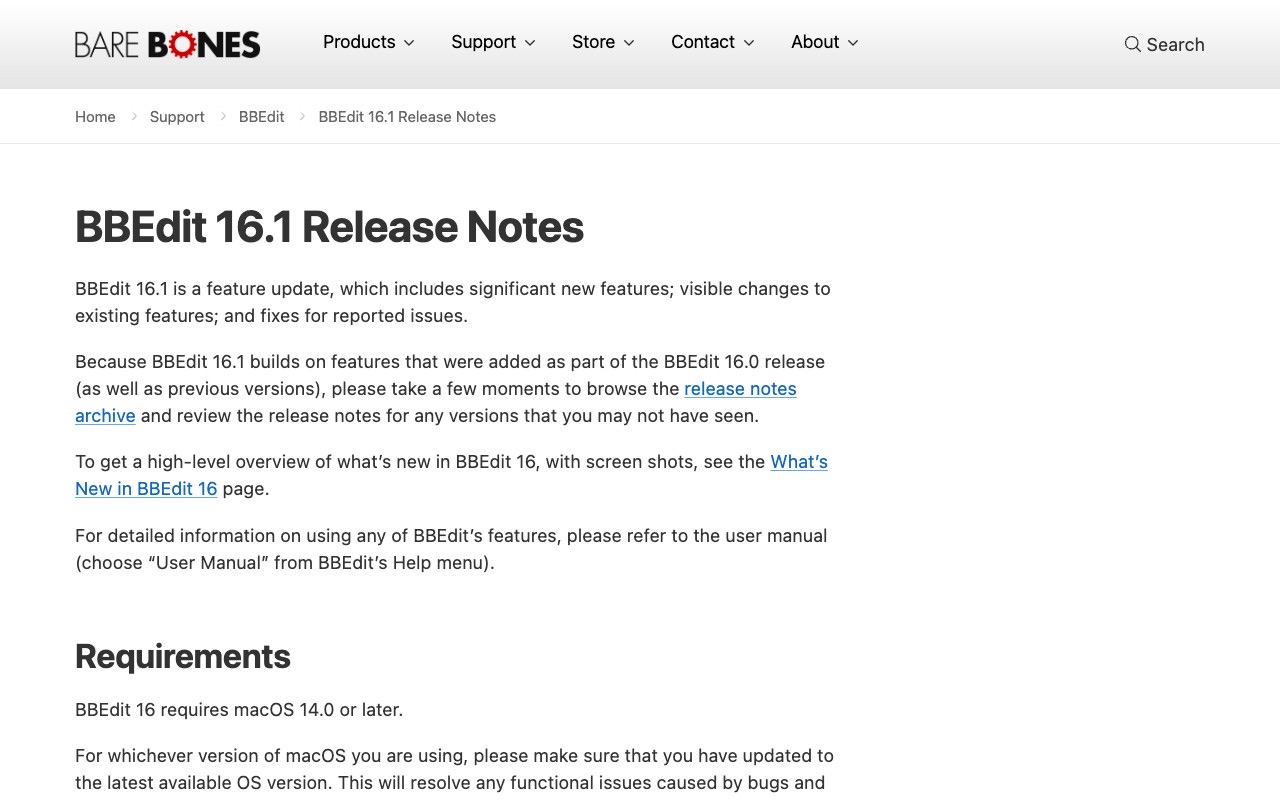 Source: BBEdit 16.1 Release Notes, captured 4 November 2026.
At a glance
| Version | BBEdit 16.1 |
| Developer | Bare Bones Software, Inc. |
| Release date | 3 November 2026 |
| Price | Free mode after a 30-day evaluation; full features need a license or a Mac App Store subscription |
| Direct license | $59.99 for BBEdit 16, $29.99 upgrade from 15.x, $39.99 upgrade from 14.x or older (Bare Bones store) |
| macOS requirement | macOS 14.0 or later |
| Processors | Universal, Intel and Apple silicon |
| Where to get it | Mac App Store (21.6 MB) or direct download |
What it means for Mac users
BBEdit 16.1 matters most to people who open large files or work in languages BBEdit did not color before. If you read multi-gigabyte logs or exports, the file-loading changes are the headline. If you write Kotlin or SystemVerilog, or keep notes in TaskPaper, you no longer need a custom module.
Highlight Patterns suit anyone who scans logs or prose for the same strings every day. A Grep pattern in a distinct color stays visible in every open document, which beats retyping the search.
Writers who keep code samples in Markdown get colored fences without changing editors. Anyone on macOS 13 or earlier cannot install it, because BBEdit 16 needs macOS 14.0.
If you are weighing BBEdit against other editors, CotEditor, Sublime Text and Visual Studio Code are listed beside it, and BBEdit alternatives collects the closest matches. All of them are on Mac App Index with prices and macOS requirements.
What to watch
Declarative Language Modules replace the codeless format, and Bare Bones has published technical notes for both Language Playgrounds and the new module format. The open question is how many modules outside the factory set people build and share now that a playground exists.
Key takeaways
- BBEdit 16.1 shipped on 3 November 2026 as a feature update from Bare Bones Software.
- Language Playgrounds create Declarative Language Modules, and Apple Intelligence can draft one on macOS 26.0 or later.
- Highlight Patterns mark literal or Grep matches in every open document.
- The W3C HTML5 checker is built in, so checking works offline.
- BBEdit 16 still requires macOS 14.0 or later.
FAQ
Is BBEdit 16.1 a free update?
Yes. The Mac App Store listing says the update is free and recommended for all customers. Using BBEdit's advanced features still depends on a license or an active subscription once the 30-day evaluation ends.
Does BBEdit 16.1 work on macOS 13?
No. BBEdit 16 requires macOS 14.0 or later, according to the Bare Bones release notes. The app is universal and runs on both Intel and Apple silicon Macs.
Does BBEdit 16.1 need Apple Intelligence?
No. Apple Intelligence is used only for the optional drafting of a Language Playground, and only on macOS 26.0 or later with Apple Intelligence enabled and ready. Every other 16.1 feature works without it.
Source: BBEdit 16.1 Release Notes, Bare Bones Software
More editors for Mac are in the Developer tools category.