
Overview
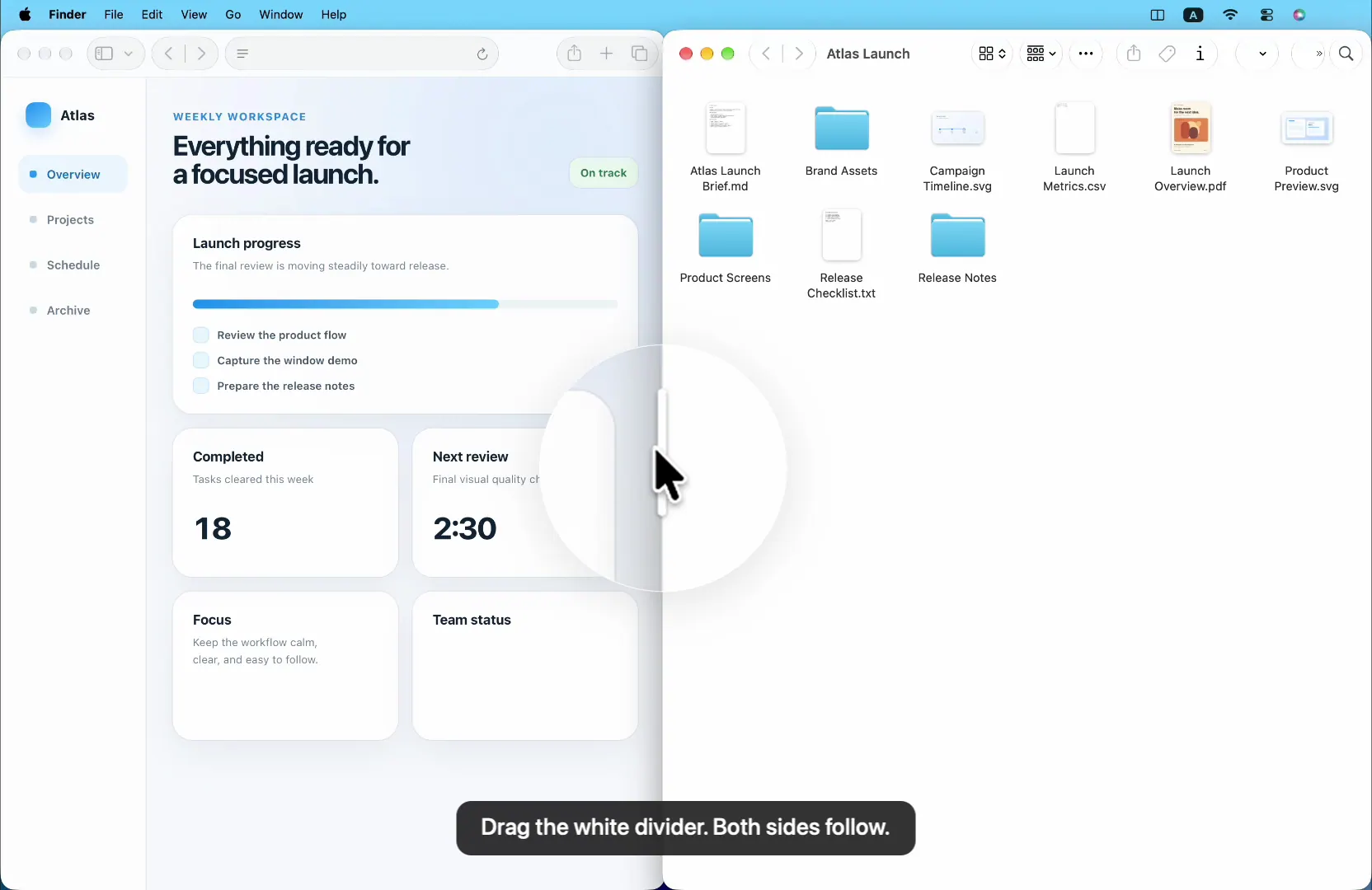
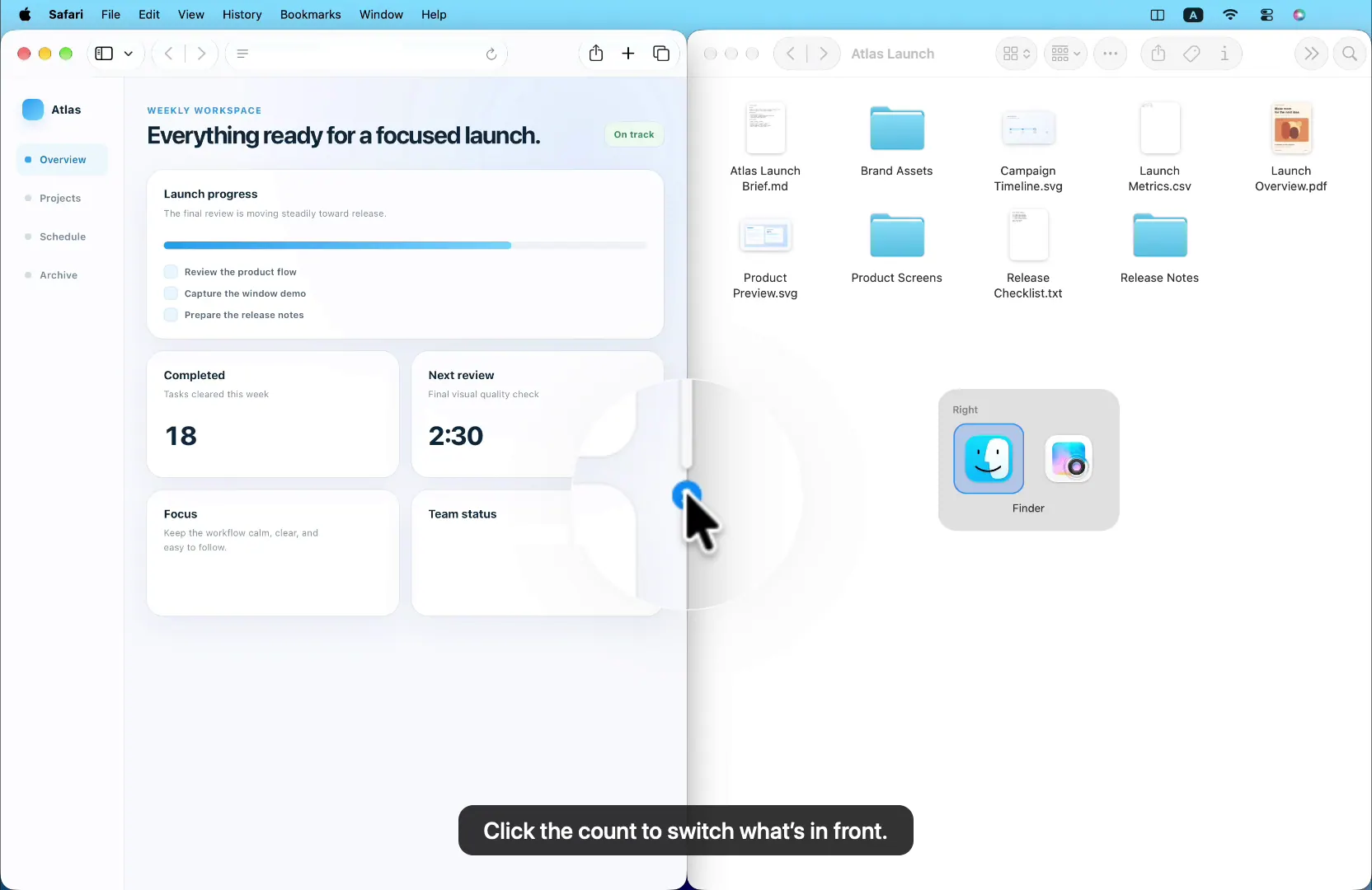
Split arranges two windows on the current display using menu actions or keyboard shortcuts, drag-to-snap zones, and a shared divider that resizes both windows together. Users can set a preferred proportion, swap the sides, switch windows in a stack, and restore familiar pairings.
It is a menu-bar companion for Mac users who want to keep two-window workflows organized. Split can suggest a familiar app for the empty side after repeated pairings; the page says those patterns stay on the Mac. It requires macOS 13 Ventura or later, supports Apple silicon and Intel, and is sold as a one-time purchase with lifetime use and updates.
Highlights
- Place windows with shortcuts or menu actions
- Drag windows into snap zones
- Resize paired windows together with a shared divider
- Swap both sides and their window stacks
- On-device suggestions for familiar app pairings