Submit app
SnapApp icon
New

SnapApp

Snipping tool for Mac: capture an area and mark it up

Free · O-mega Enterprise, Inc.

SnapApp screenshot 1
SnapApp screenshot 2
SnapApp screenshot 3
Mac
Mac
Version 0.3.23
Version 0.3.23
macOS 14.0 or later
macOS 14.0 or later
Free
Free

Overview

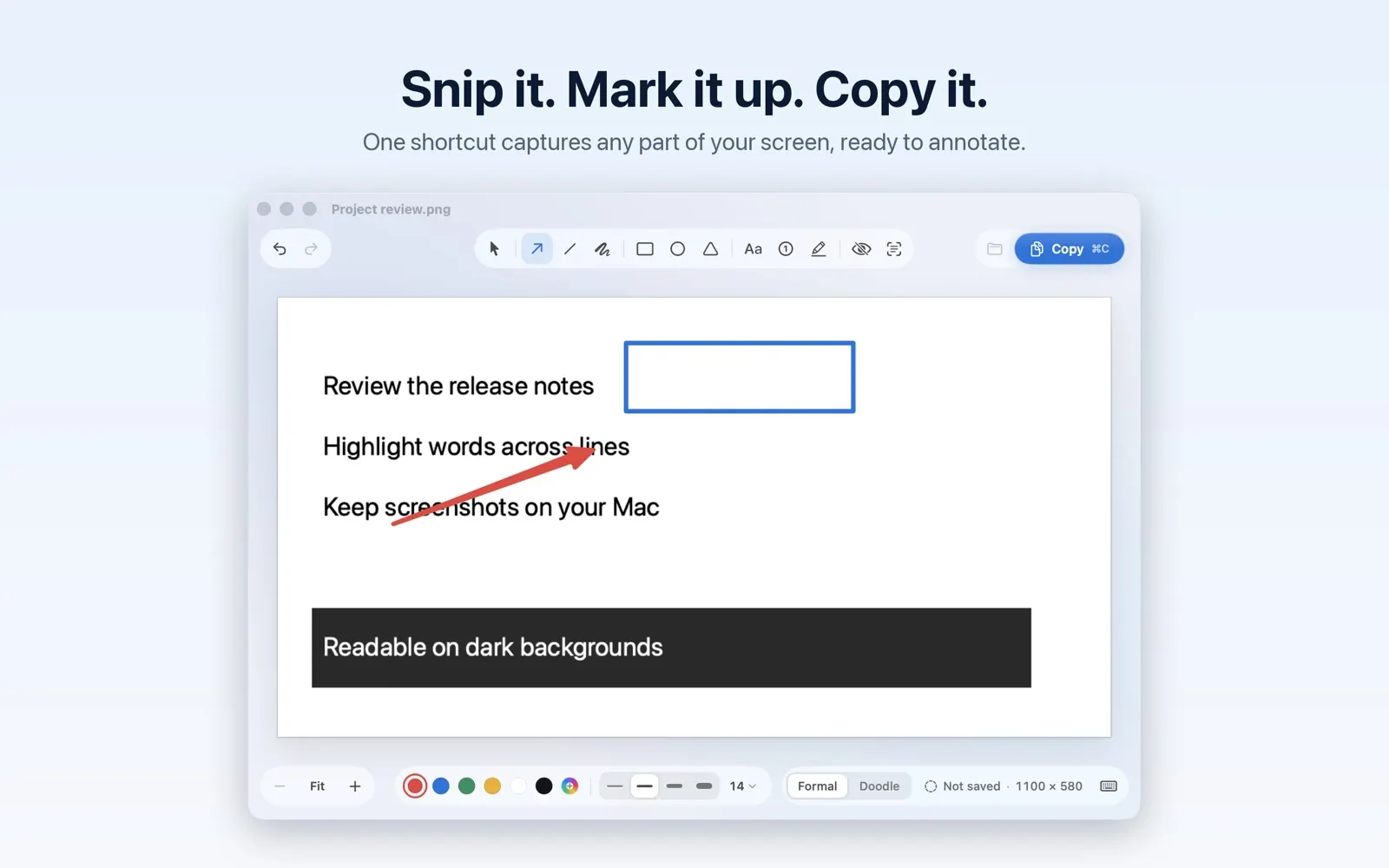
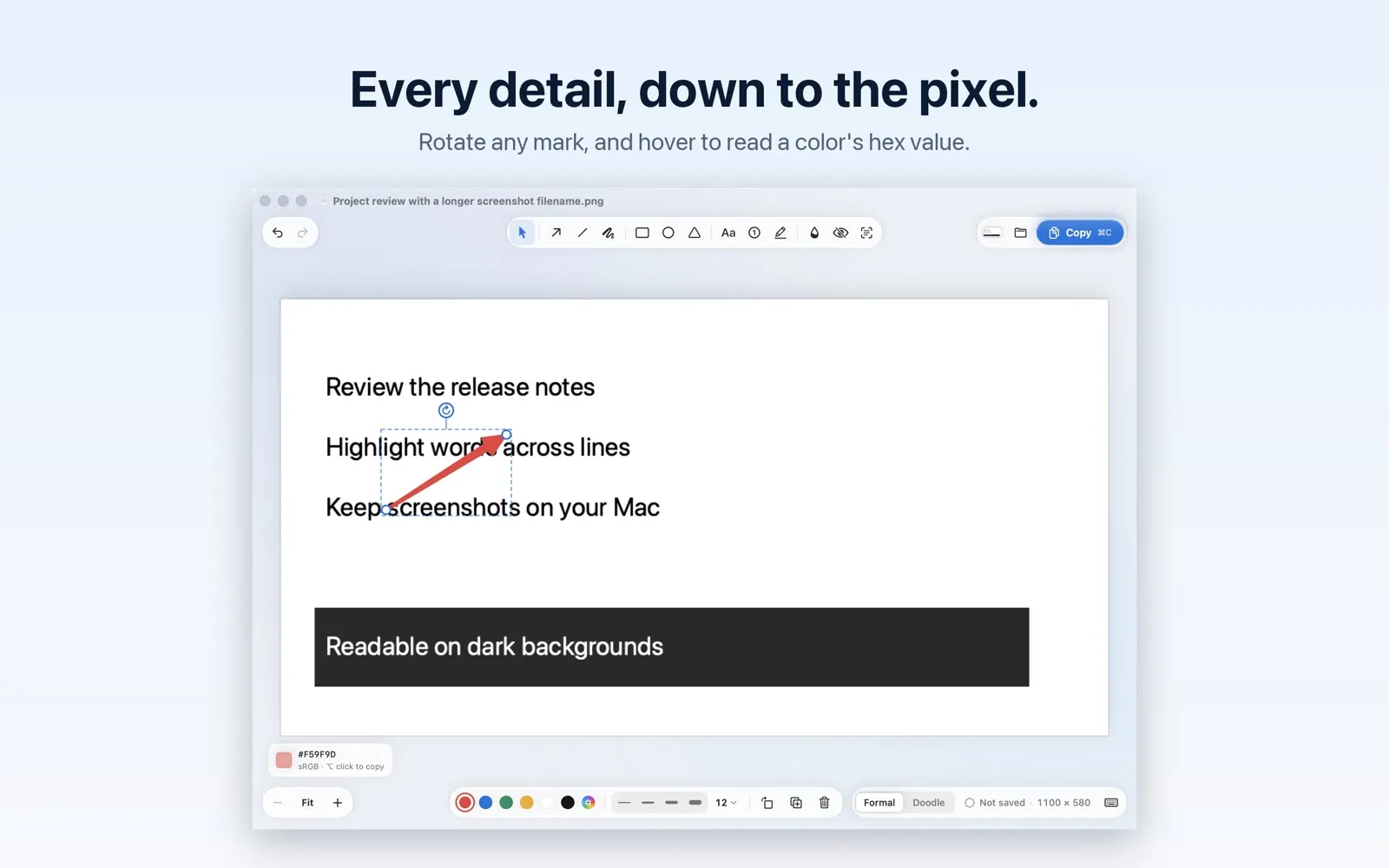
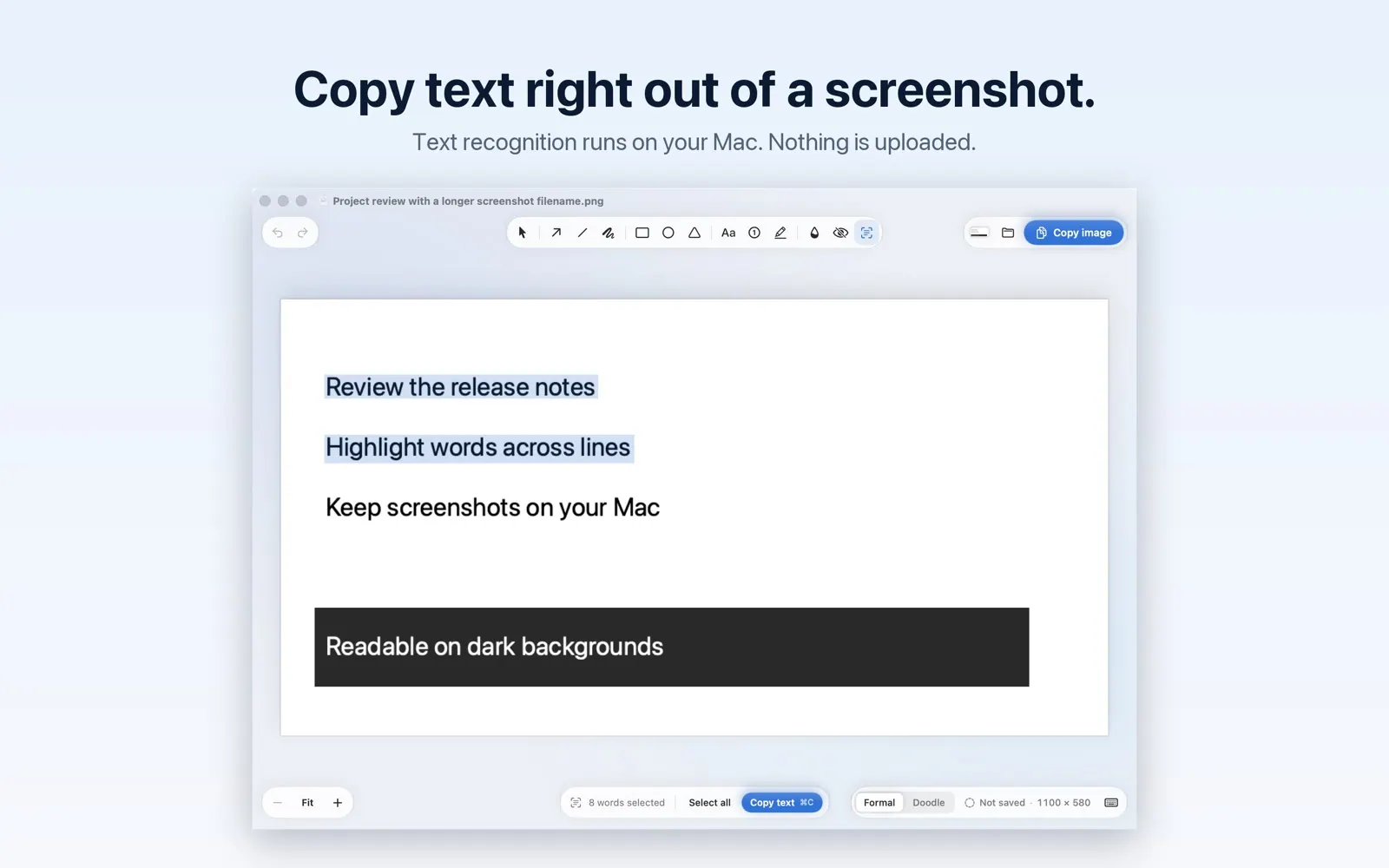
SnapApp is a native snipping tool for the Mac. Press a shortcut, drag over any area (the screen freezes first, so open menus stay put), and the snip opens in an editor with arrows, lines, shapes, a pen, text and highlights, in a clean or a hand-drawn style. Command + C copies the marked-up image and closes the editor, or drag the thumbnail into a chat, mail or Finder; every snip is also saved as a PNG. SnapApp Pro (optional, 14 days free) adds blur and pixelate, redaction, text recognition and numbered steps. Everything happens on the Mac; nothing is uploaded. The interface is in 19 languages.


Questions about SnapApp

Is SnapApp free?
Yes. SnapApp is free to download and use on your Mac.
What are the system requirements for SnapApp?
SnapApp runs on macOS 14.0 or later.
Who makes SnapApp?
SnapApp is developed by O-mega Enterprise, Inc.. The latest version we list is 0.3.23.
Where can I download SnapApp?
SnapApp is available on the Mac App Store and from the developer's website, snapapp.im.
What are the best alternatives to SnapApp?
CleanShot X, Lift and Shottr are the top-ranked alternatives to SnapApp on Mac App Index, by shared features and community votes. Compare all 24 on the SnapApp alternatives page.

More like SnapApp