Submit app
QuickRight icon
New

QuickRight

A more useful Finder right-click menu

Free · 华庭 刘

QuickRight screenshot 1
QuickRight screenshot 2
QuickRight screenshot 3
QuickRight screenshot 4
QuickRight screenshot 5
QuickRight screenshot 6
Mac
Mac
Version 2.2
Version 2.2
macOS 14.0 or later
macOS 14.0 or later
11 MB
11 MB
Free
Free

Overview

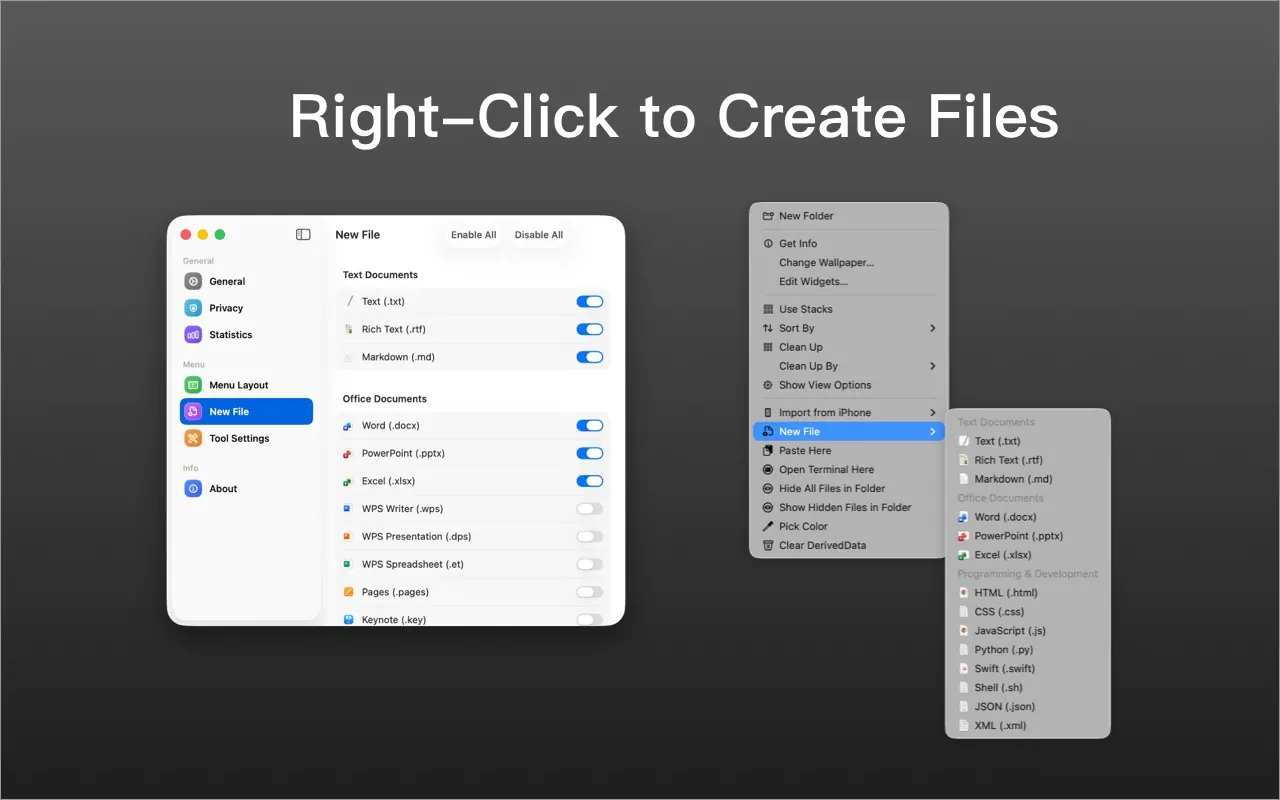
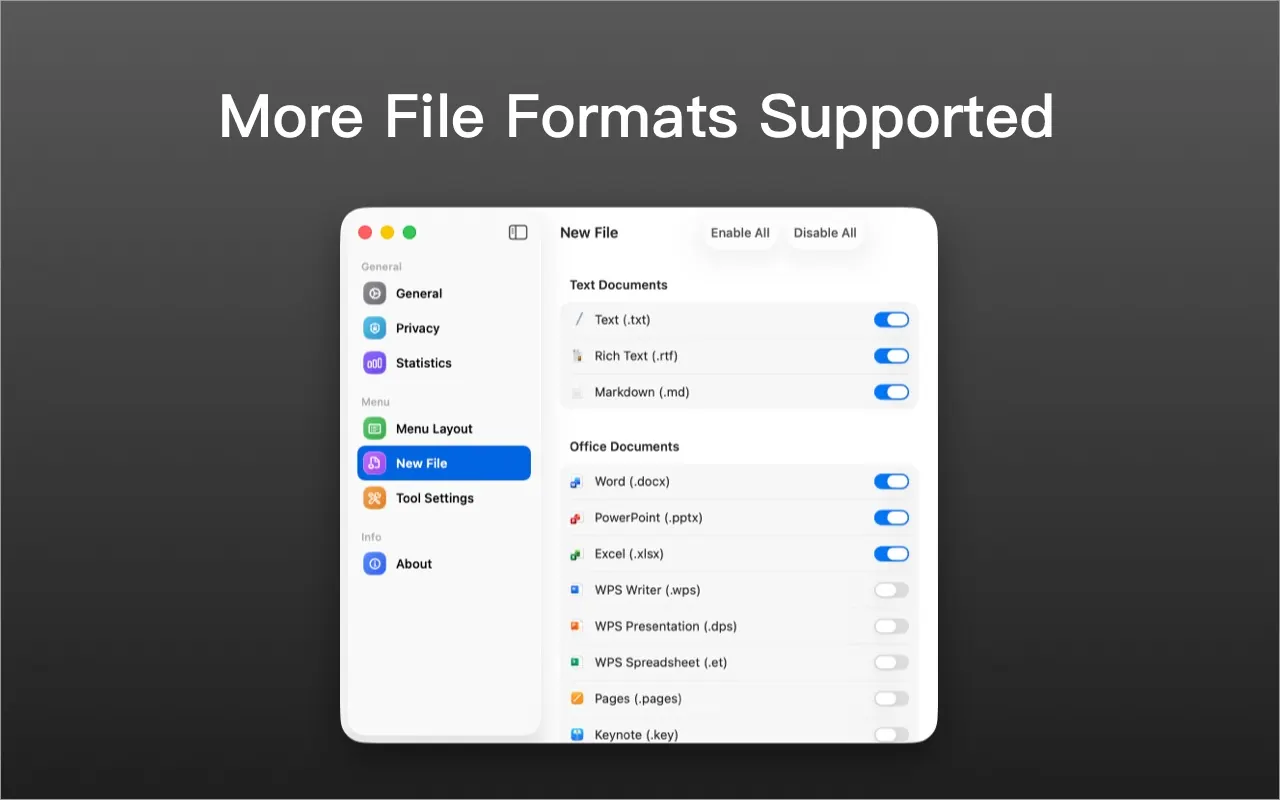
QuickRight adds useful actions to the Finder context menu. Create text, Markdown, Office and code files, open Terminal or a preferred editor in the current folder, and copy file or folder paths.

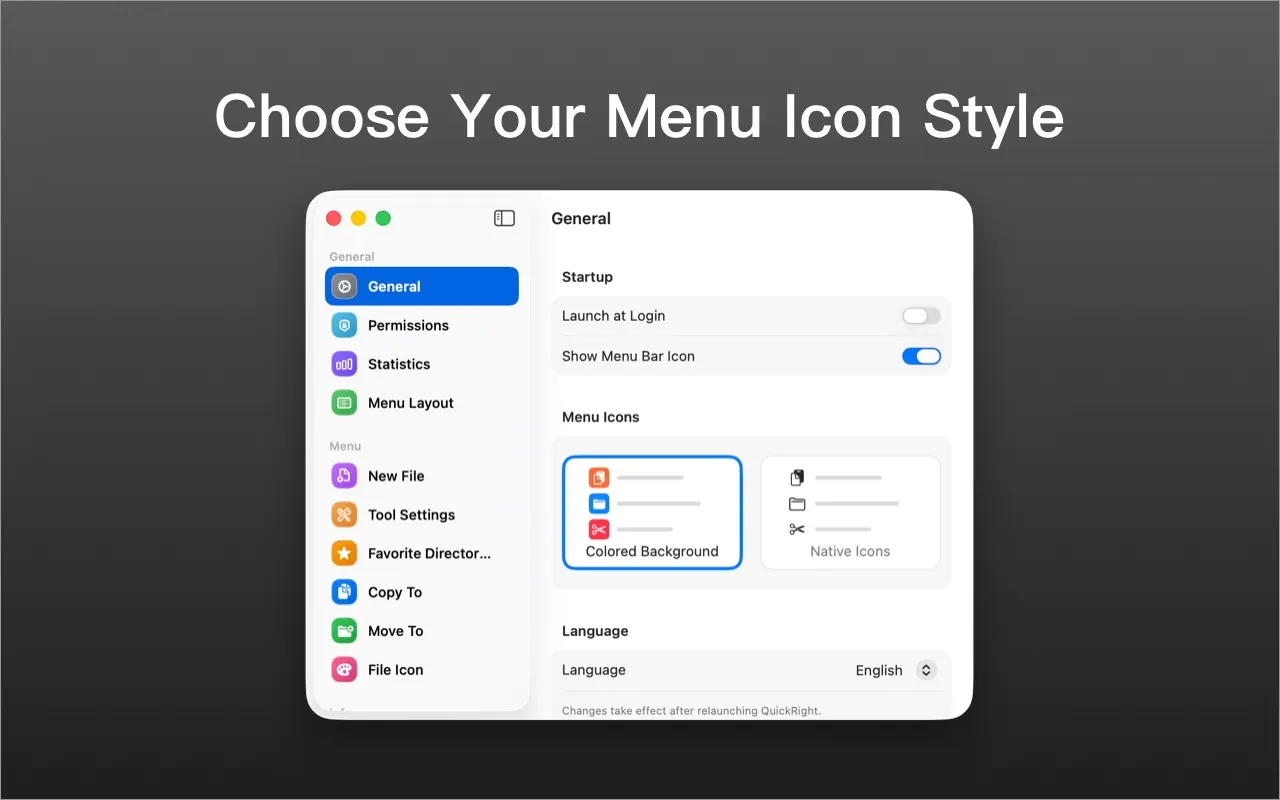
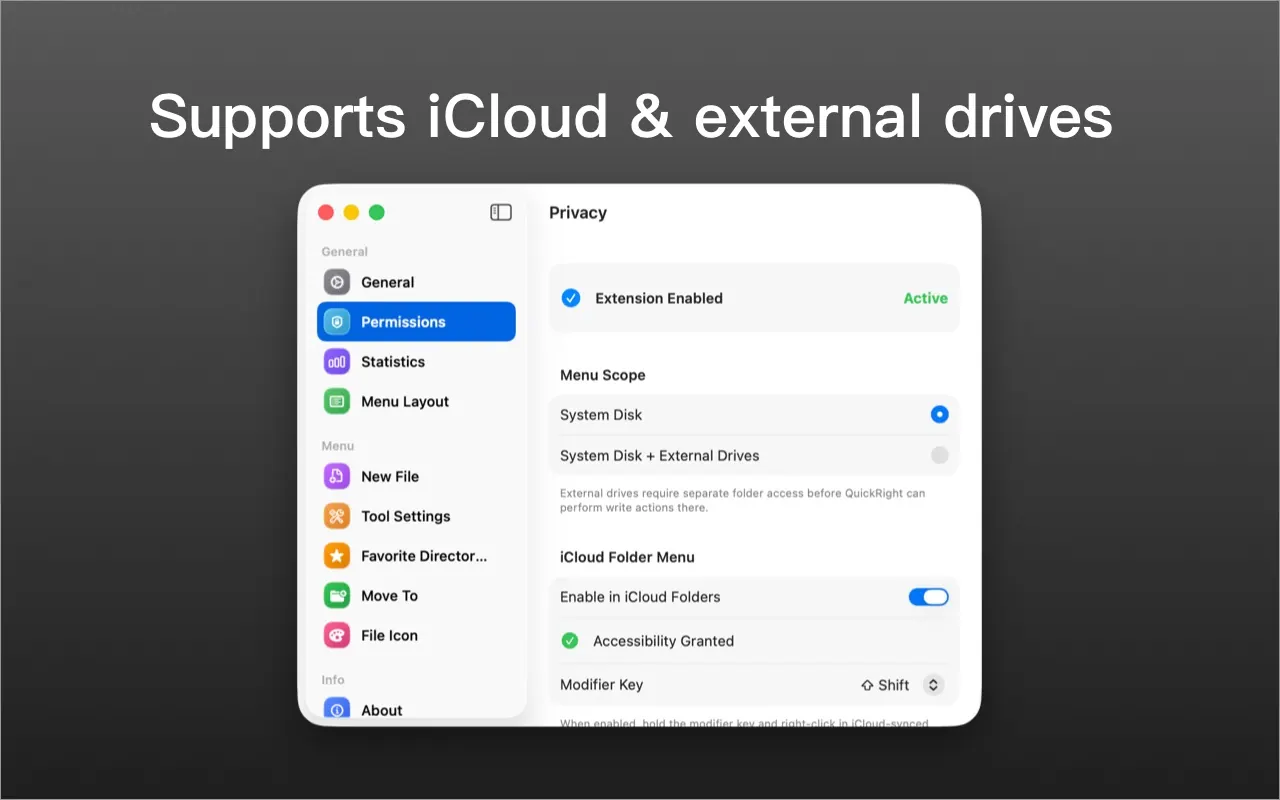
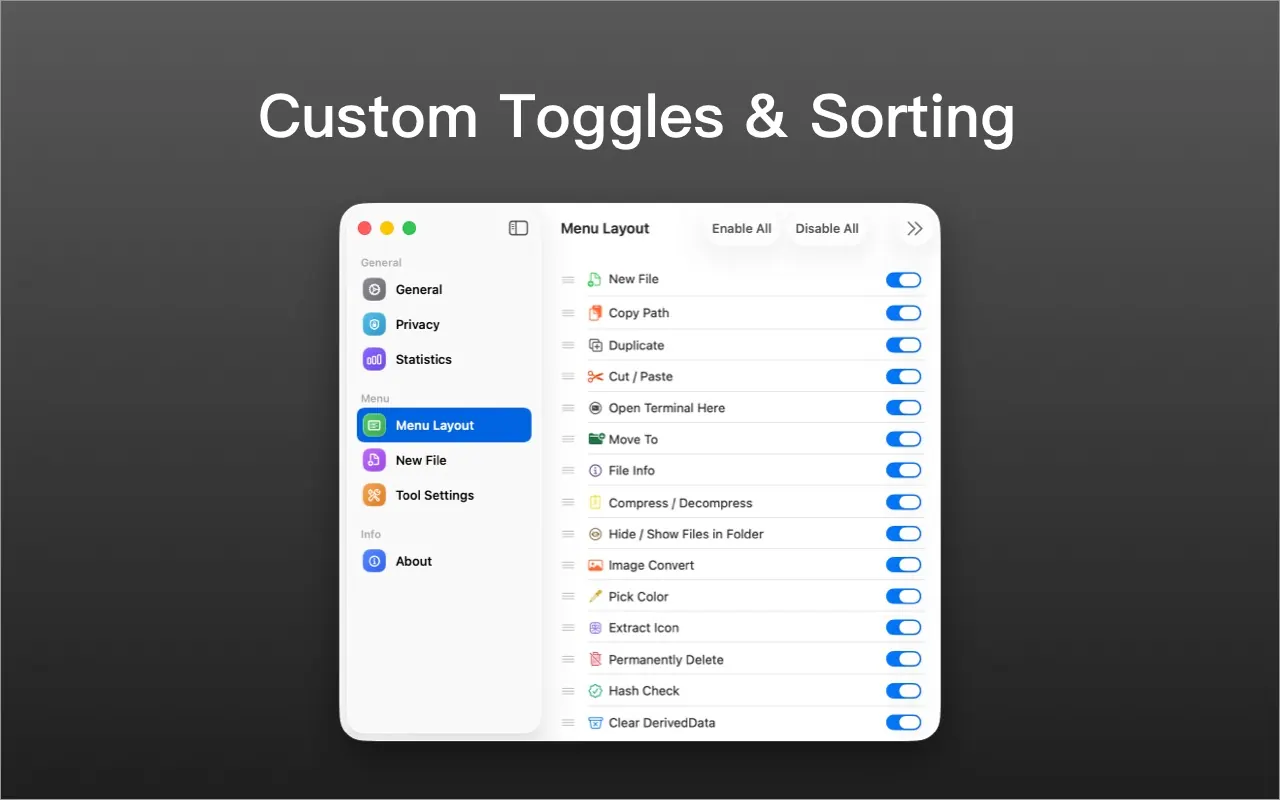
Customize the order and visibility of menu items, choose an icon style, and add templates for frequently used file types. QuickRight supports local and iCloud Drive folders. Enable its Finder extension and add the folders you want to use.

Highlights

  • Create files from the Finder context menu
  • Open Terminal or an editor in the current folder
  • Copy file and folder paths
  • Customize menu items, order and icons
  • Add custom file templates

QuickRight is free to download from the Mac App Store and requires macOS 14 or later.

Questions about QuickRight

Is QuickRight free?
Yes. QuickRight is free to download and use on your Mac.
What are the system requirements for QuickRight?
QuickRight runs on macOS 14.0 or later. The download is about 11 MB.
Who makes QuickRight?
QuickRight is developed by 华庭 刘. The latest version we list is 2.2.
Where can I download QuickRight?
QuickRight is available on the Mac App Store and from the developer's website, quickright.vercel.app.
What are the best alternatives to QuickRight?
Magnet, Paste and Rectangle are the top-ranked alternatives to QuickRight on Mac App Index, by shared features and community votes. Compare all 24 on the QuickRight alternatives page.

More like QuickRight