Overview
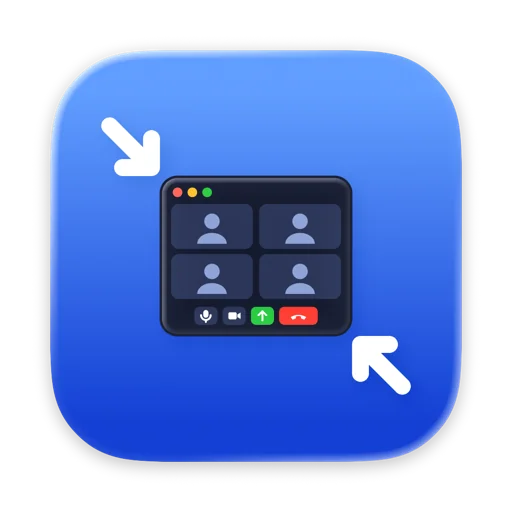
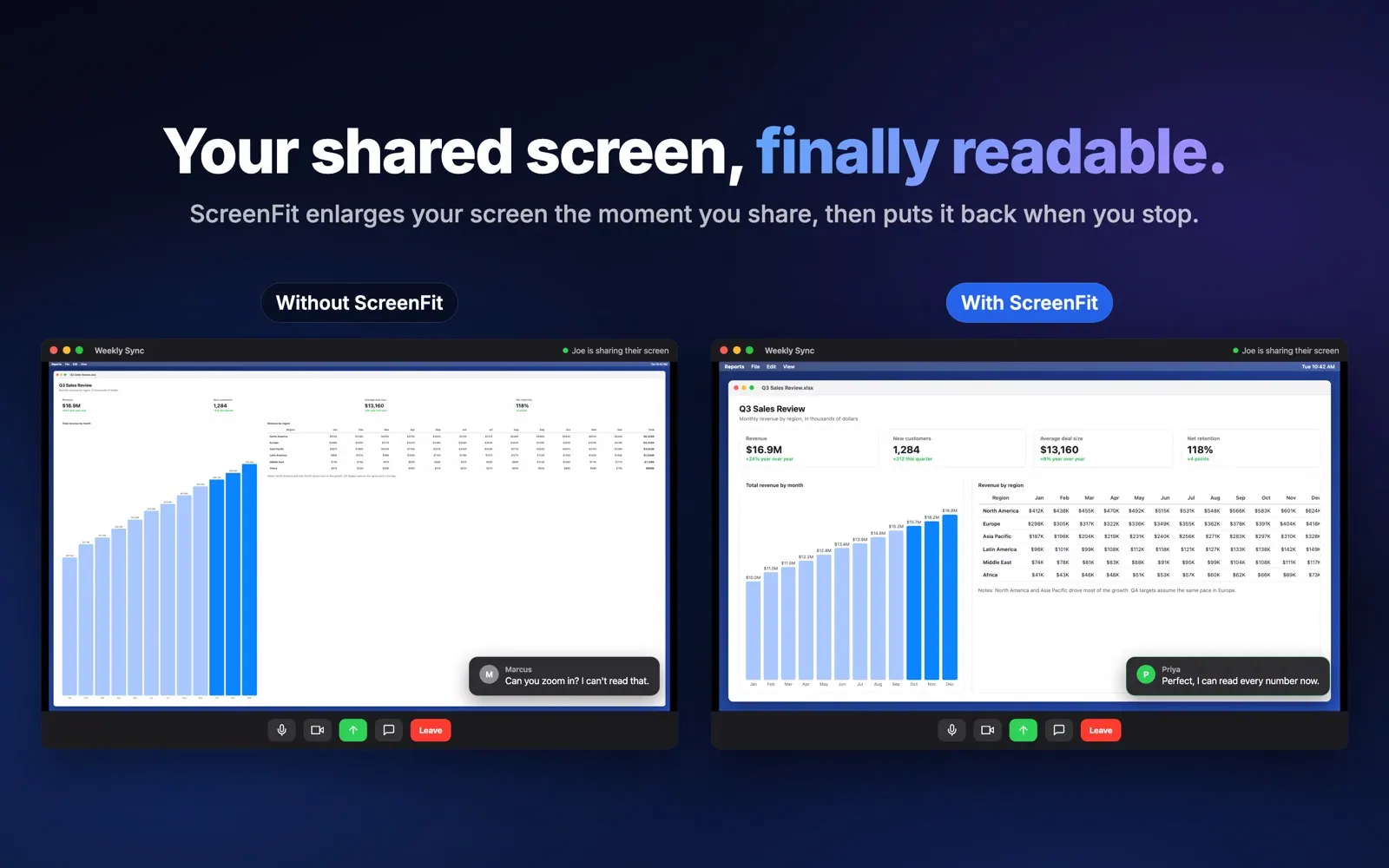
Ever shared your screen and heard "can you zoom in? I can't read that"? Meeting apps shrink your whole screen to fit each viewer's window, so on a sharp MacBook or a 4K monitor your text turns into a few tiny pixels on everyone else's screen.
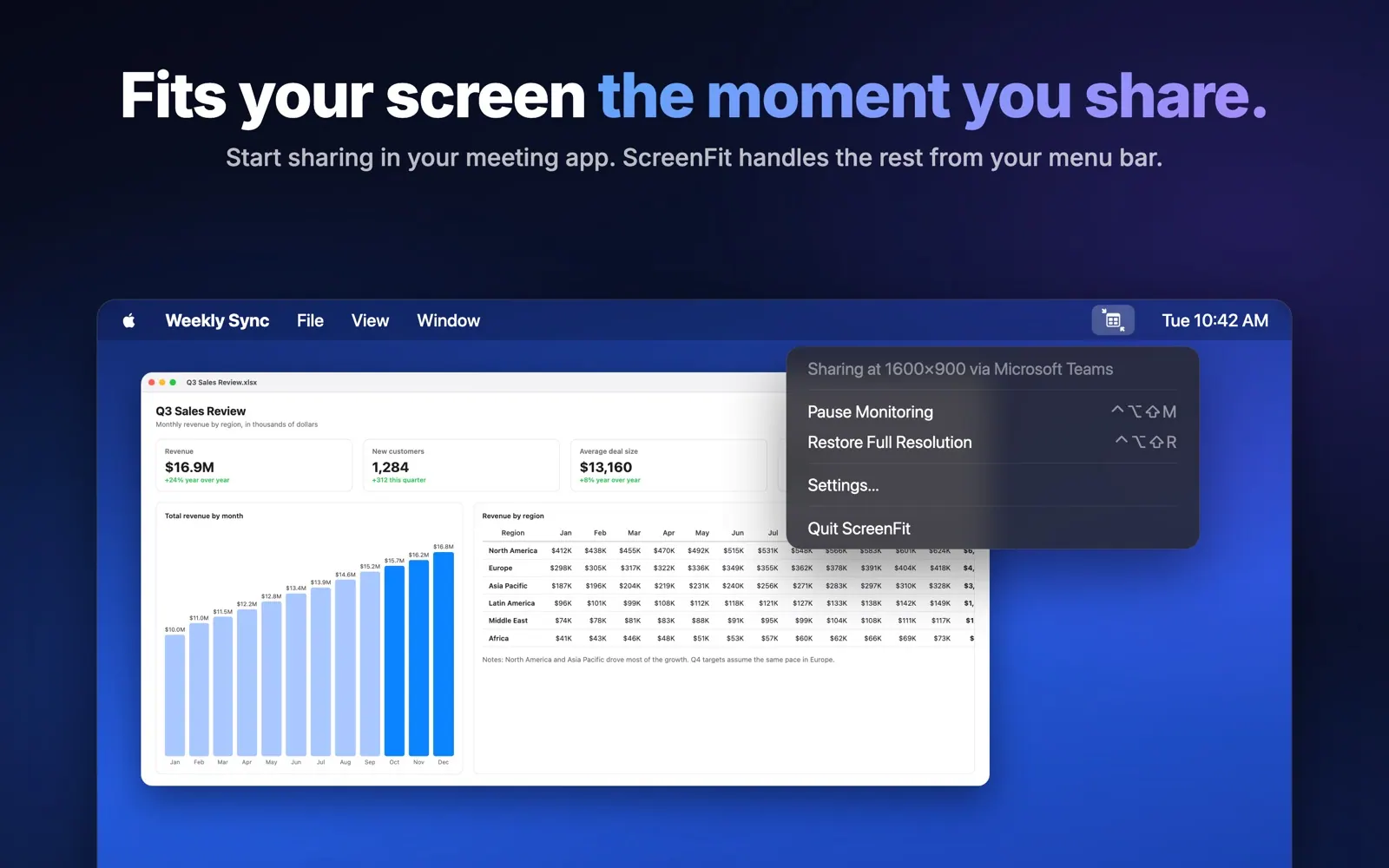
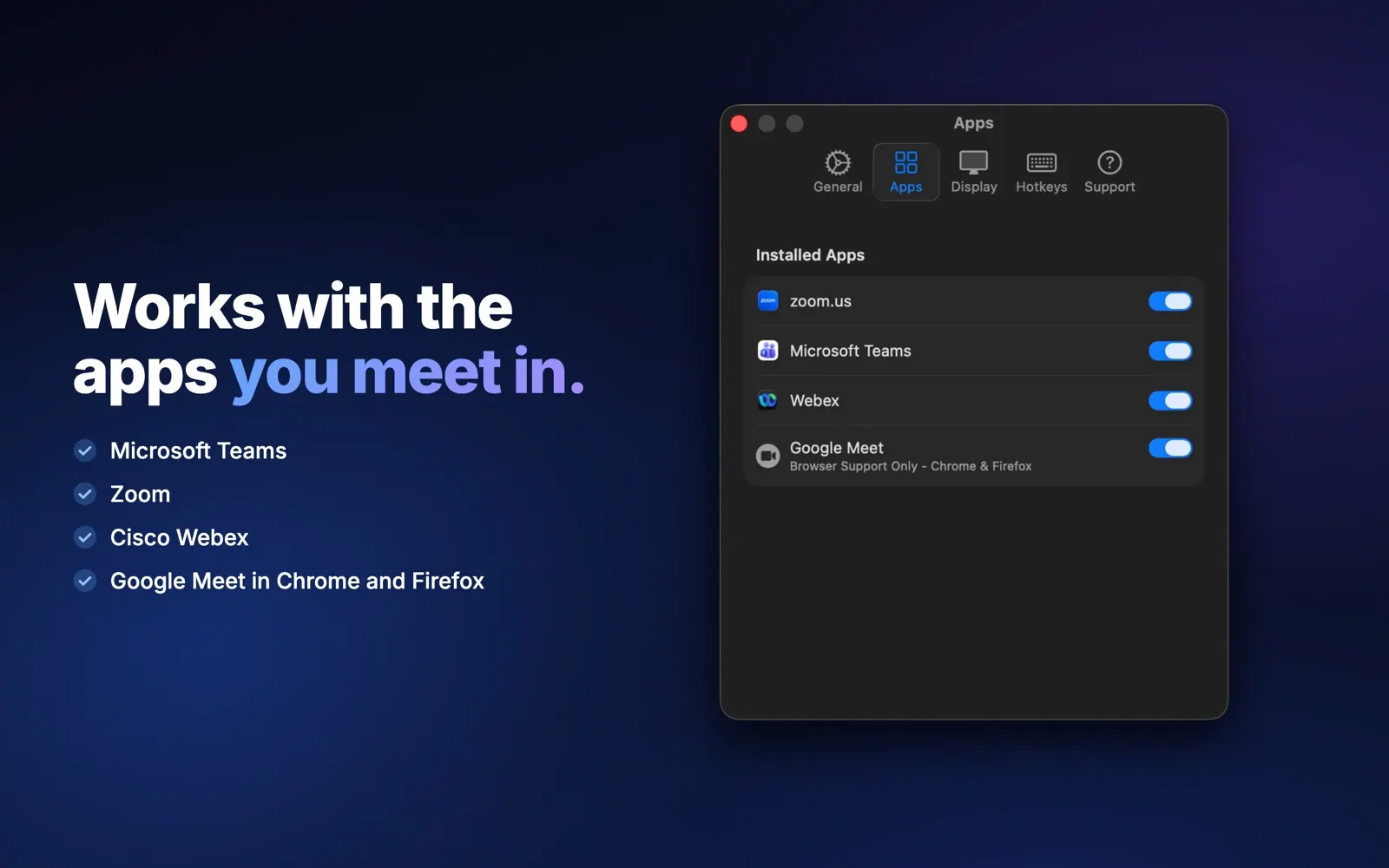
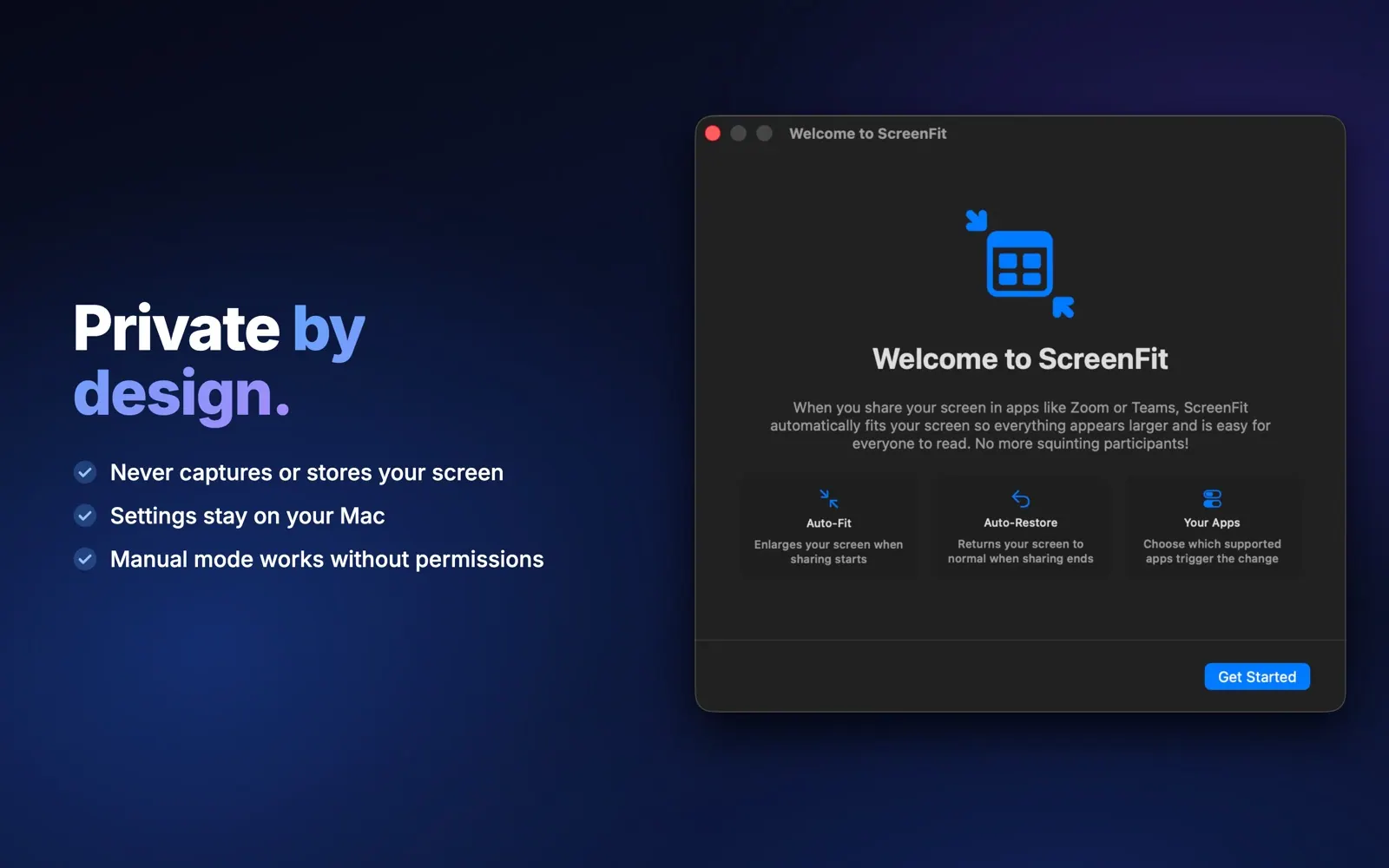
ScreenFit fixes that automatically. Start sharing in Zoom, Microsoft Teams, Cisco Webex or Google Meet and your Mac switches to the resolution you picked, so slides, code and spreadsheets are readable for everyone. Stop sharing and your full resolution comes straight back. You never open System Settings mid-meeting again.
Highlights
- Automatic: notices the moment you start sharing in Zoom, Teams, Webex or Google Meet (in Chrome or Firefox), and restores your screen when you stop.
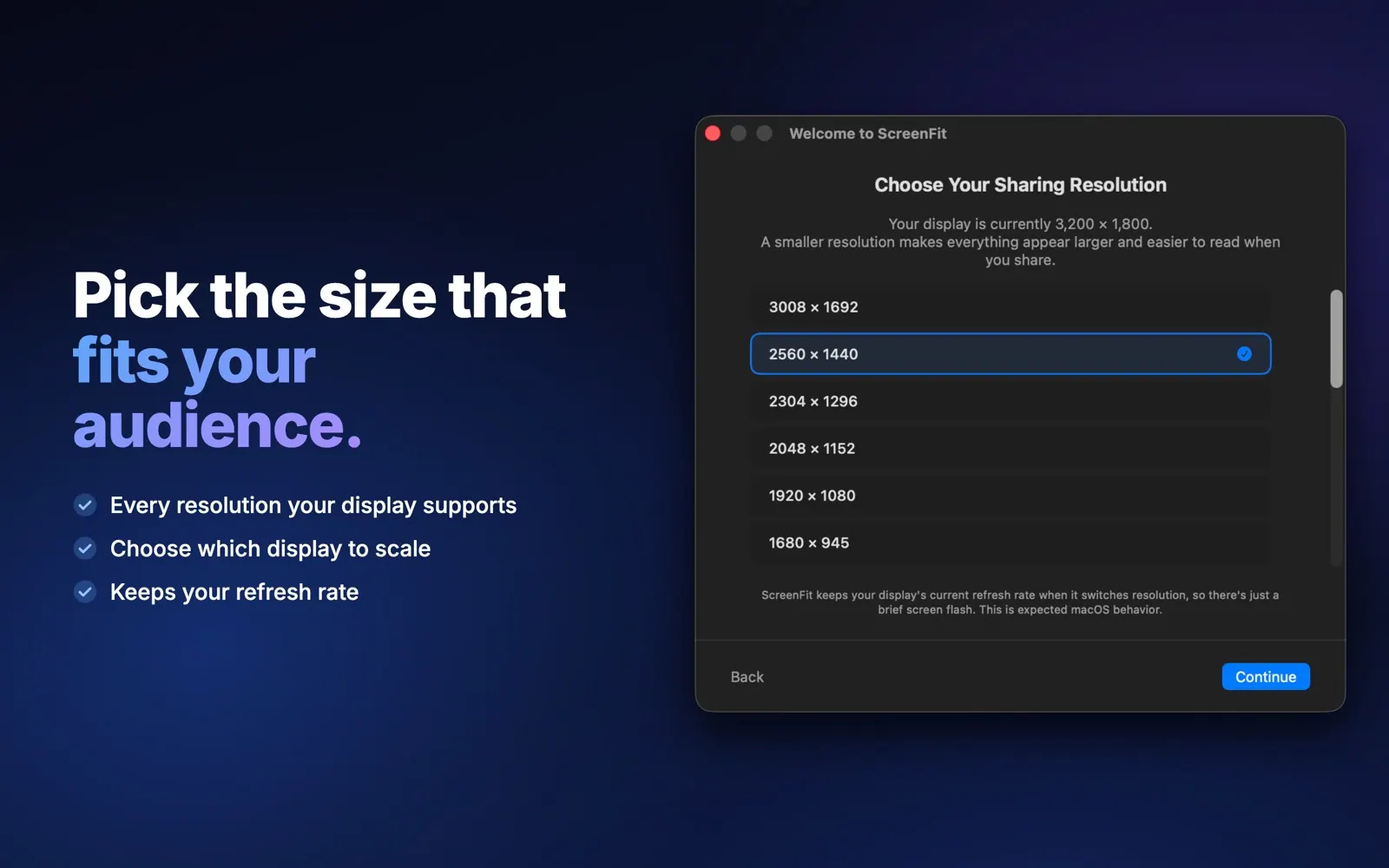
- Your choice of size: pick any resolution your display supports, and which display to scale if you use more than one.
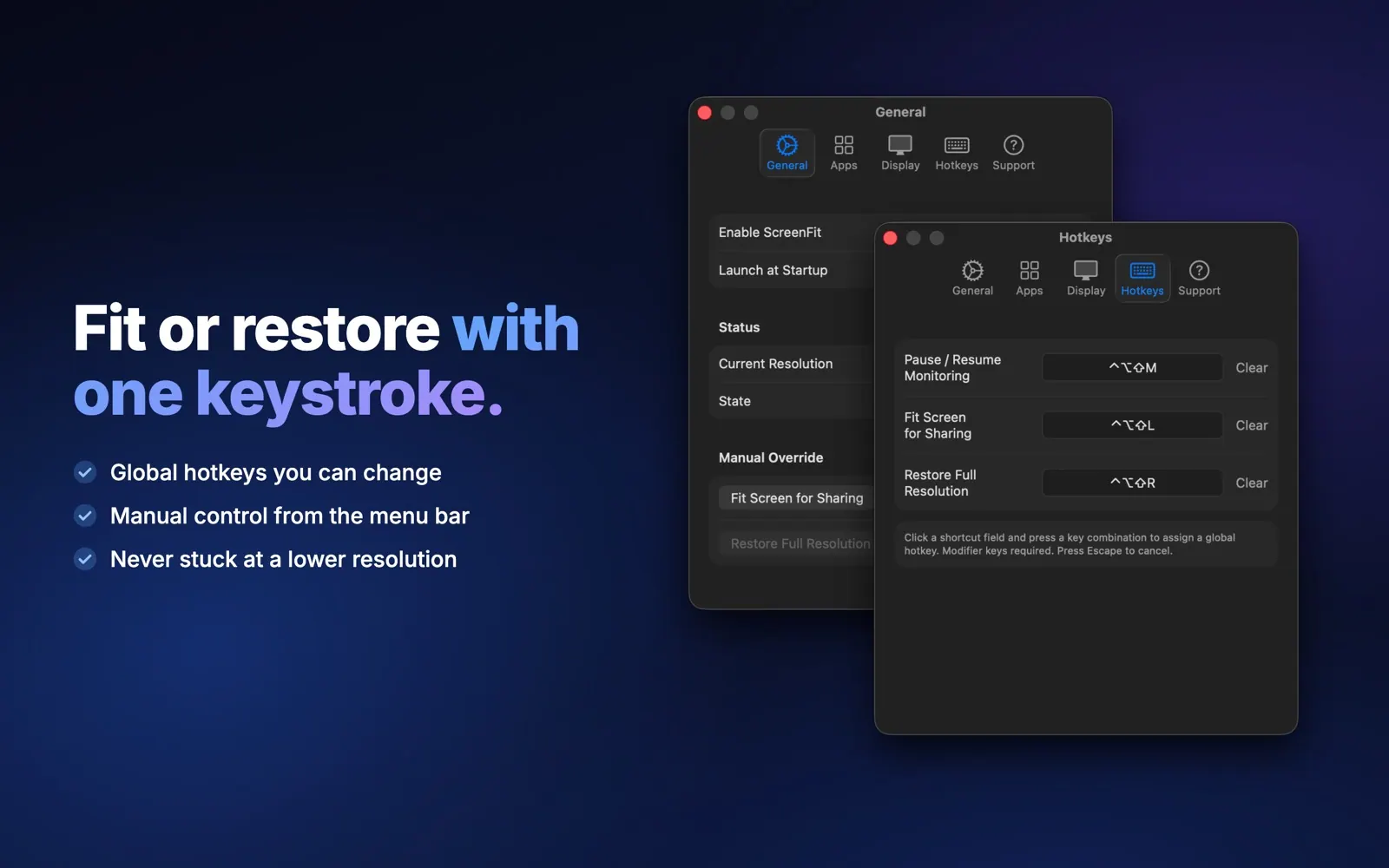
- Fit or restore by hand: from the menu bar or with global hotkeys you can change.
- Stays out of the way: lives in your menu bar and can open at login.
- Private: it never captures, sends or stores what's on your screen. Settings stay on your Mac, and anonymous usage and crash data is only shared if you say yes.
- Works without permissions too: automatic detection uses Screen Recording permission, but Manual Mode works without it.
Who it's for
Teachers lecturing on Zoom, developers walking through code, and anyone presenting dashboards or spreadsheets from a high-resolution Mac.
$4.99 once. No subscription, no account. Requires macOS 14 Sonoma or later.