Overview
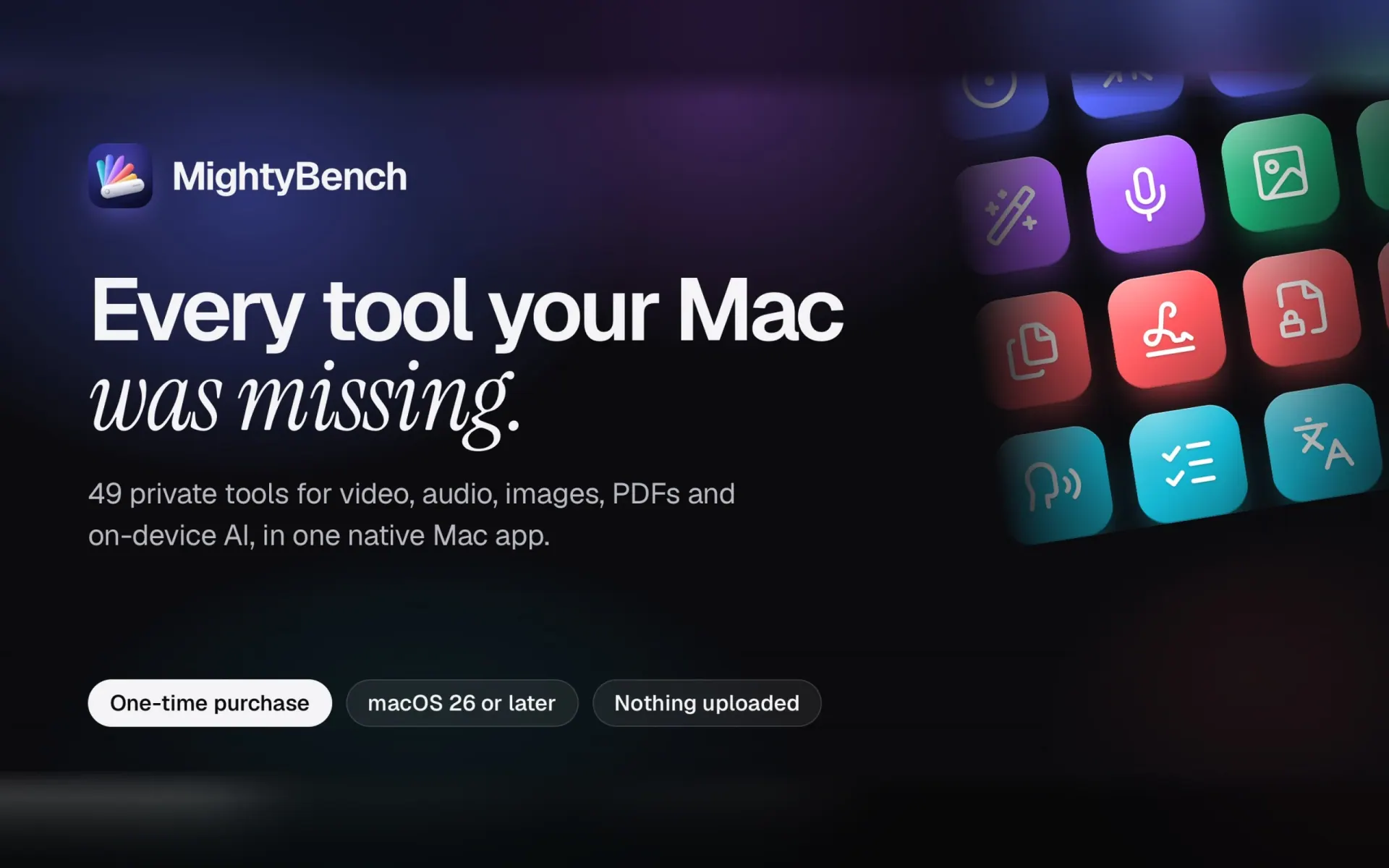
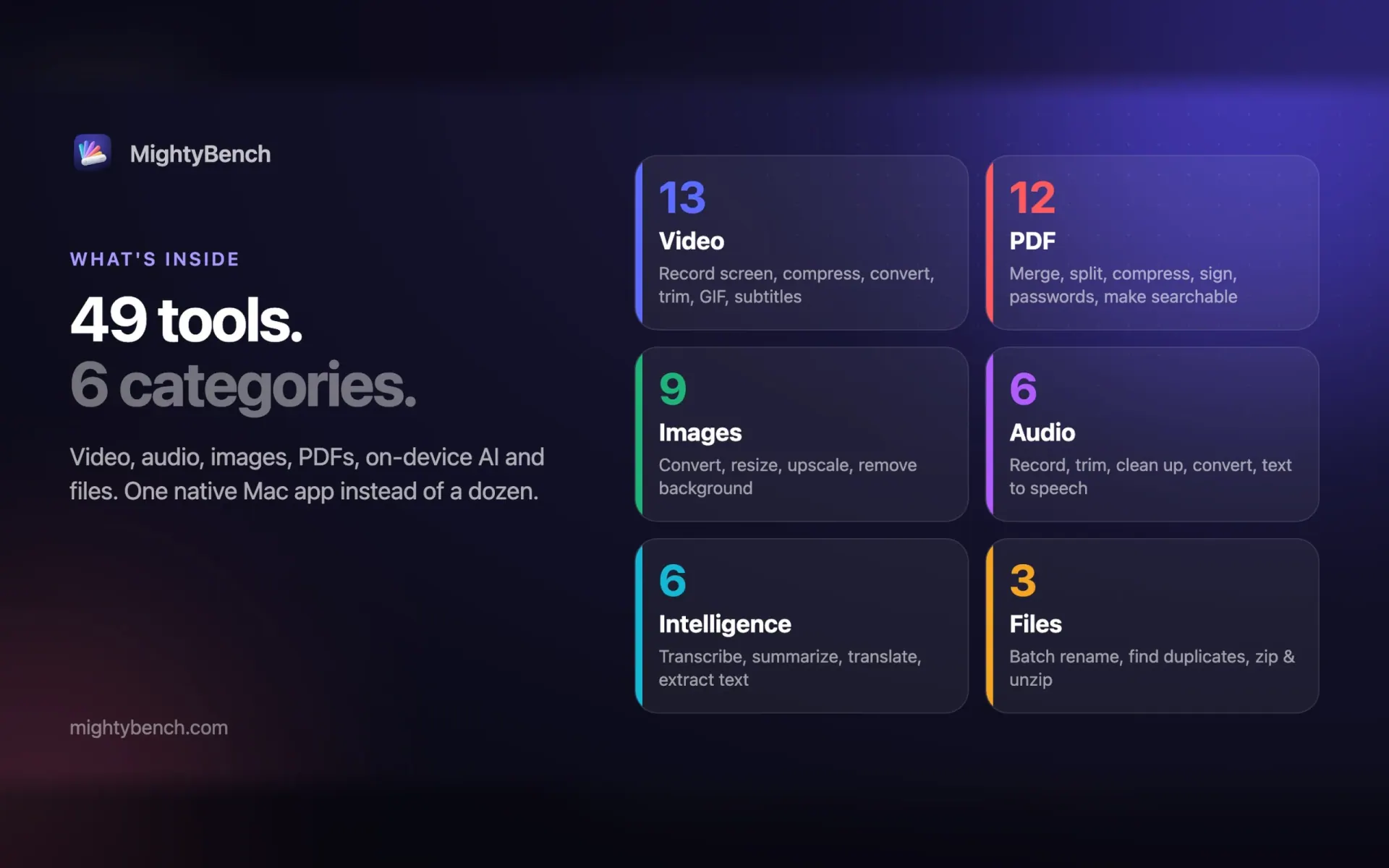
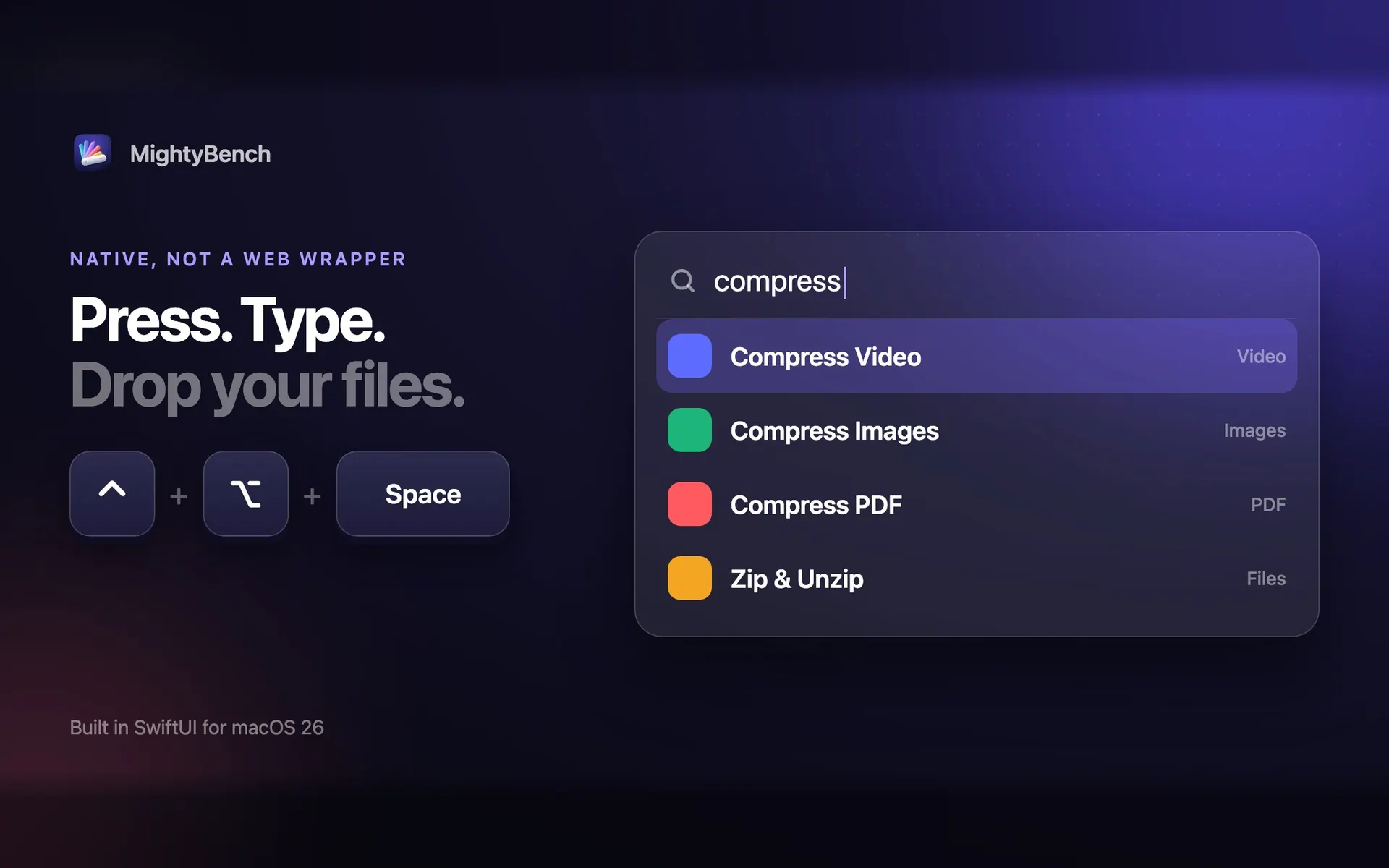
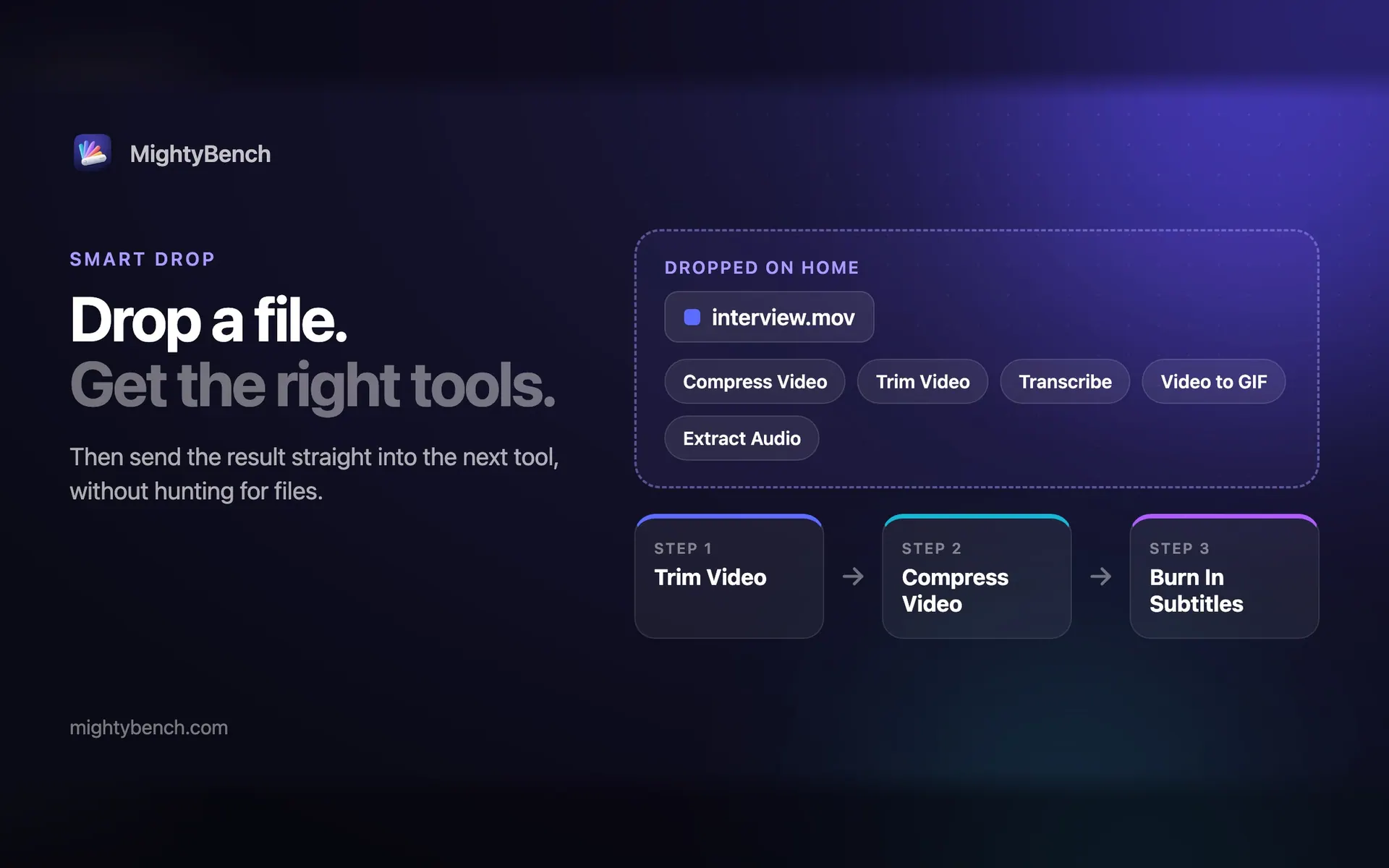
MightyBench is a native Mac app that combines 49 tools for working with video, audio, images, PDFs and files, plus on-device intelligence features such as transcription, translation, summarization and OCR. A keyboard launcher, Smart Drop and Send to next tool help users find and chain tools, while batch processing saves results to a dated folder and leaves originals untouched.
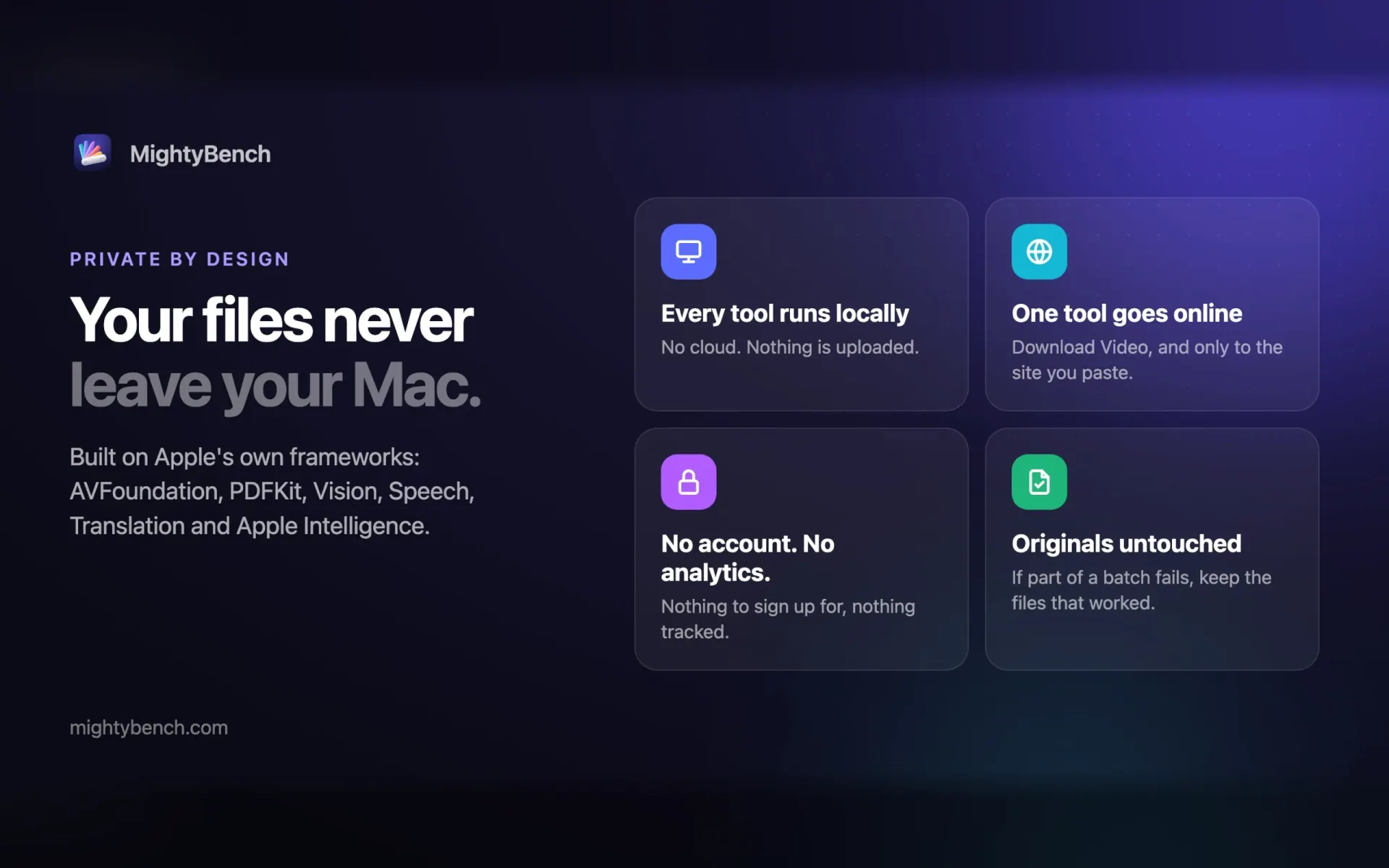
The app runs locally on the Mac, with no account, cloud uploads or analytics; Download Video is the stated exception that uses the internet. It is a one-time purchase that includes all tools and MightyBench 1.x updates. It requires macOS 26 or later, with Apple silicon recommended.
Highlights
- 49 tools for video, audio, images, PDFs and files
- On-device transcription, translation, summarization and OCR
- Keyboard launcher, Smart Drop and tool chaining
- Local processing with no account or cloud uploads
- Batch processing with originals left untouched