Submit app
xFTP icon
New

xFTP

The native FTP, SFTP & SSH client for macOS

$19.99 · Nicolai Bargan

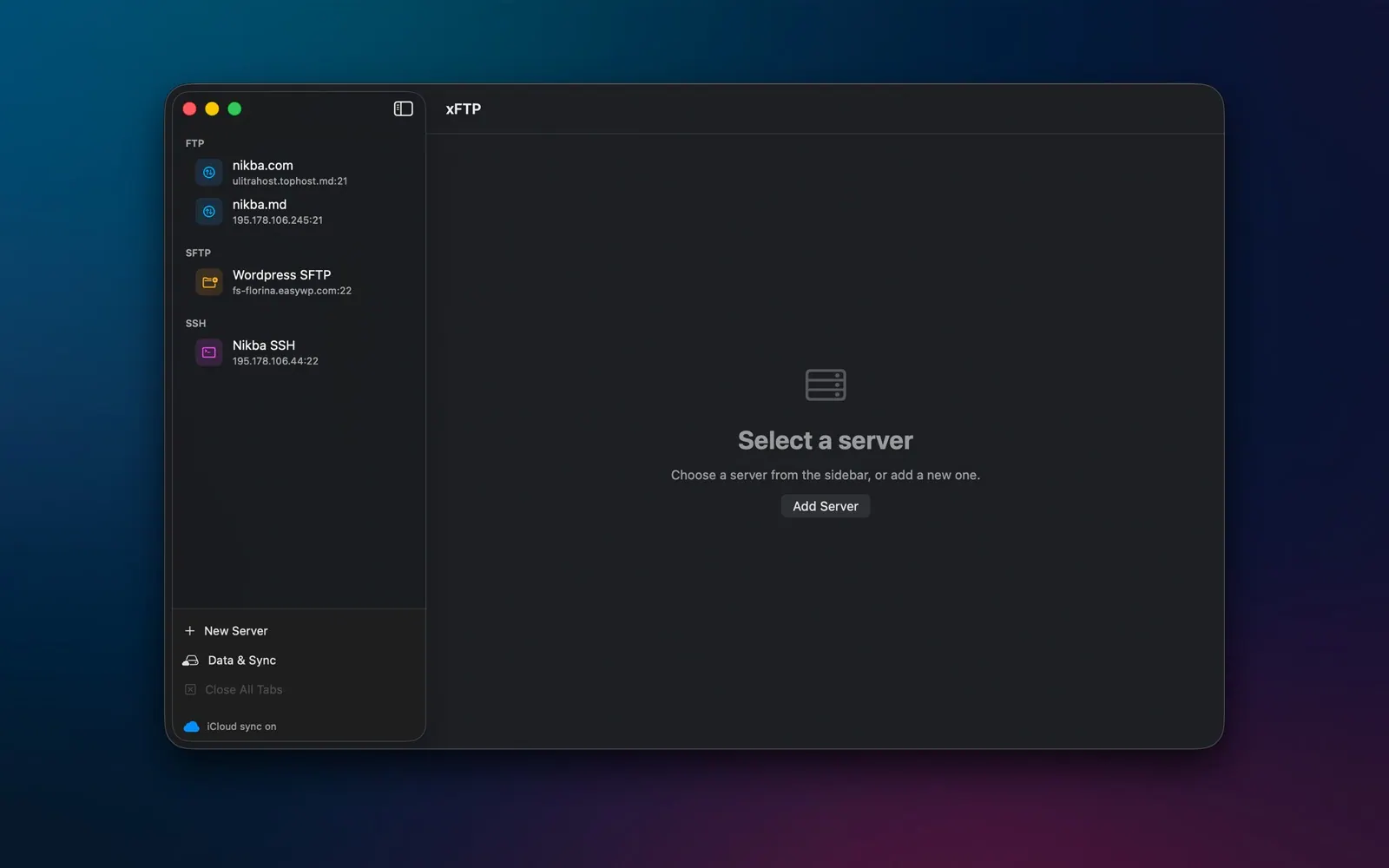
xFTP screenshot 1
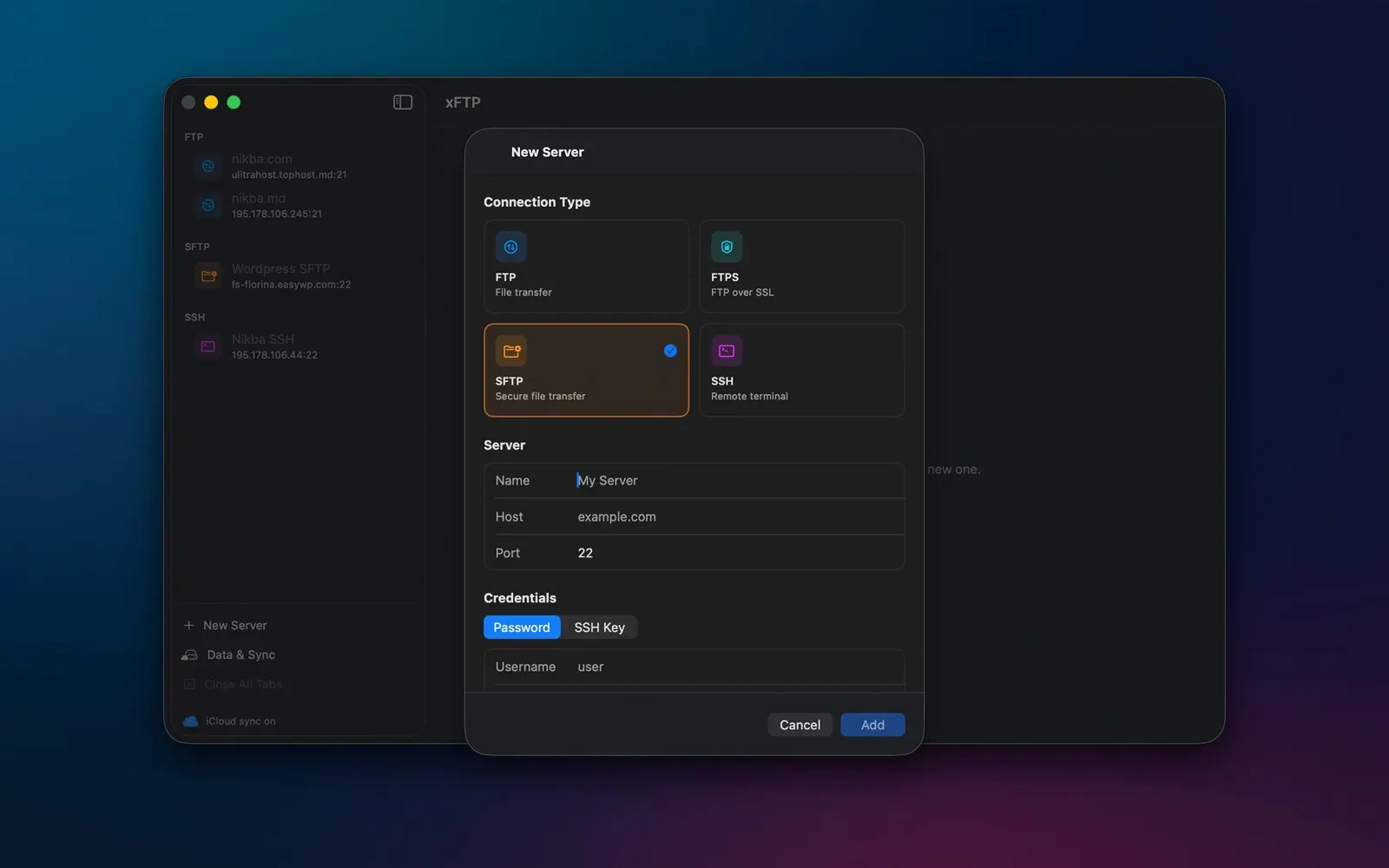
xFTP screenshot 2
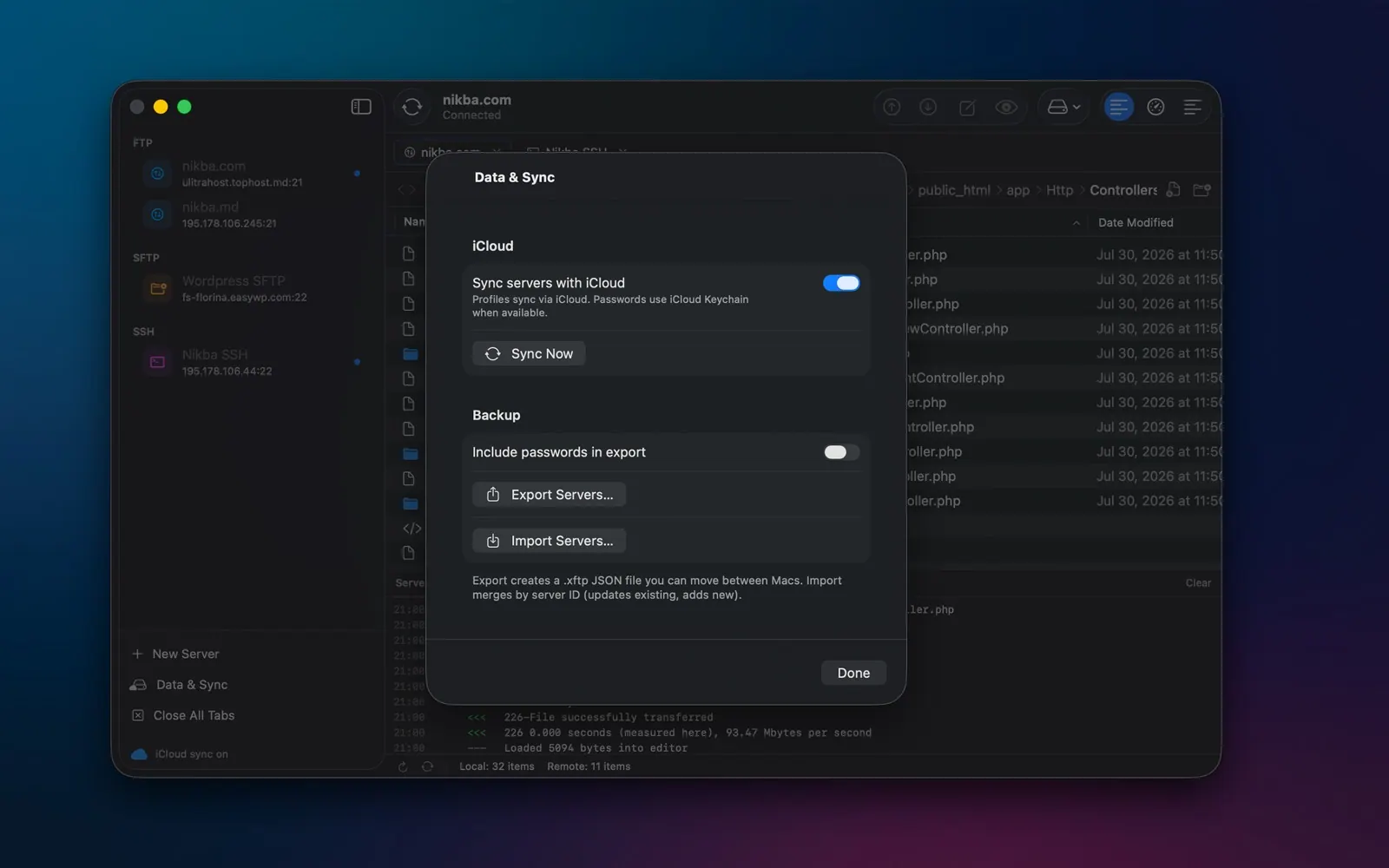
xFTP screenshot 3
xFTP screenshot 4
xFTP screenshot 5
xFTP screenshot 6
xFTP screenshot 7
xFTP screenshot 8
Mac
Mac
Version 1.2.0
Version 1.2.0
macOS 15.0 or later
macOS 15.0 or later
8 MB
8 MB
$19.99
$19.99

Overview

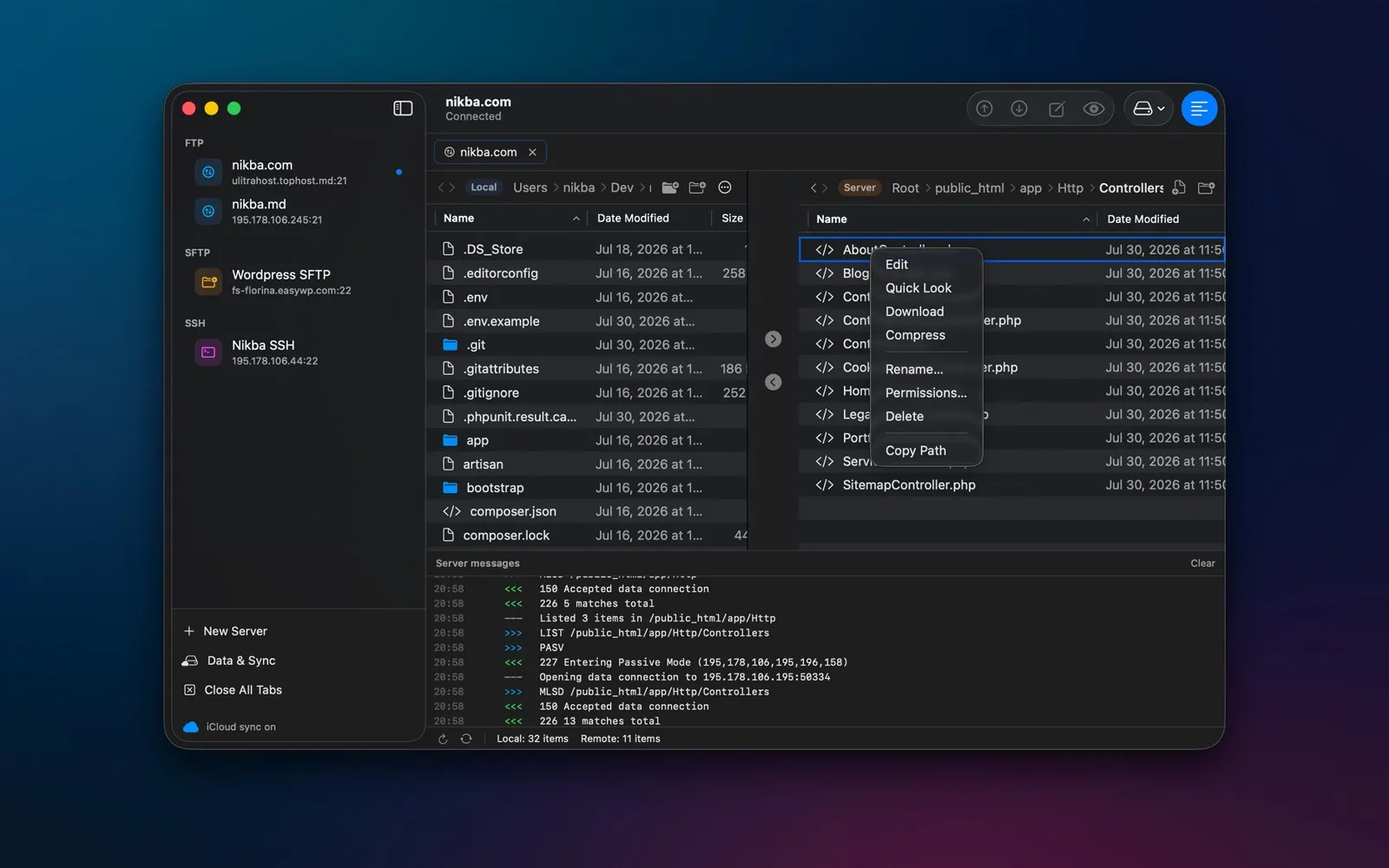
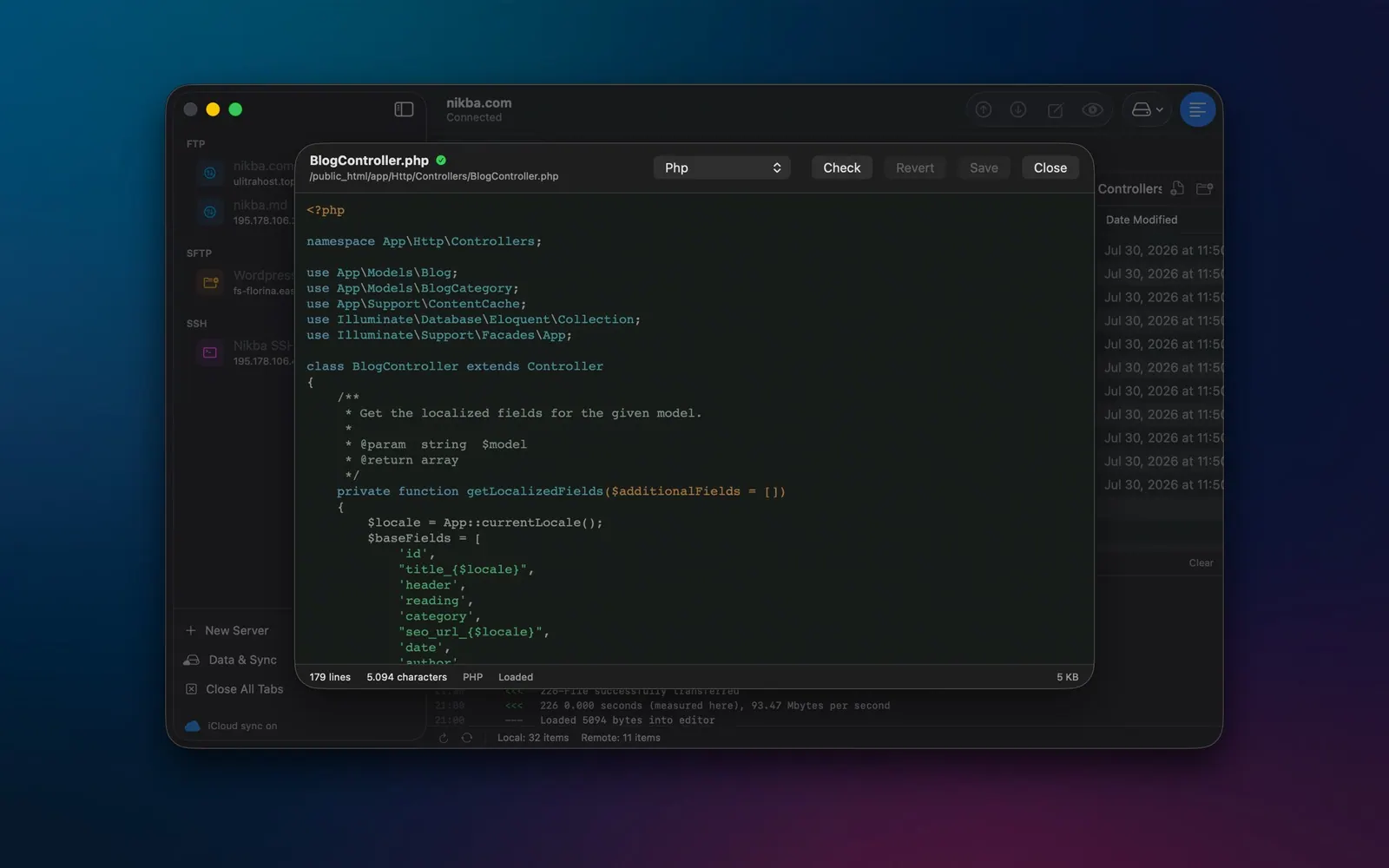
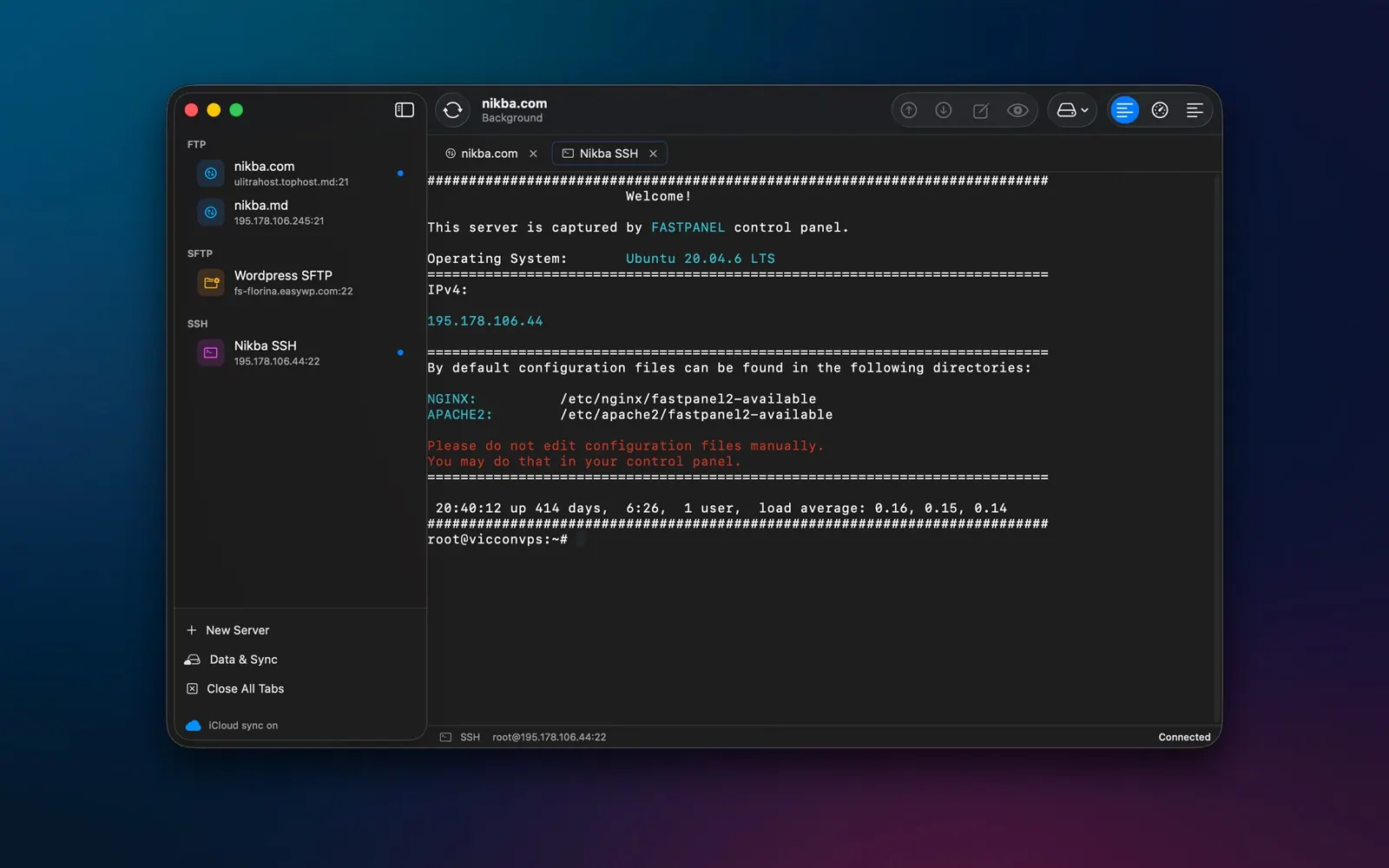
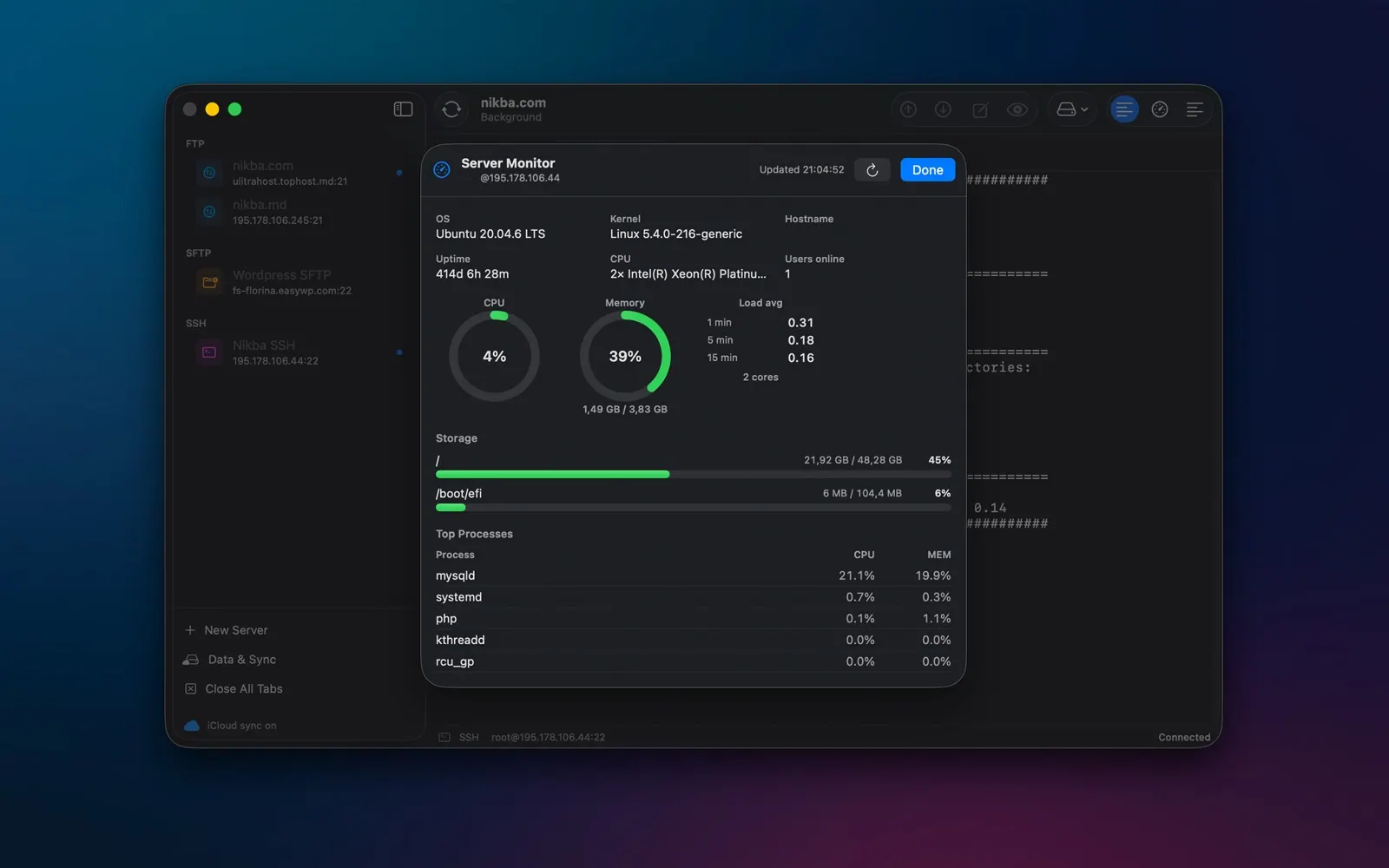
xFTP combines a dual-pane file manager for local and remote files with FTP, FTPS, SFTP and SSH connections. It is designed for developers, agencies and site owners who regularly transfer files, edit code and check on servers. The app includes a remote code editor, an interactive SSH terminal and server monitoring.

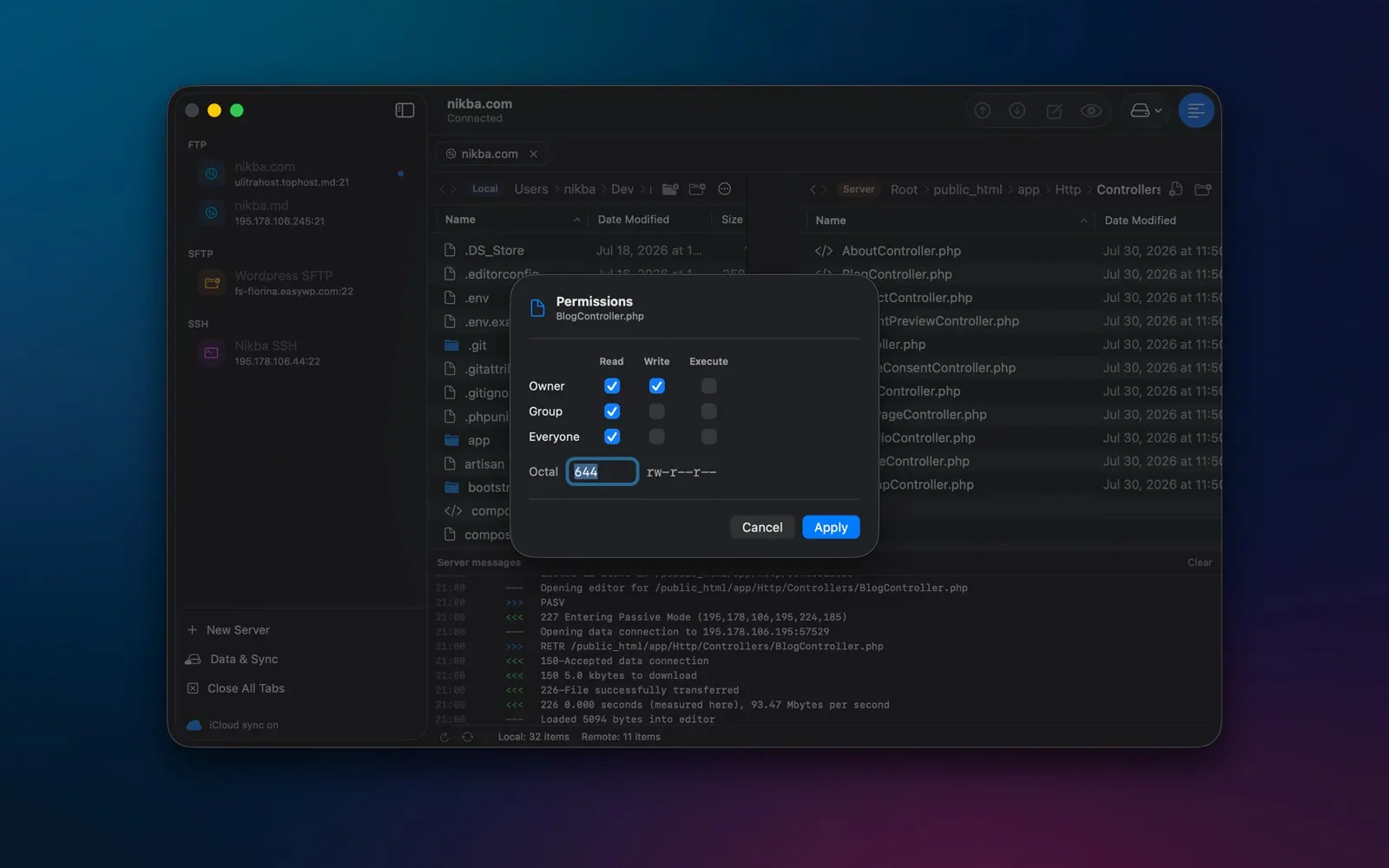
Other features include recursive transfers, file permissions, remote Quick Look previews and optional iCloud sync for server profiles. Credentials are stored in the macOS Keychain, and the app has no account system or analytics. xFTP is distributed through the Mac App Store and requires macOS 15 Sequoia or later on Apple silicon or Intel Macs.

Highlights

  • Dual-pane local and remote file manager
  • FTP, FTPS, SFTP and interactive SSH
  • Remote code editor with syntax highlighting and validation
  • SSH terminal and server monitoring
  • Keychain-stored credentials and optional iCloud sync

Questions about xFTP

How much does xFTP cost?
xFTP costs $19.99 as a one-time purchase, with no subscription.
What are the system requirements for xFTP?
xFTP runs on macOS 15.0 or later. The download is about 8 MB.
Who makes xFTP?
xFTP is developed by Nicolai Bargan. The latest version we list is 1.2.0.
Where can I download xFTP?
xFTP is available on the Mac App Store and from the developer's website, xftp.app.
What are the best alternatives to xFTP?
Transmit 5, Cyberduck and RefreshYourMac are the top-ranked alternatives to xFTP on Mac App Index, by shared features and community votes. Compare all 24 on the xFTP alternatives page.

More like xFTP