
Submit app
Spumio Quit icon
New

Spumio Quit

Quit all your apps at once from the menu bar

Free · Benedetto Giordano

Spumio Quit screenshot 1
Spumio Quit screenshot 2
Spumio Quit screenshot 3
Spumio Quit screenshot 4
Spumio Quit screenshot 5
Mac
Mac
Version 1.0.1
Version 1.0.1
macOS 13 or later
macOS 13 or later
4 MB
4 MB
Free
Free

Overview

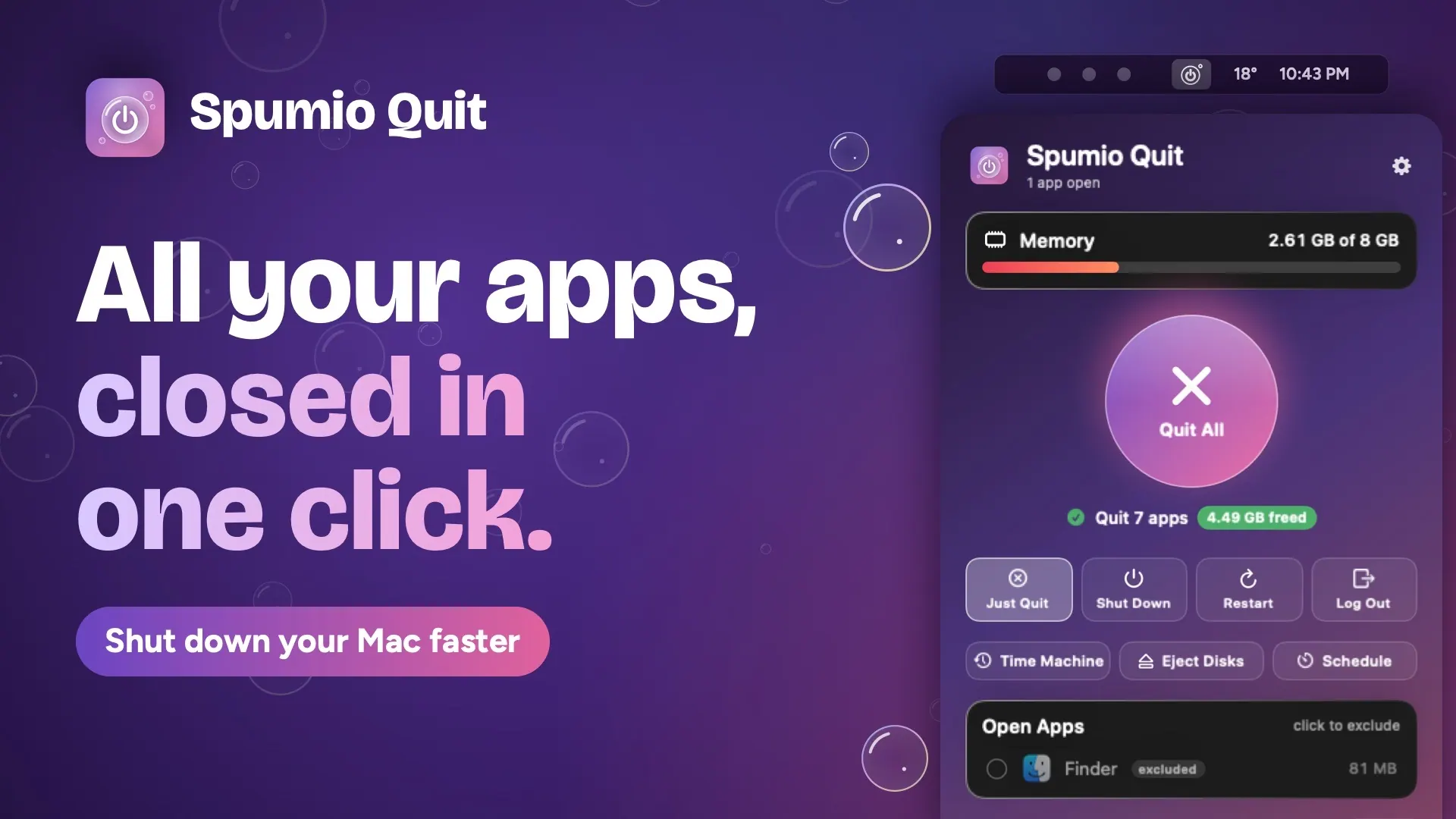
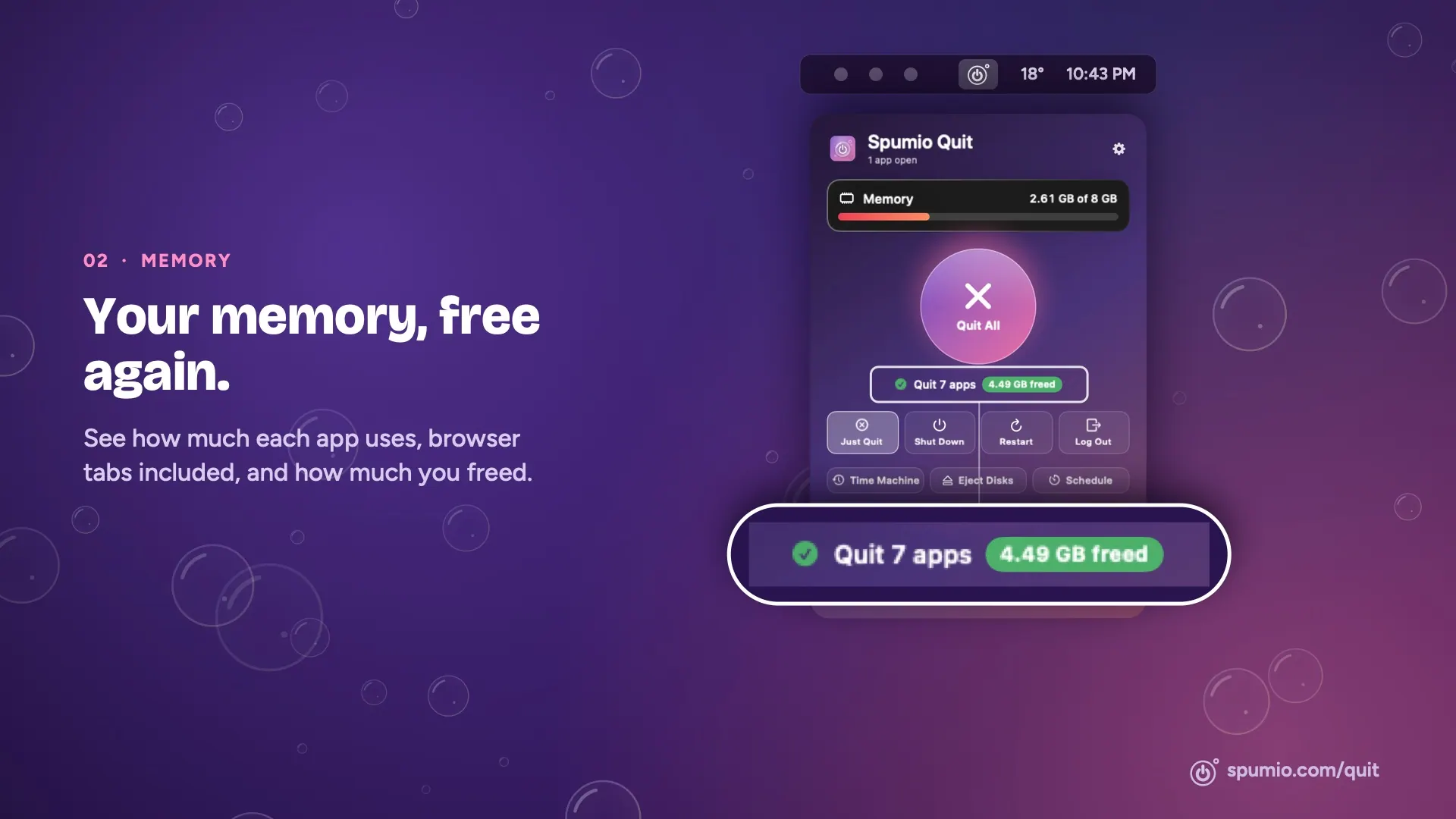
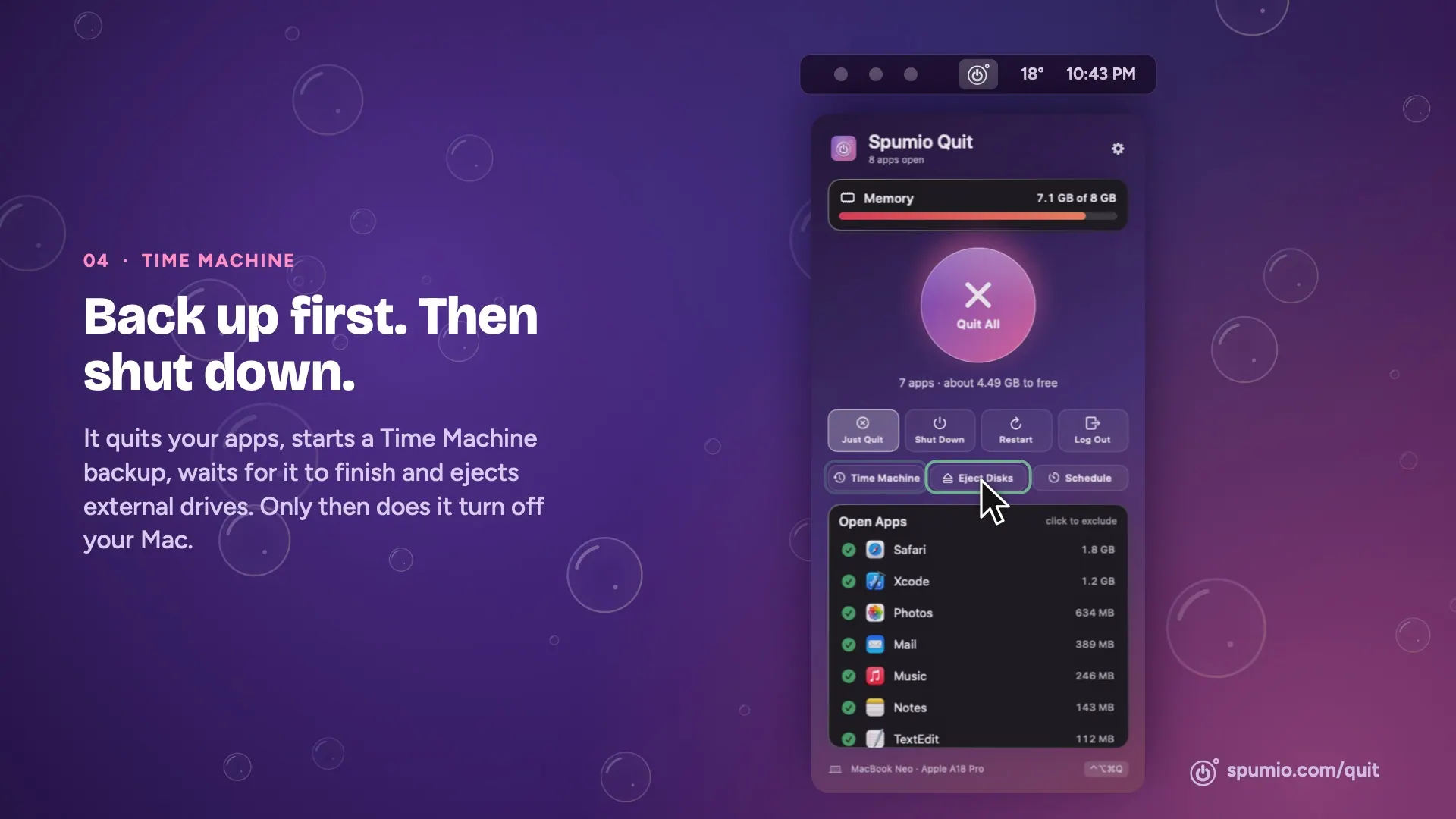
Spumio Quit closes all open Mac apps, or selected apps, with one click and shows how much memory they use and how much is freed. It can then shut down, restart or log out, and optionally make a Time Machine backup or eject external drives. Scheduled quits, keyboard shortcuts, Siri and Shortcuts support are also included.

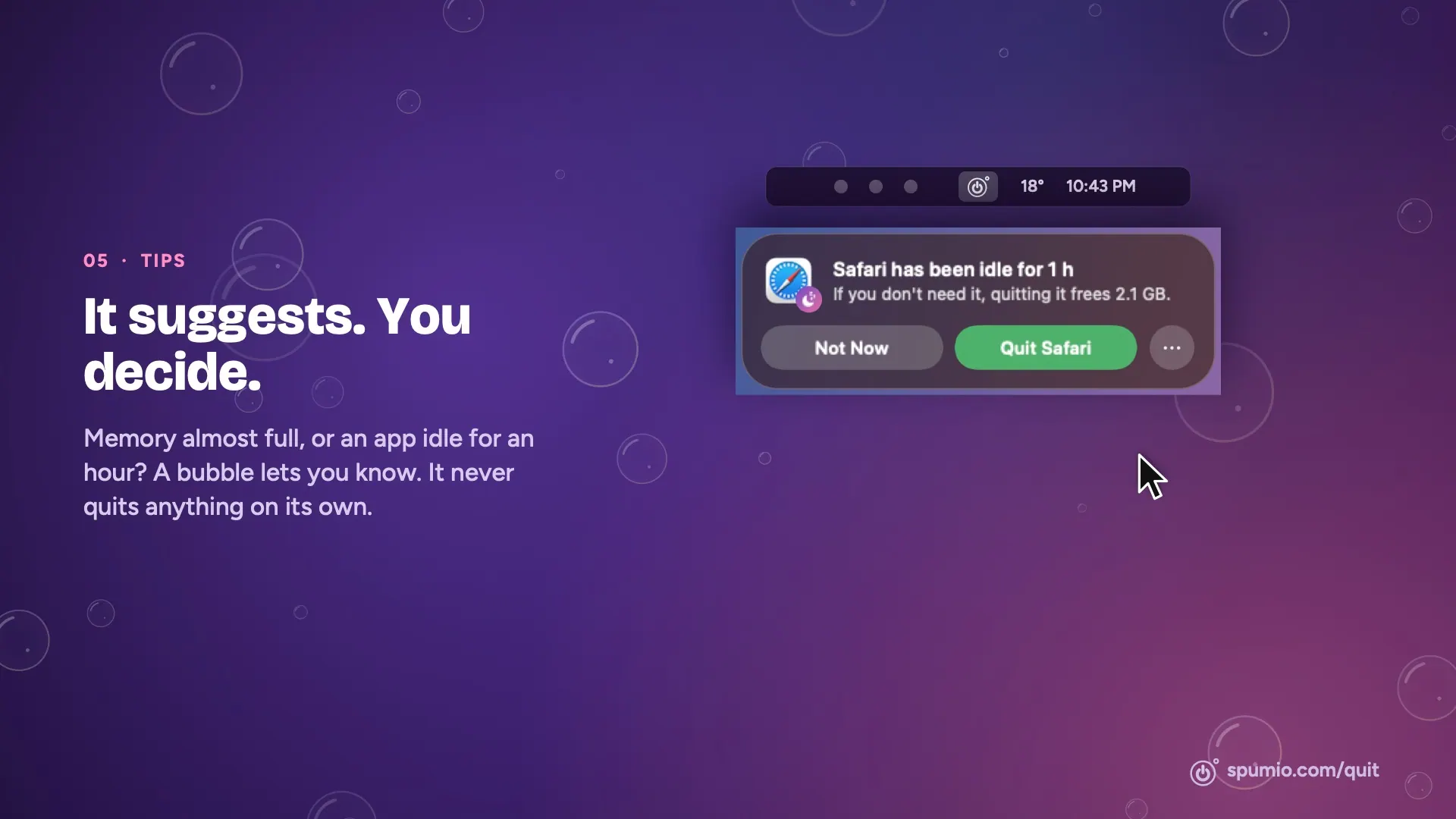
Designed for Intel and Apple silicon Macs running macOS 13 Ventura or later, the app lives in the menu bar. Apps receive a normal quit request and can prompt you to save documents; the app does not shut down or restart your Mac unless you choose that action. It is free, with no trial or subscription, and is developed by independent developer Benedetto Giordano.

Highlights

  • Quit all apps or choose individual apps to close
  • View app memory use and memory freed
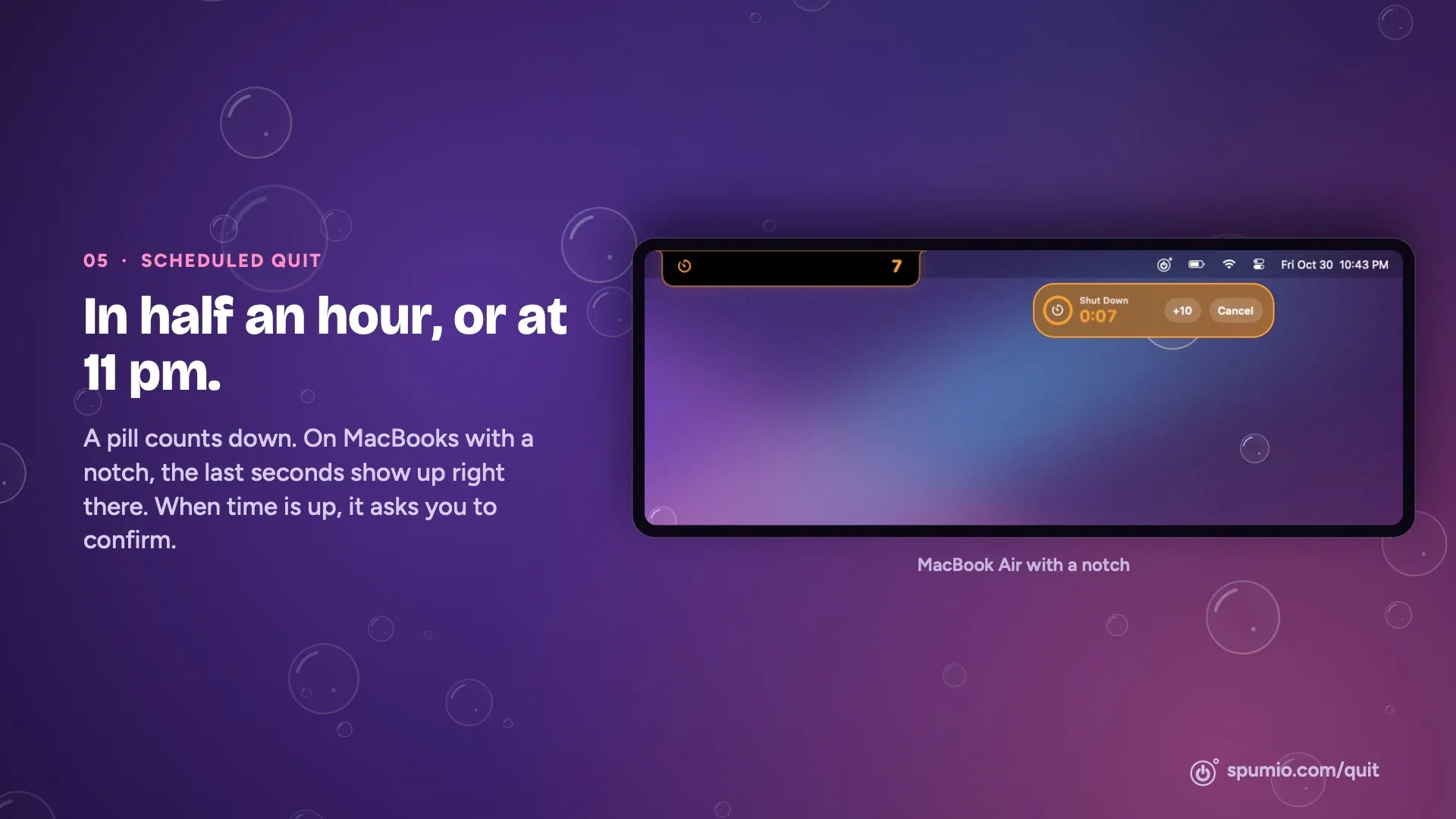
  • Schedule quits and optional shutdown
  • Choose to shut down, restart or log out after quitting
  • Use Siri, Shortcuts or a keyboard shortcut

Questions about Spumio Quit

Is Spumio Quit free?
Yes. Spumio Quit is free to download and use on your Mac.
What are the system requirements for Spumio Quit?
Spumio Quit runs on macOS 13 or later. The download is about 4 MB.
Who makes Spumio Quit?
Spumio Quit is developed by Benedetto Giordano. The latest version we list is 1.0.1.
Where can I download Spumio Quit?
You can download Spumio Quit from the developer's website, spumio.com.
What are the best alternatives to Spumio Quit?
Tilora, Diskly and Automater Lite are the top-ranked alternatives to Spumio Quit on Mac App Index, by shared features and community votes. Compare all 24 on the Spumio Quit alternatives page.

More like Spumio Quit