Overview
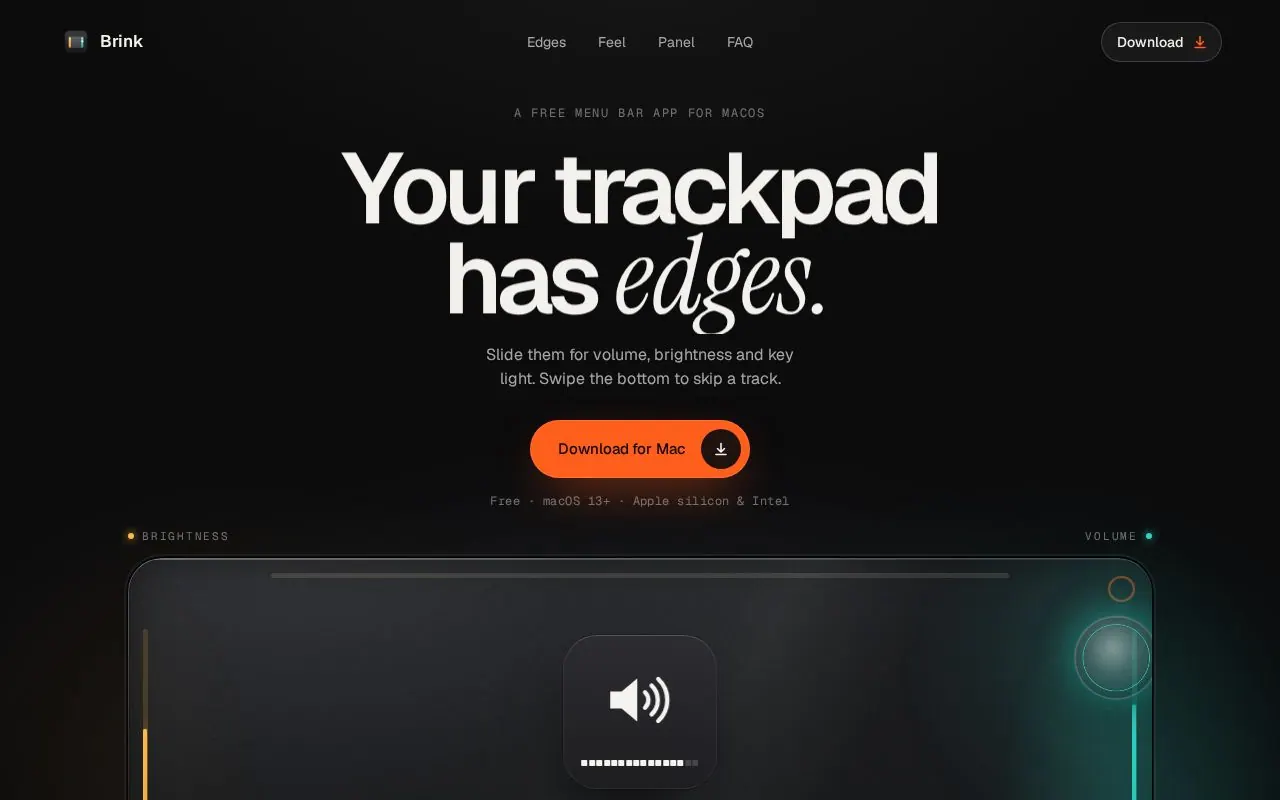
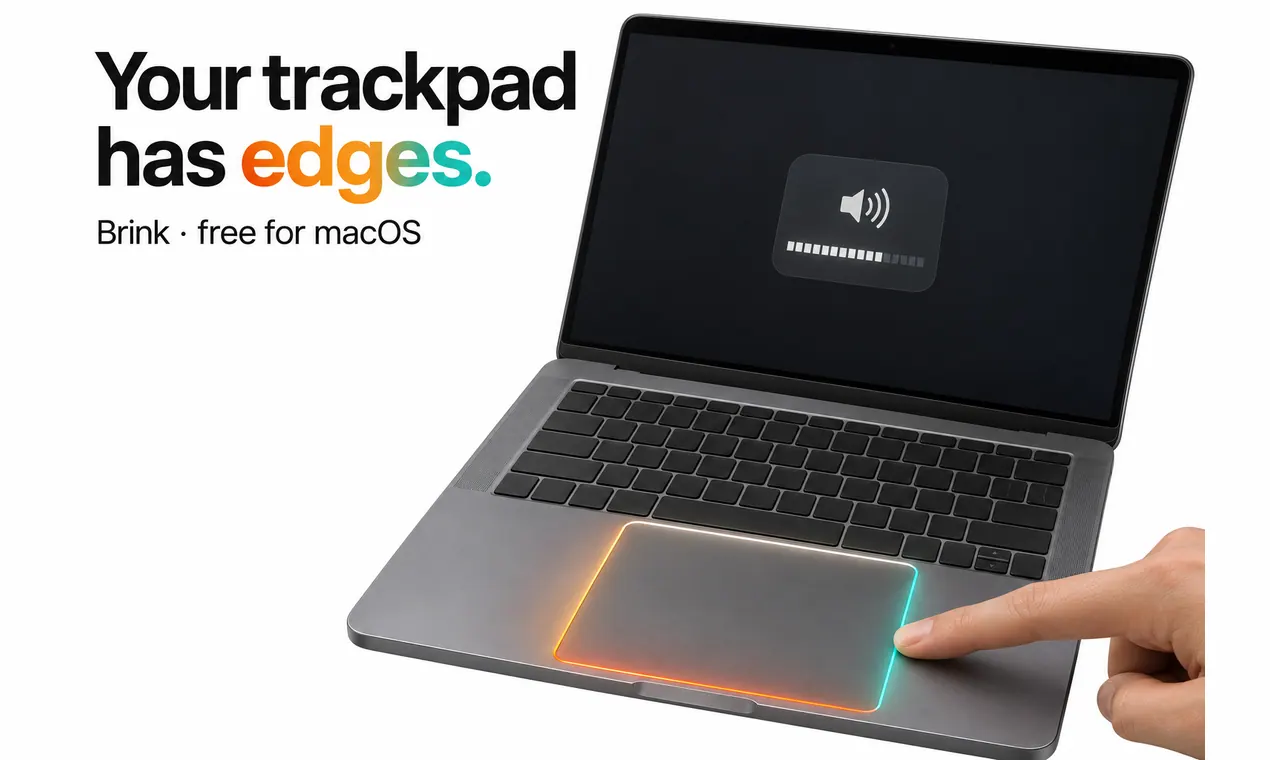
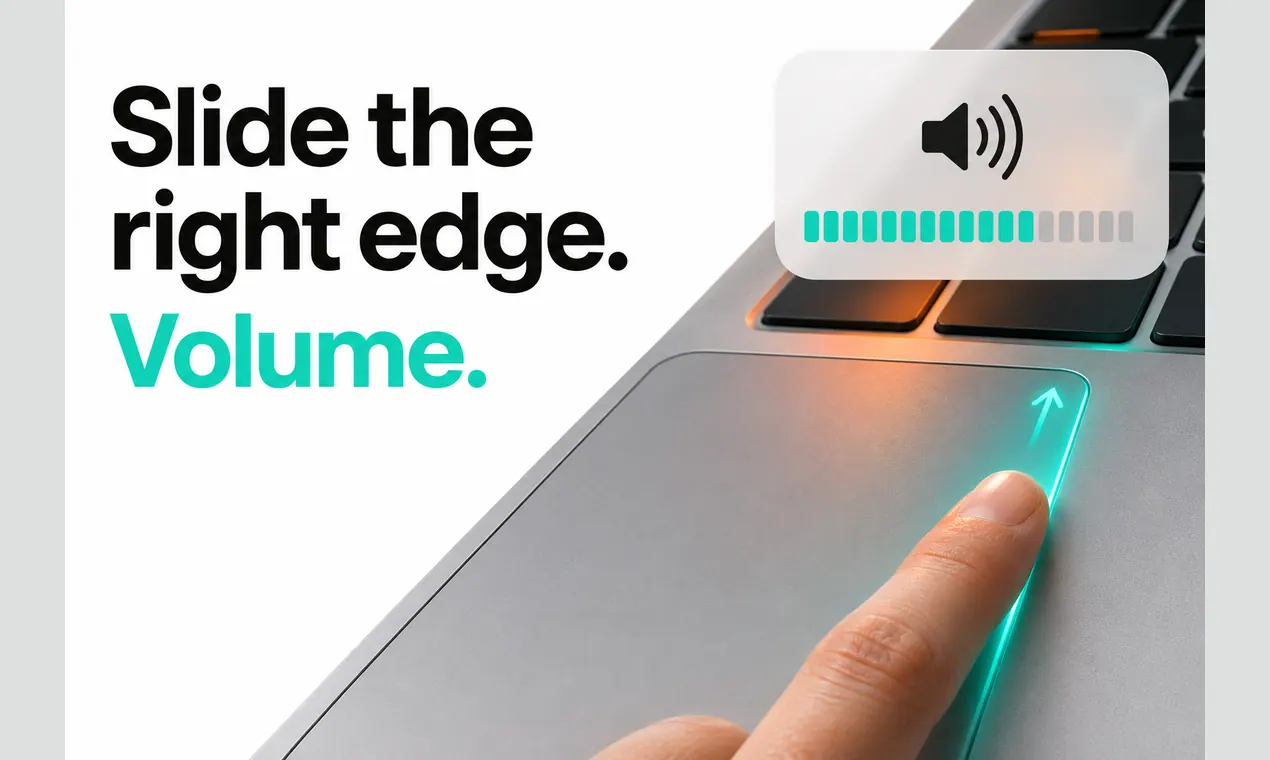
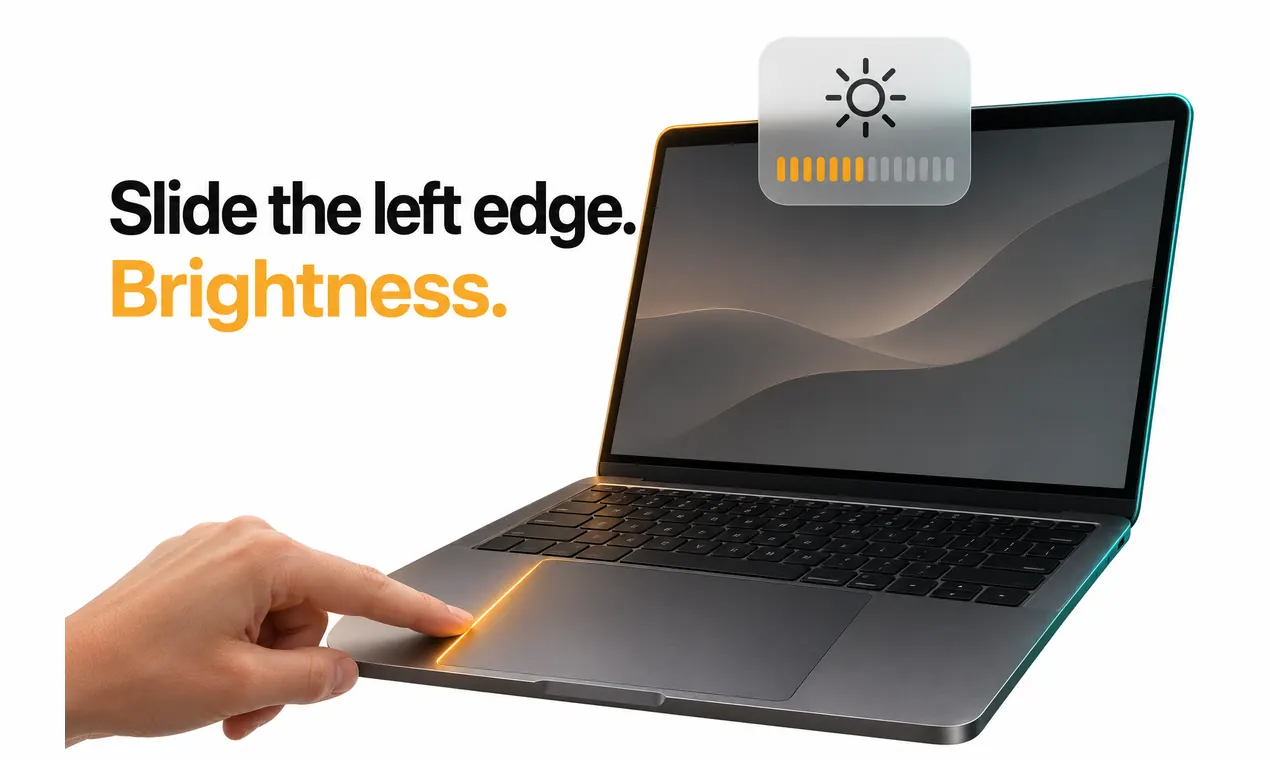
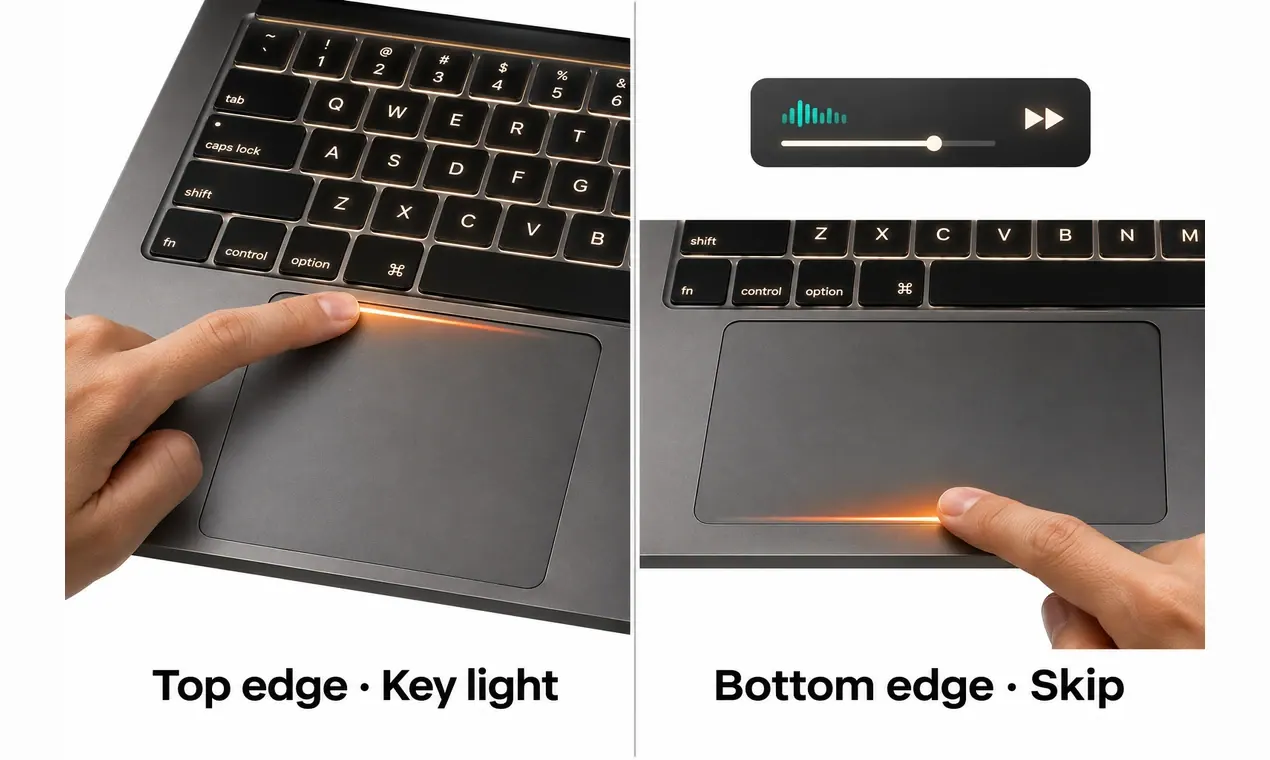
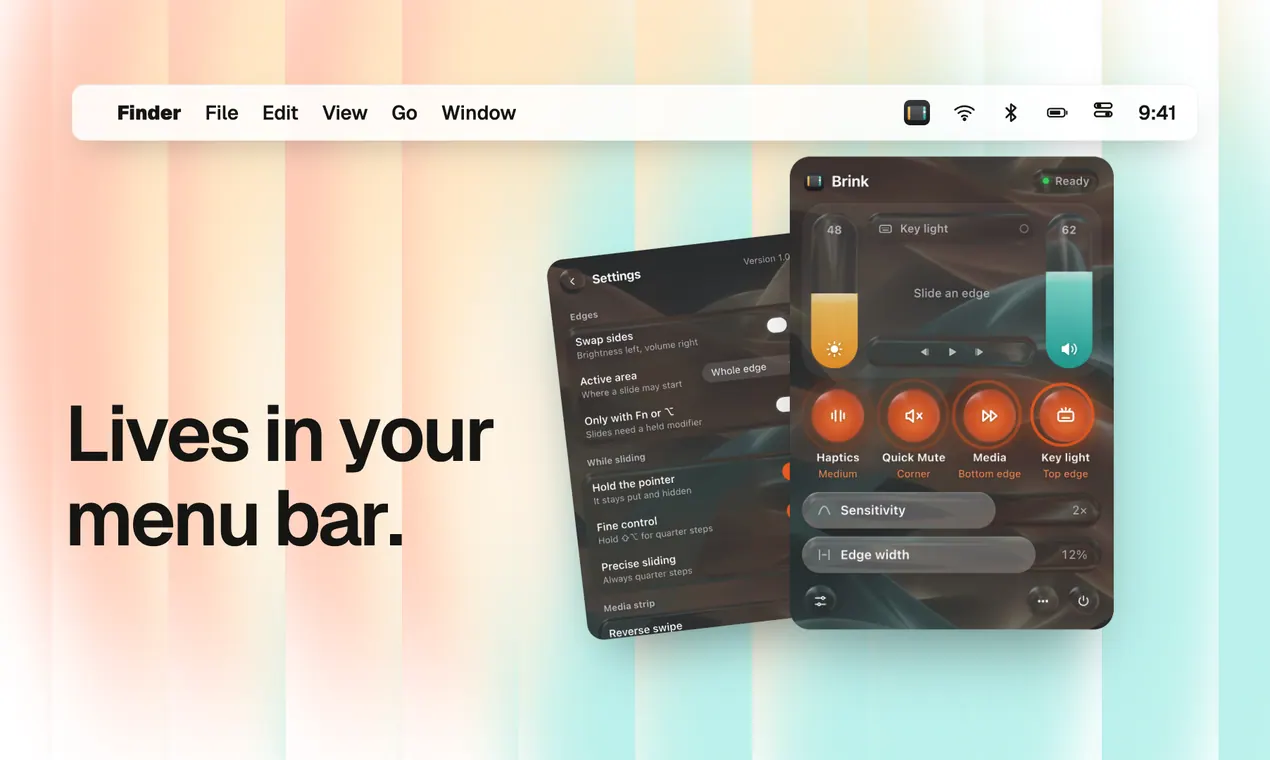
Brink is a free menu bar app that turns the edges of your MacBook trackpad into controls. Slide along the right edge for volume, the left edge for brightness and the top edge for keyboard light. Swipe the bottom edge to skip a track, or double-tap the top-right corner to mute.
It shows the same HUD as the keyboard keys, ticks under your finger with haptic feedback as you slide, and keeps the pointer still while you do it, so a slide never moves your cursor or scrolls the page.
Highlights
- Volume, brightness and keyboard light on three edges
- Swipe the bottom edge to skip, double-tap the corner to mute
- Native HUD and haptic ticks
- Quarter steps with Shift and Option
- Adjustable edge zones and sensitivity, swap sides, optional Fn or Option modifier
- Works with the built-in trackpad, Magic Trackpad and Magic Mouse
- Signed and notarized, universal (Apple silicon and Intel), updates itself
Also on Homebrew: brew install --cask muhammadalims/tap/brink