Submit app
SafeNTFS icon
New

SafeNTFS

Write to NTFS drives in Finder on your Mac

$9.99 one-time (US) · CLIDECK LLC

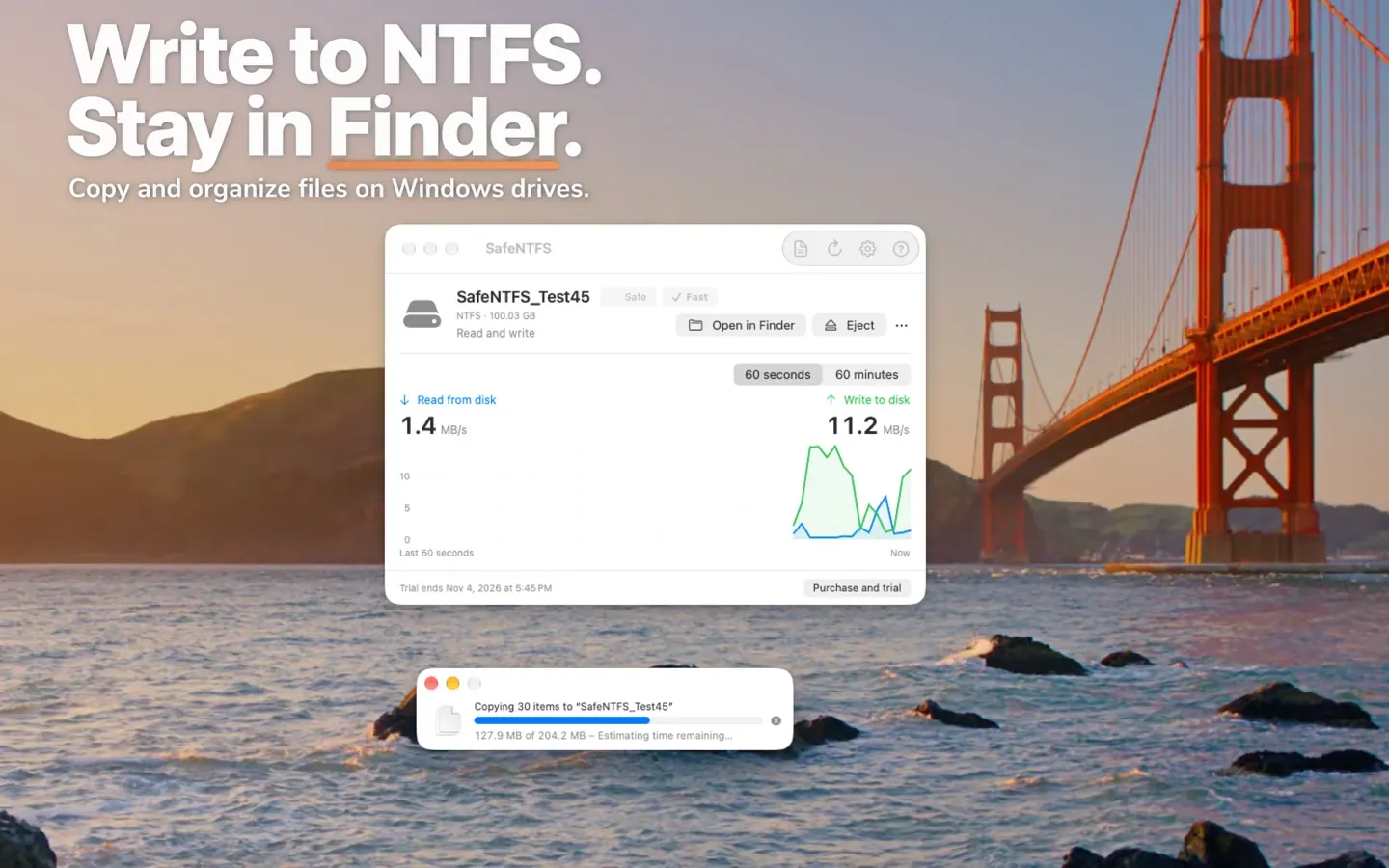
SafeNTFS screenshot 1
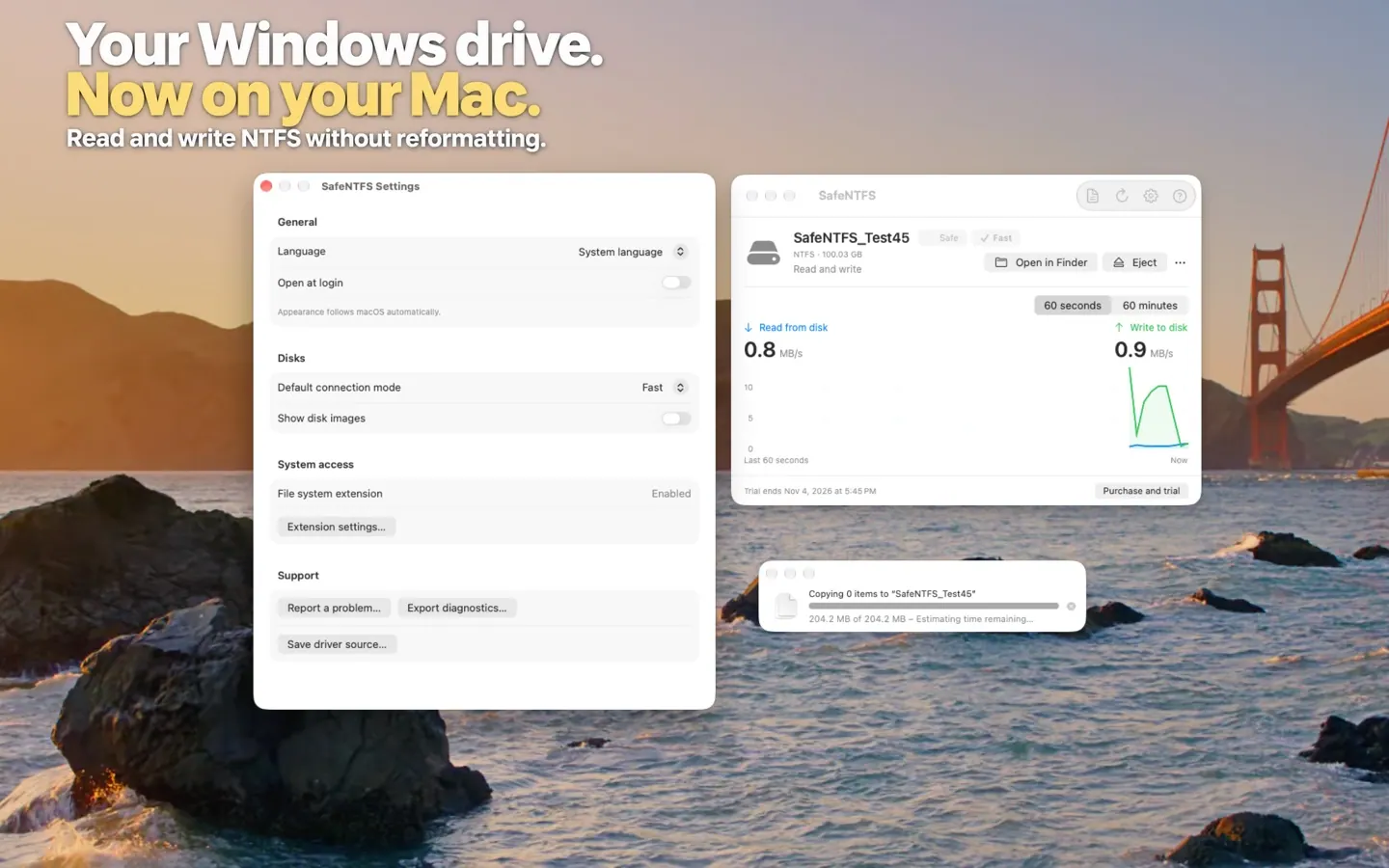
SafeNTFS screenshot 2
SafeNTFS screenshot 3
SafeNTFS screenshot 4
Mac
Mac
Version 1.0
Version 1.0
macOS 27.0 or later
macOS 27.0 or later
$9.99 one-time (US)
$9.99 one-time (US)

Overview

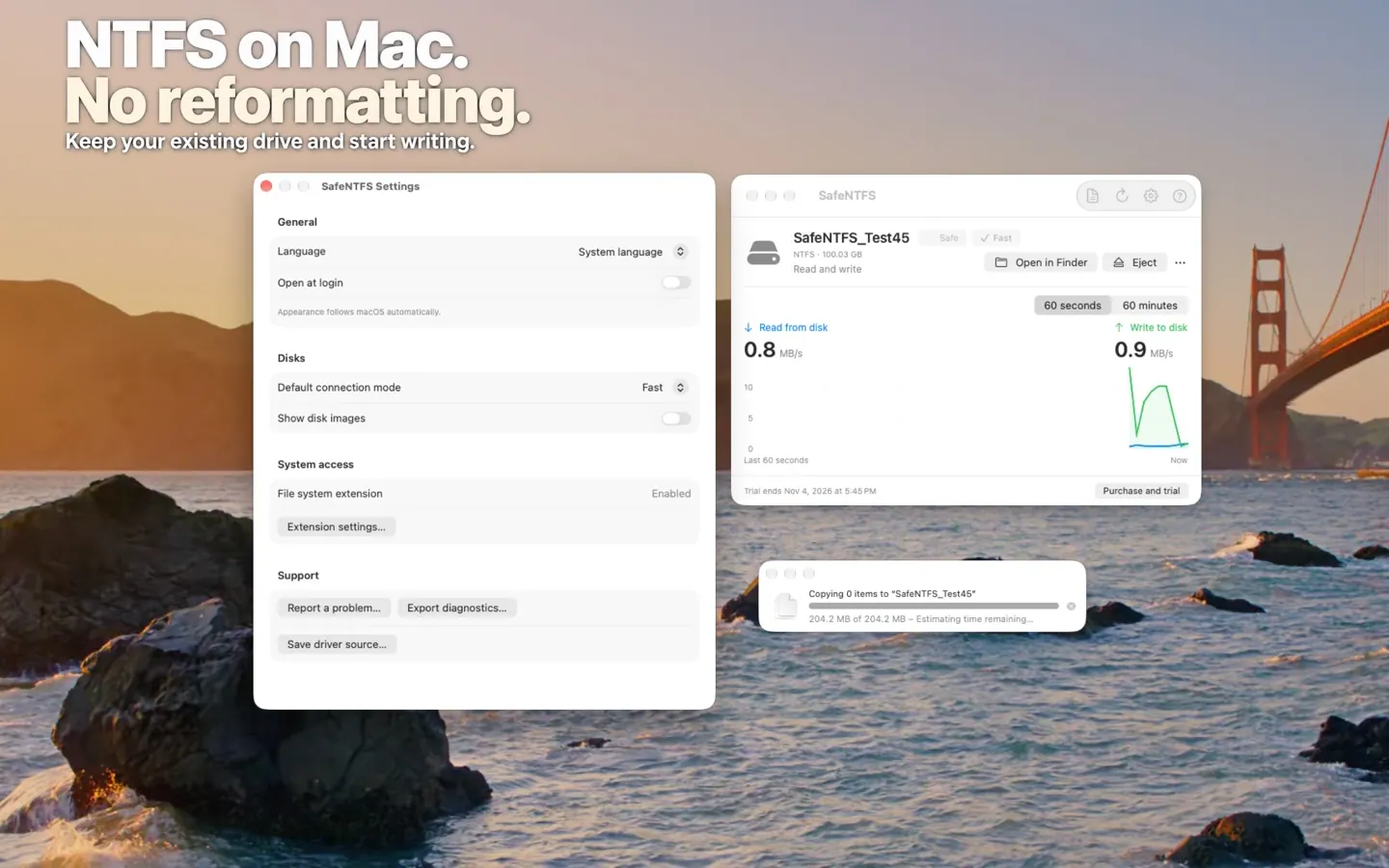
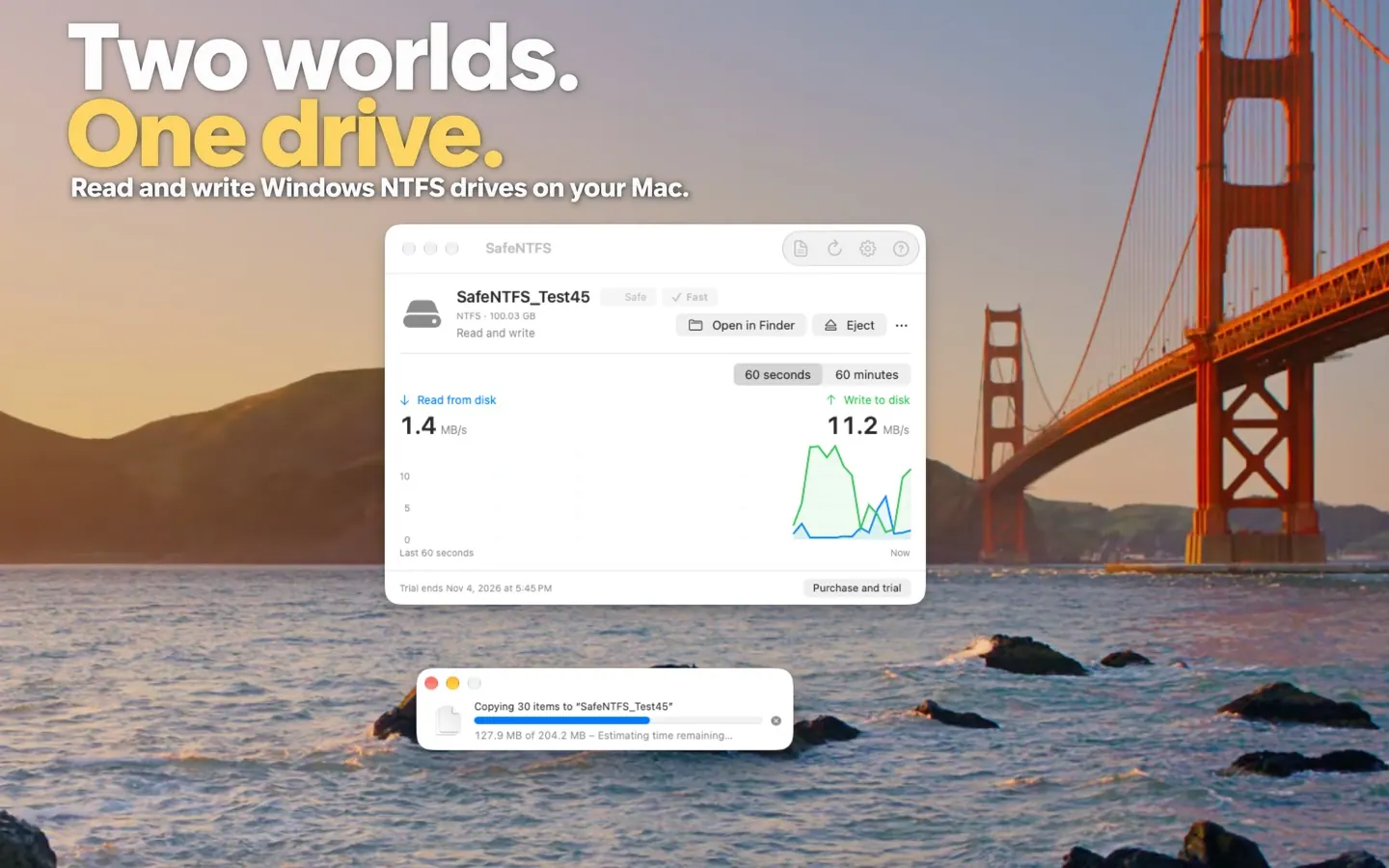
SafeNTFS gives Finder write access to supported external NTFS drives. Copy a project onto a Windows-formatted drive, create folders, rename files, or update existing files on your Mac. The drive keeps its NTFS format, so you can plug it back into a Windows PC.

The app uses Apple's FSKit and runs in the App Sandbox. Enable its file system extension in macOS and grant access to the drive. Setup does not require a kernel extension or Reduced Security. Fast mode writes without an extra readback. Safe mode rereads the written data and compares it with the original.

SafeNTFS requires an Apple silicon Mac running macOS 27 or later. It does not support Intel Macs, earlier versions of macOS, BitLocker volumes, EFS-encrypted files, or WOF-compressed files. It does not format drives or repair NTFS. Install it from the Mac App Store, try it free for four days, and unlock Lifetime Access with a one-time $9.99 purchase in the US. There is no subscription.

Questions about SafeNTFS

How much does SafeNTFS cost?
SafeNTFS costs $9.99 one-time (US) as a one-time purchase, with no subscription.
What are the system requirements for SafeNTFS?
SafeNTFS runs on macOS 27.0 or later.
Who makes SafeNTFS?
SafeNTFS is developed by CLIDECK LLC. The latest version we list is 1.0.
Where can I download SafeNTFS?
SafeNTFS is available on the Mac App Store and from the developer's website, safentfs.clideck.com.
What are the best alternatives to SafeNTFS?
Transmit 5, Dropover and Cyberduck are the top-ranked alternatives to SafeNTFS on Mac App Index, by shared features and community votes. Compare all 24 on the SafeNTFS alternatives page.

More like SafeNTFS