Submit app
LockMic icon
New

LockMic

Mute your mic for every app.

Free · WIXEELABS DOO BEOGRAD

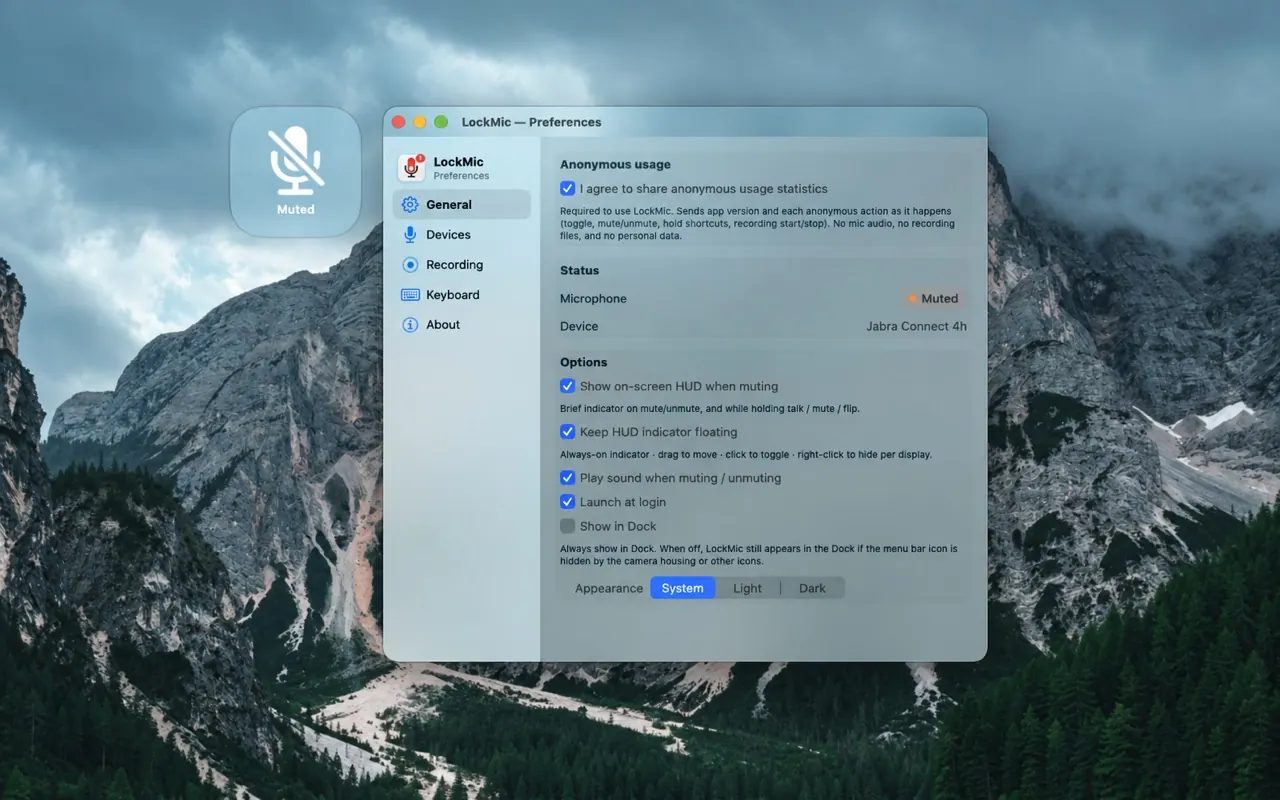
Screenshot of LockMic
Mac
Mac
Version 1.4.51
Version 1.4.51
macOS 14.0 or later
macOS 14.0 or later
2 MB
2 MB
Free
Free

Overview

LockMic is a macOS menu bar app for muting microphone inputs across the system using Core Audio. Unlike an app’s own mute button, it blocks microphone capture for apps such as Zoom, Teams, Meet, FaceTime, and browsers. It is intended for people who want one reliable mute control for calls, streaming, and privacy.

The app includes global hotkeys, an on-screen HUD, a floating indicator, and controls for muting all controllable inputs. It can also optionally record the default microphone and system playback to a dated mix stored on the Mac; recordings are not uploaded. LockMic is free, MIT-licensed, and requires macOS 14 or later.

Highlights

  • System-wide microphone mute through Core Audio
  • Global hotkeys and on-screen mute HUD
  • Mute all controllable input devices
  • Optional local microphone and system audio recording
  • Available in 23 languages

Questions about LockMic

Is LockMic free?
Yes. LockMic is free to download and use on your Mac.
What are the system requirements for LockMic?
LockMic runs on macOS 14.0 or later. The download is about 2 MB.
Who makes LockMic?
LockMic is developed by WIXEELABS DOO BEOGRAD. The latest version we list is 1.4.51.
Is LockMic open source?
Yes. LockMic is open source, so you can read, build and fork its code.
Where can I download LockMic?
LockMic is available on the Mac App Store and from the developer's website, lockmic.com.
What are the best alternatives to LockMic?
Fantastical, SoundSource and Unclutter are the top-ranked alternatives to LockMic on Mac App Index, by shared features and community votes. Compare all 24 on the LockMic alternatives page.

More like LockMic