Overview
Diskfern helps you understand what's consuming storage on your Mac, find unnecessary files, and reclaim space with confidence.
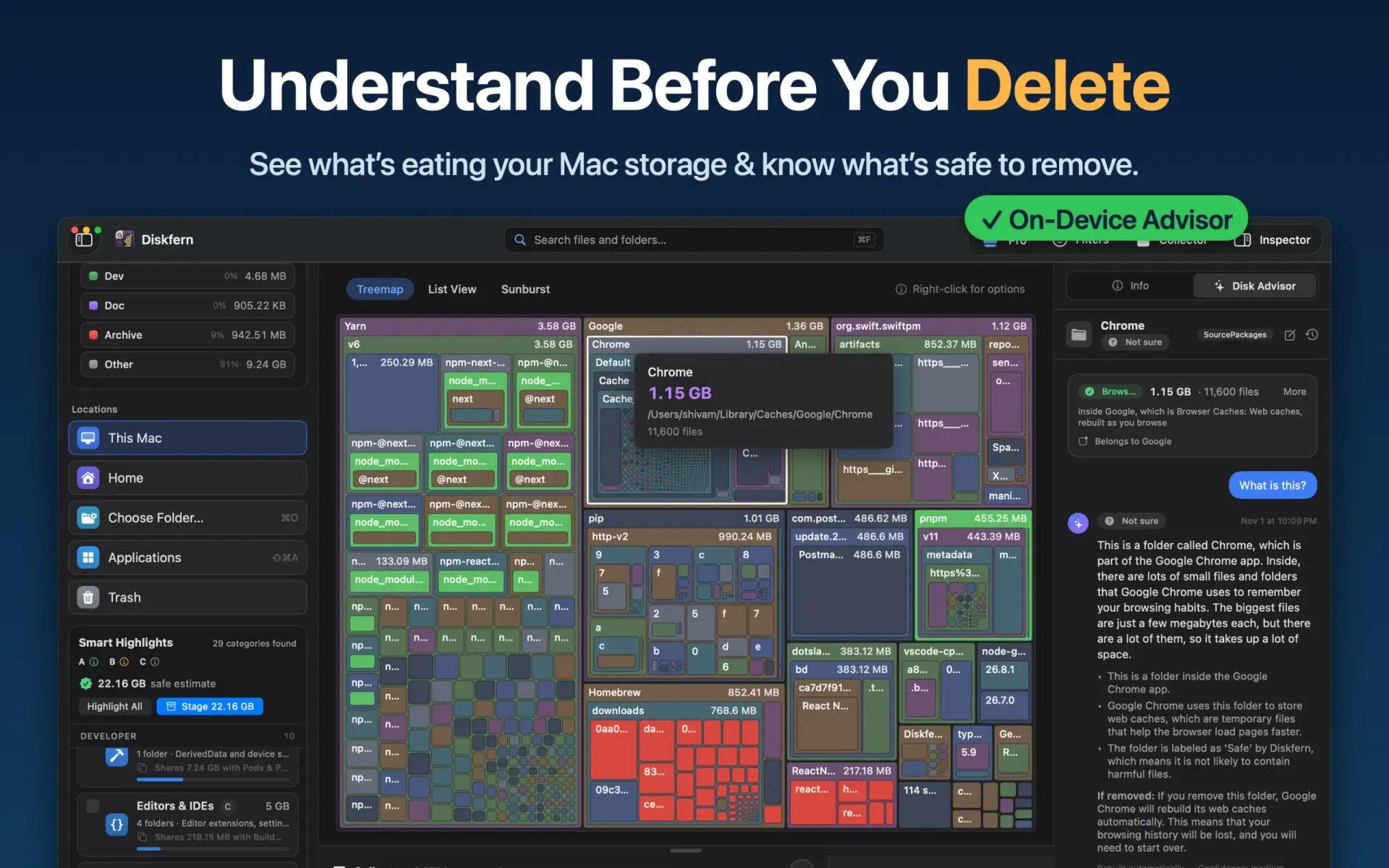
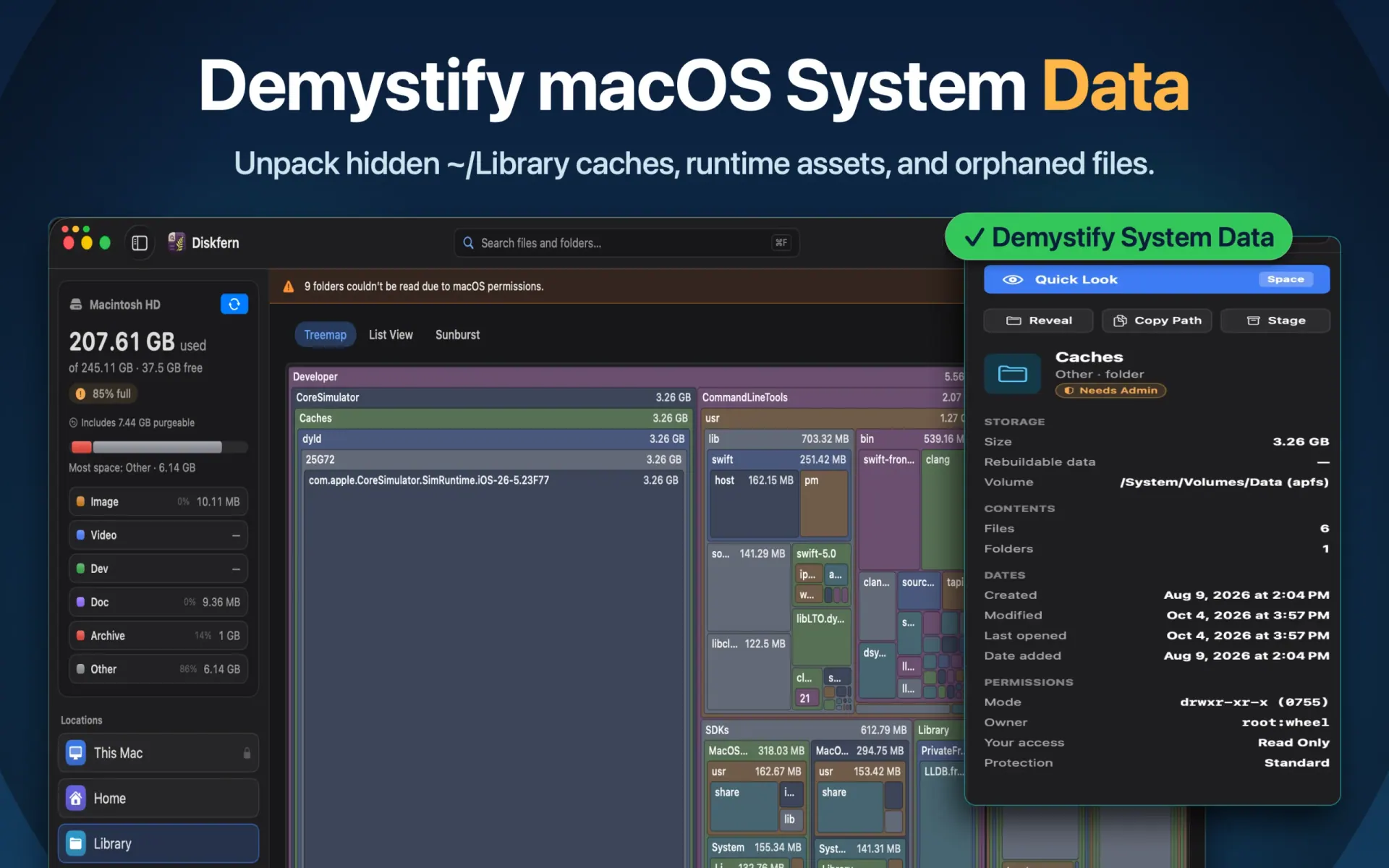
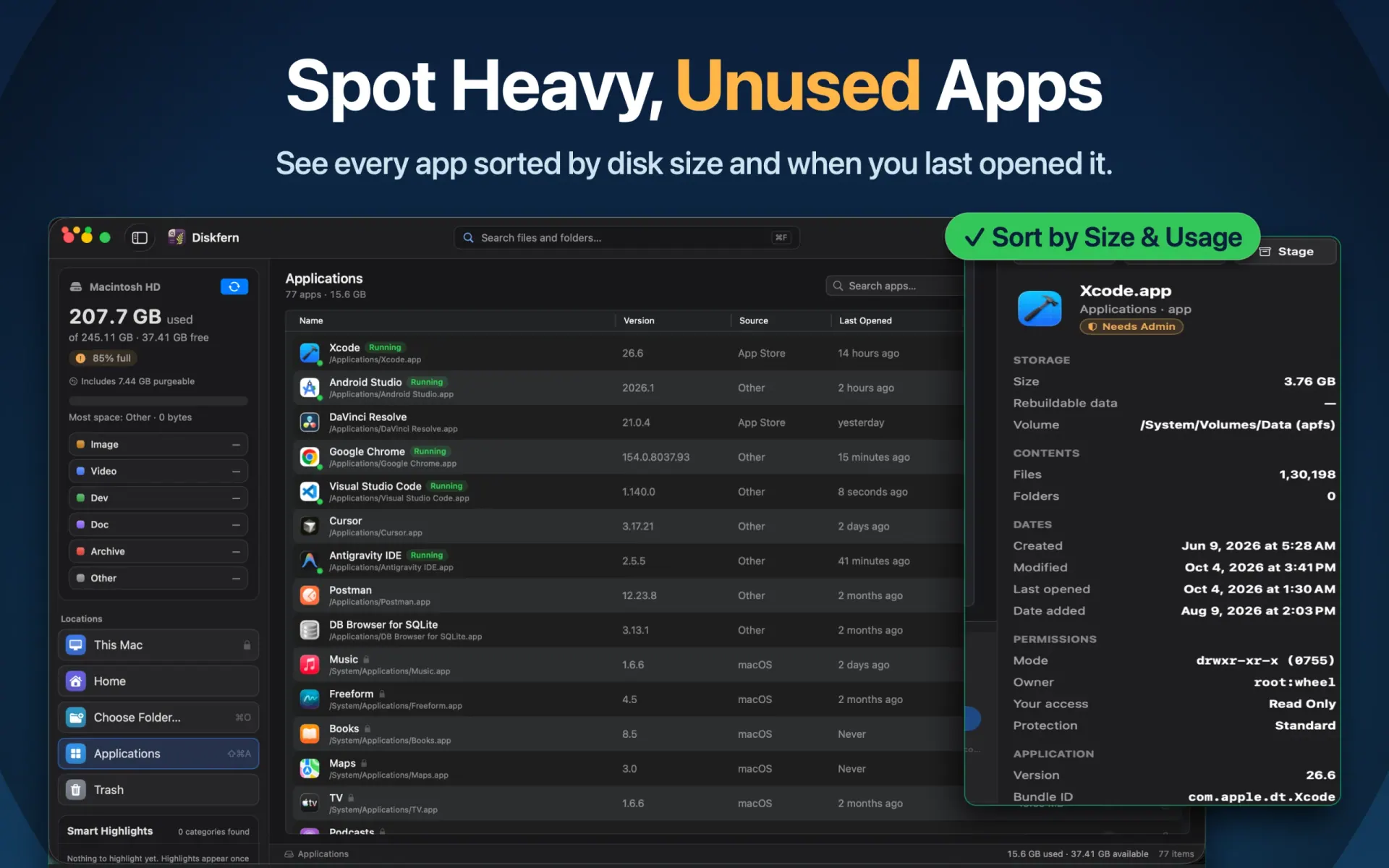
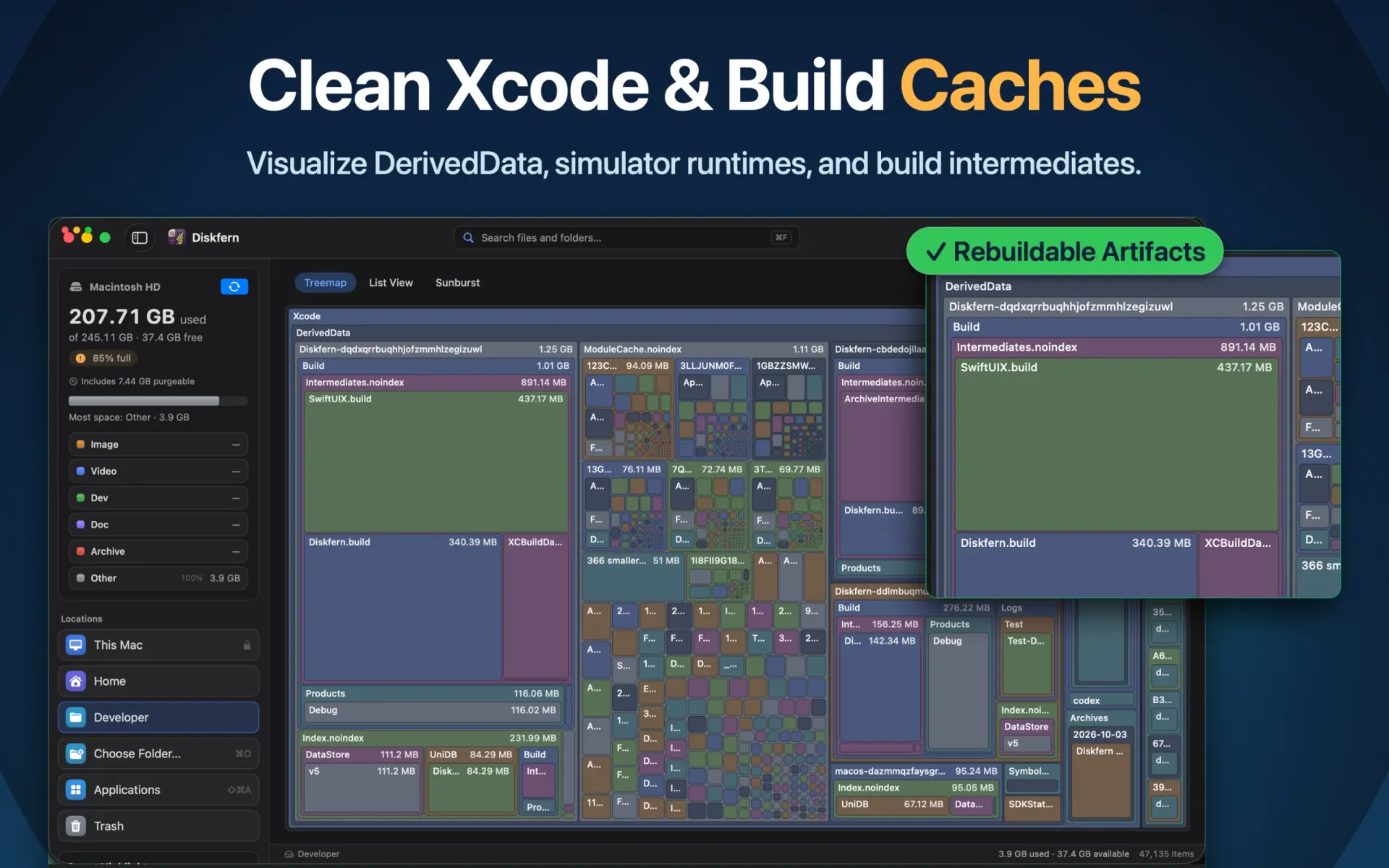
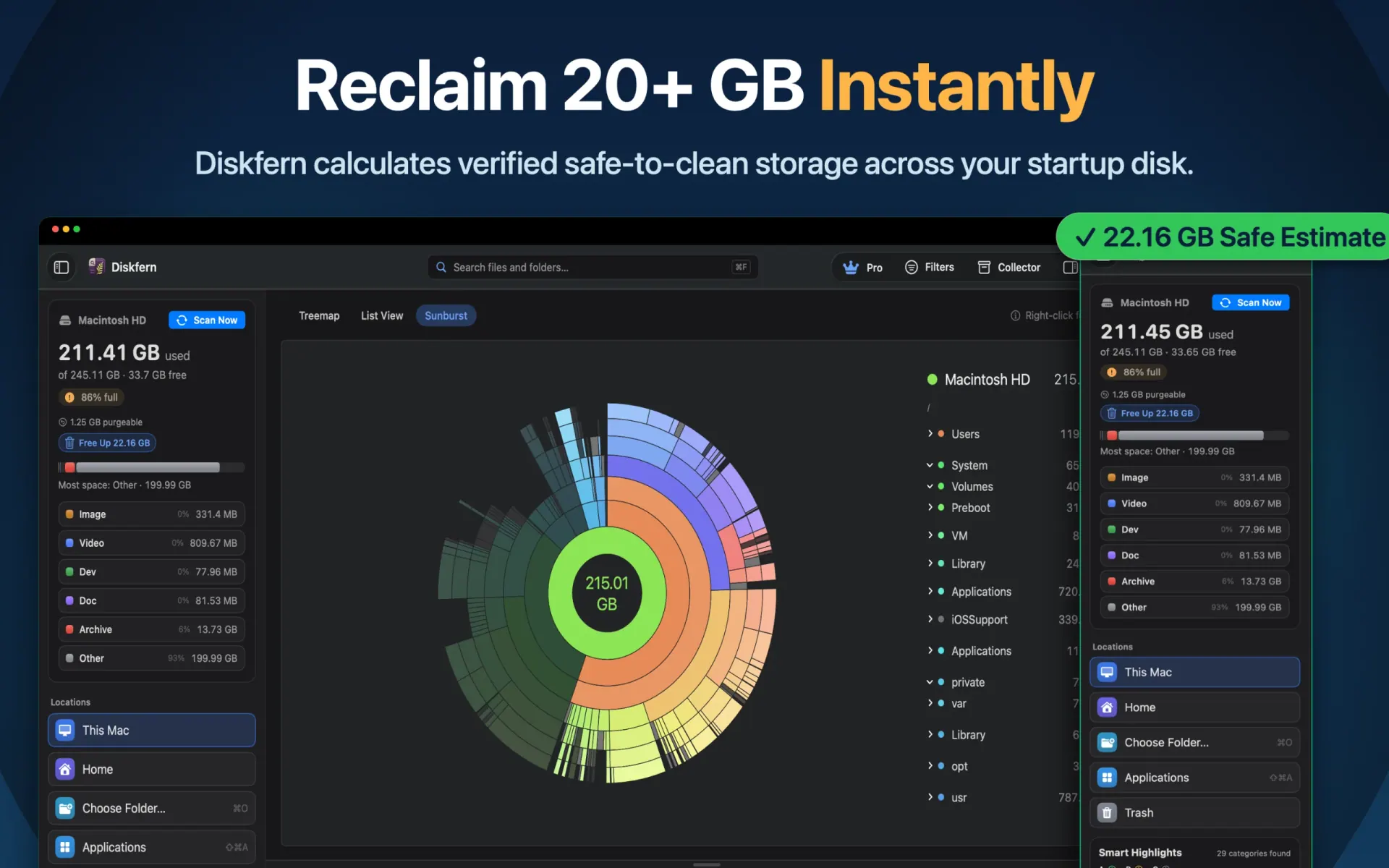
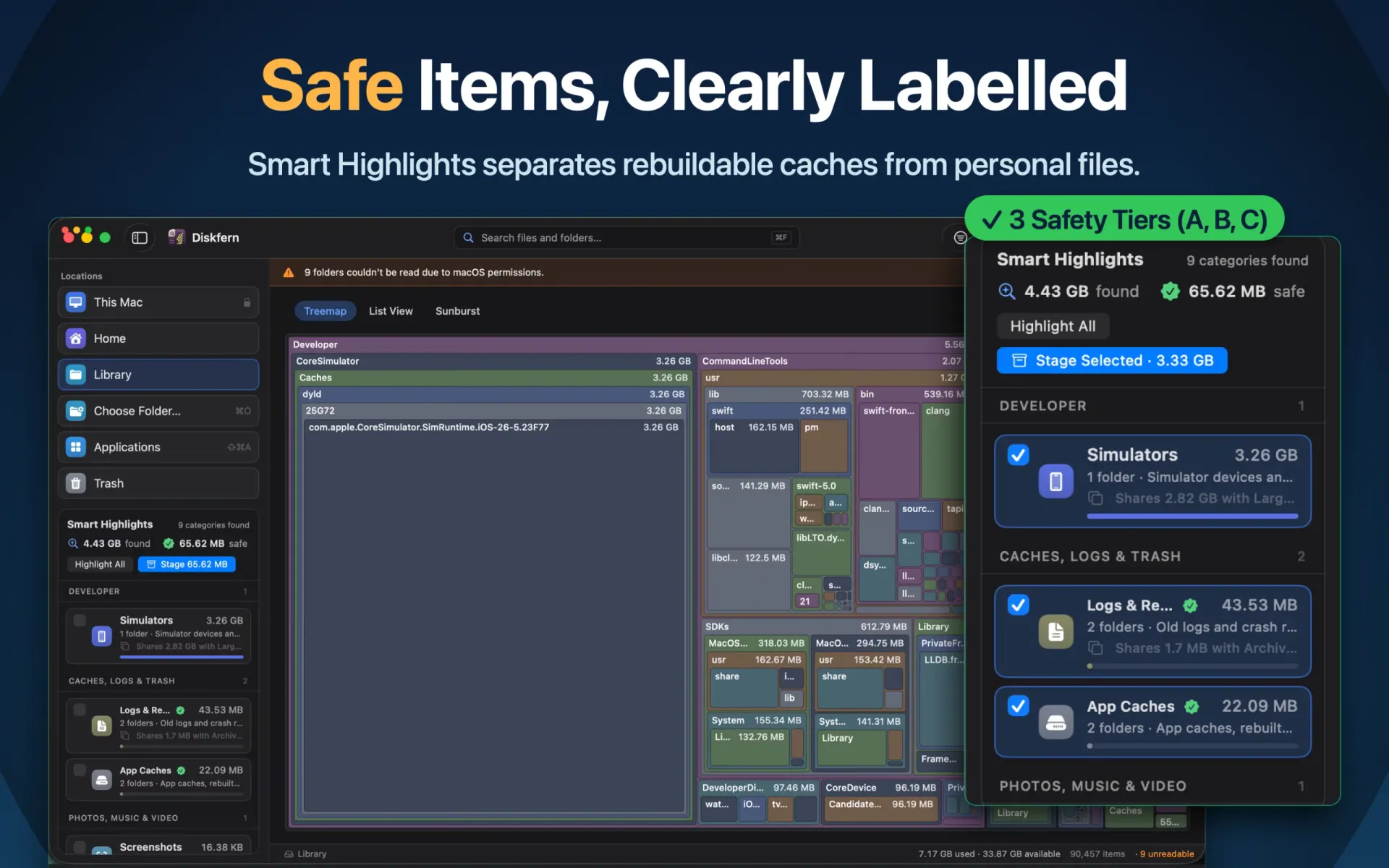
Explore your disk through three visualization modes: Treemap, Sunburst, and List. Find large files, investigate System Data, and discover storage used by developer tools, Xcode, Docker, caches, and local AI models.
Key Features
- Three Storage Views: Explore disk usage through Treemap, Sunburst, and List.
- 44 Smart Highlight Categories: Identify developer caches, build artifacts, logs, temporary files, and other storage clutter.
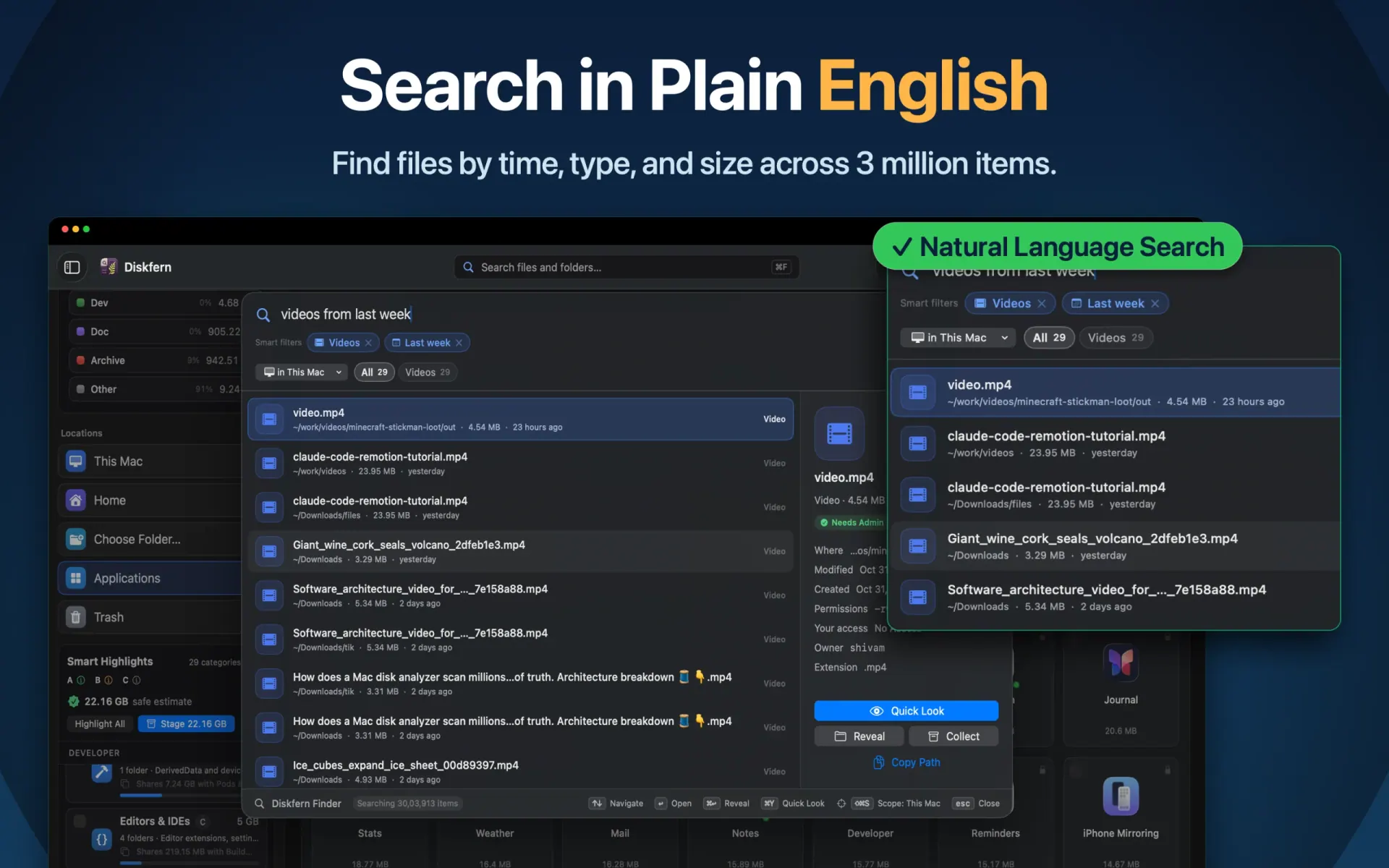
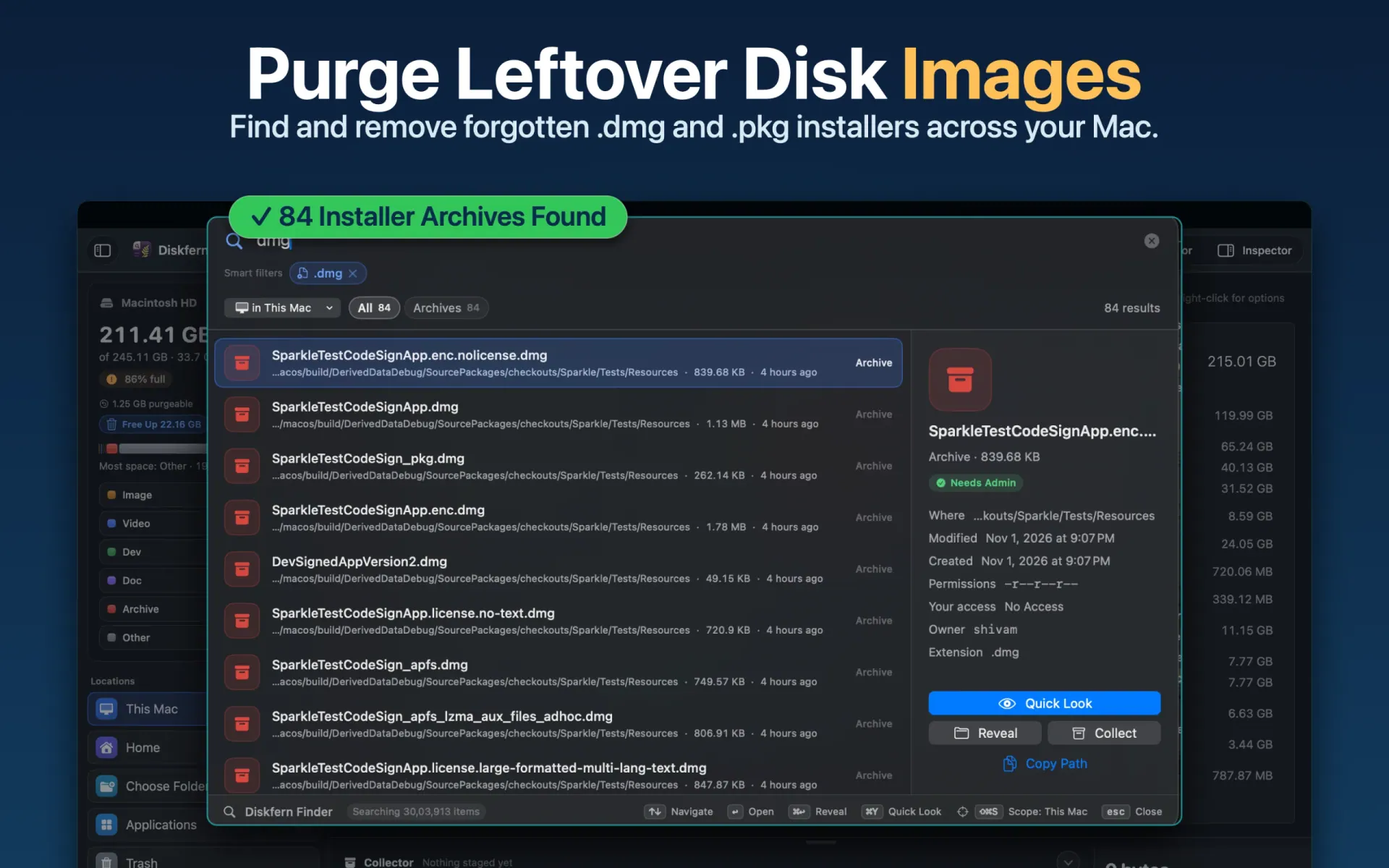
- Natural-Language Finder: Search with queries like "videos larger than 1 GB" or "PDFs from this month".
- File Inspector: View file sizes, locations, permissions, and Quick Look previews.
- Disk Advisor: Get on-device explanations of unfamiliar files and cleanup candidates (requires macOS 26 and Apple Intelligence).
- Three Cleanup Tiers: Review candidates by potential risk before moving approved files to Trash.
Performance & Benchmarks
Measured on an Apple M4 MacBook Air with 16 GB memory:
- Scanned 2.886 million files in 16.055 seconds.
- 2.35 ms median selective search across 2 million records.
- Built a 2-million-record search index in 184.4 ms.
- Restored a saved scan of 500,000 items in 18.62 ms.
- 2,888 measurements across 330 benchmark tests.
Full methodology: https://www.diskfern.com/benchmarks
Privacy & Safety
Diskfern scans and analyzes files locally. Your files and scan results stay on your Mac. Nothing is removed without your approval. It also handles filesystem edge cases such as hard links, sparse files, APFS clones, and symbolic links.
Pricing
Free unlimited scanning and storage exploration. Pro and Family offer advanced cleanup features through one-time purchases, with no recurring subscriptions.
System Requirements
- macOS 14 Sonoma or later
- Apple silicon and Intel Macs
- Disk Advisor requires macOS 26 and Apple Intelligence.