Overview
See where your hours really go.
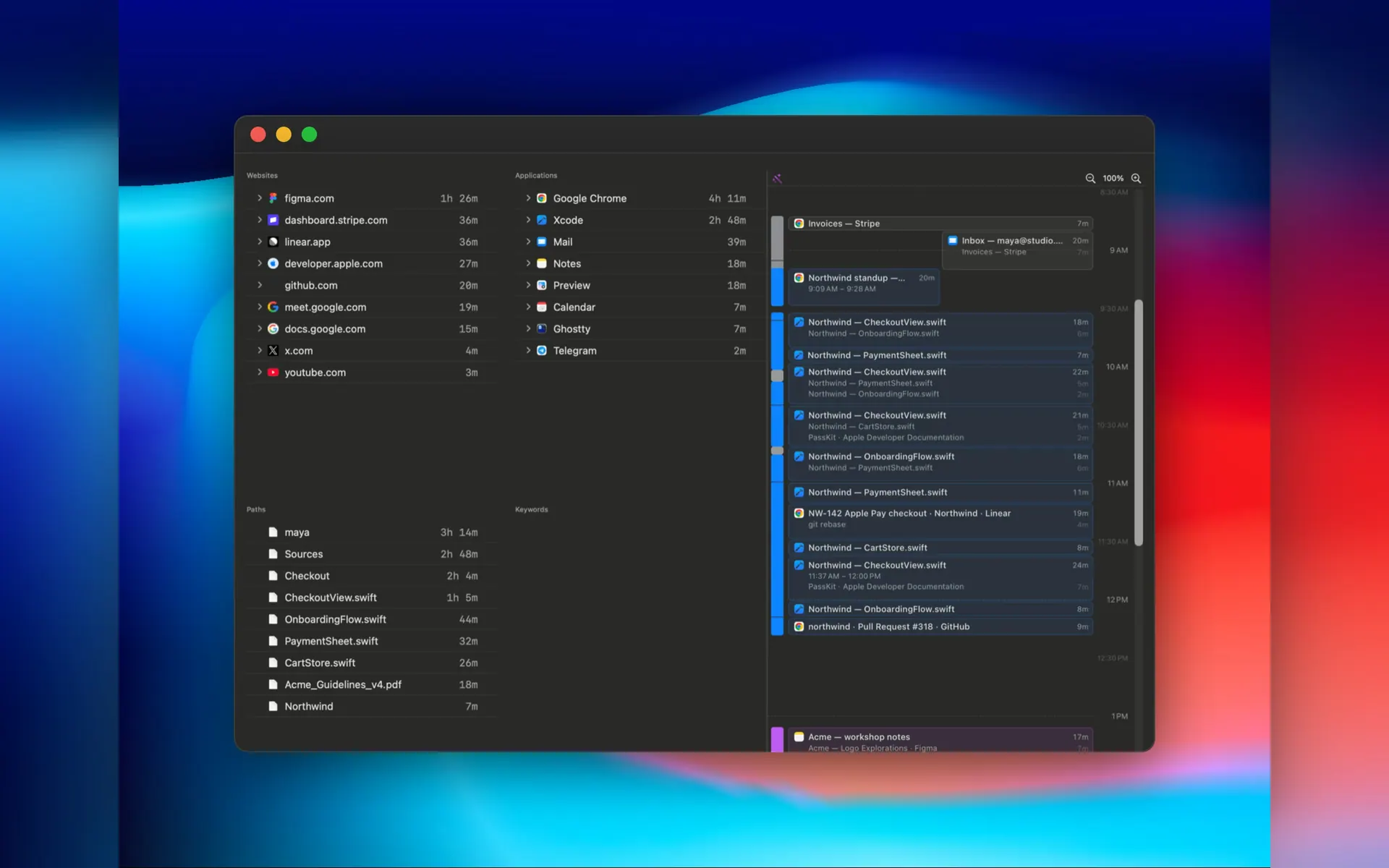
Chronoid is an automatic time tracker for Mac. It runs quietly in the menu bar and records the apps, websites, window titles and documents you work in. There's no timer to start, so you never lose an afternoon because you forgot to press a button.
Sort it without the busywork. Group time into clients, projects and sub-projects. Rules assign activity for you by app, website, file path, window title or keyword. Drag anything onto a project to file it, and optional AI suggestions handle the leftovers.
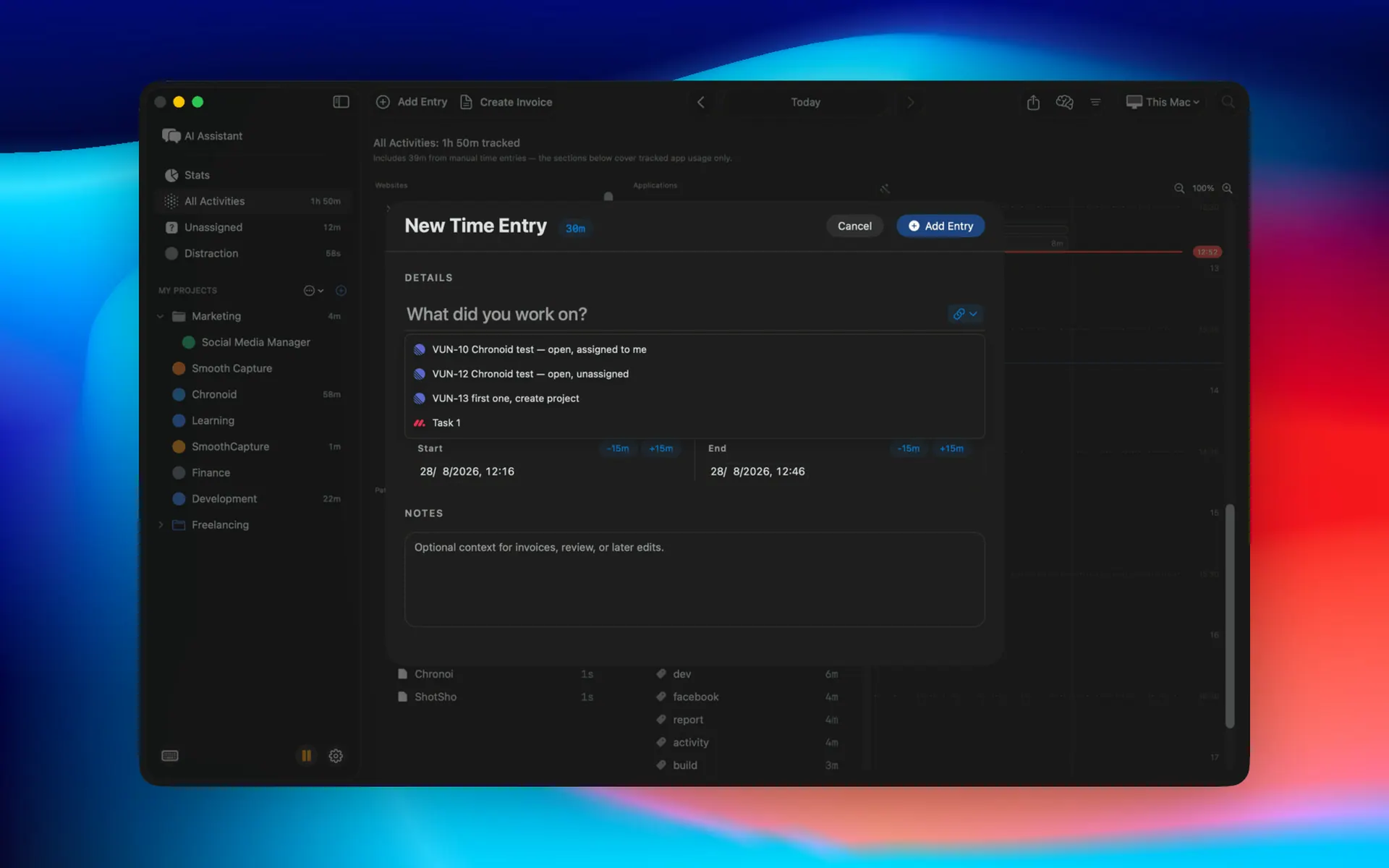
Catch the hours that slip away. Chronoid notices when you step away, asks what you were doing when you come back, and offers to log a meeting the moment a Zoom, Teams or Meet call ends. Calendar events show up on the timeline too.
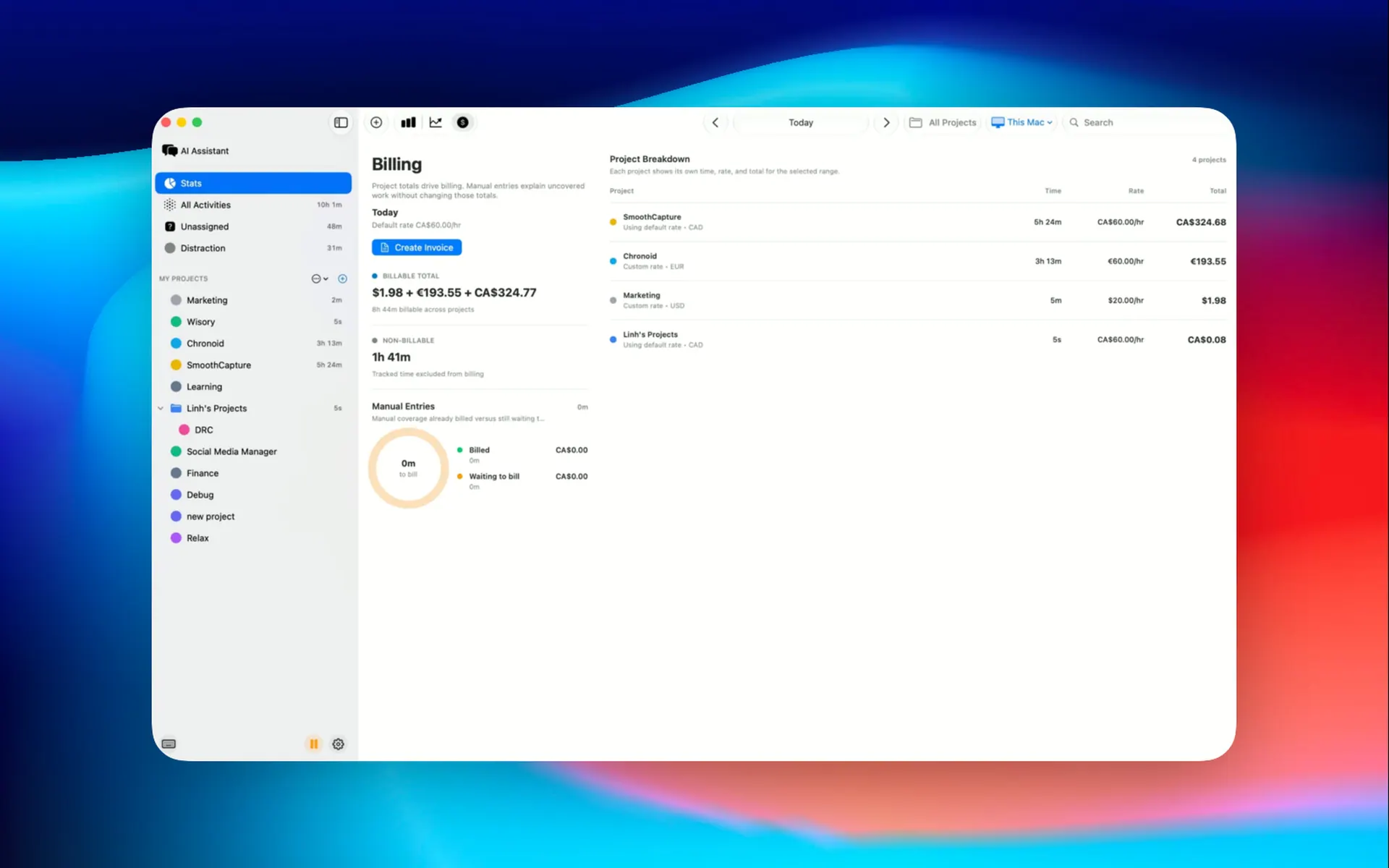
Turn time into money. Mark projects billable, set rates in any currency, and create PDF invoices from tracked hours. Send time to ClickUp, monday.com or Linear if your team lives there.
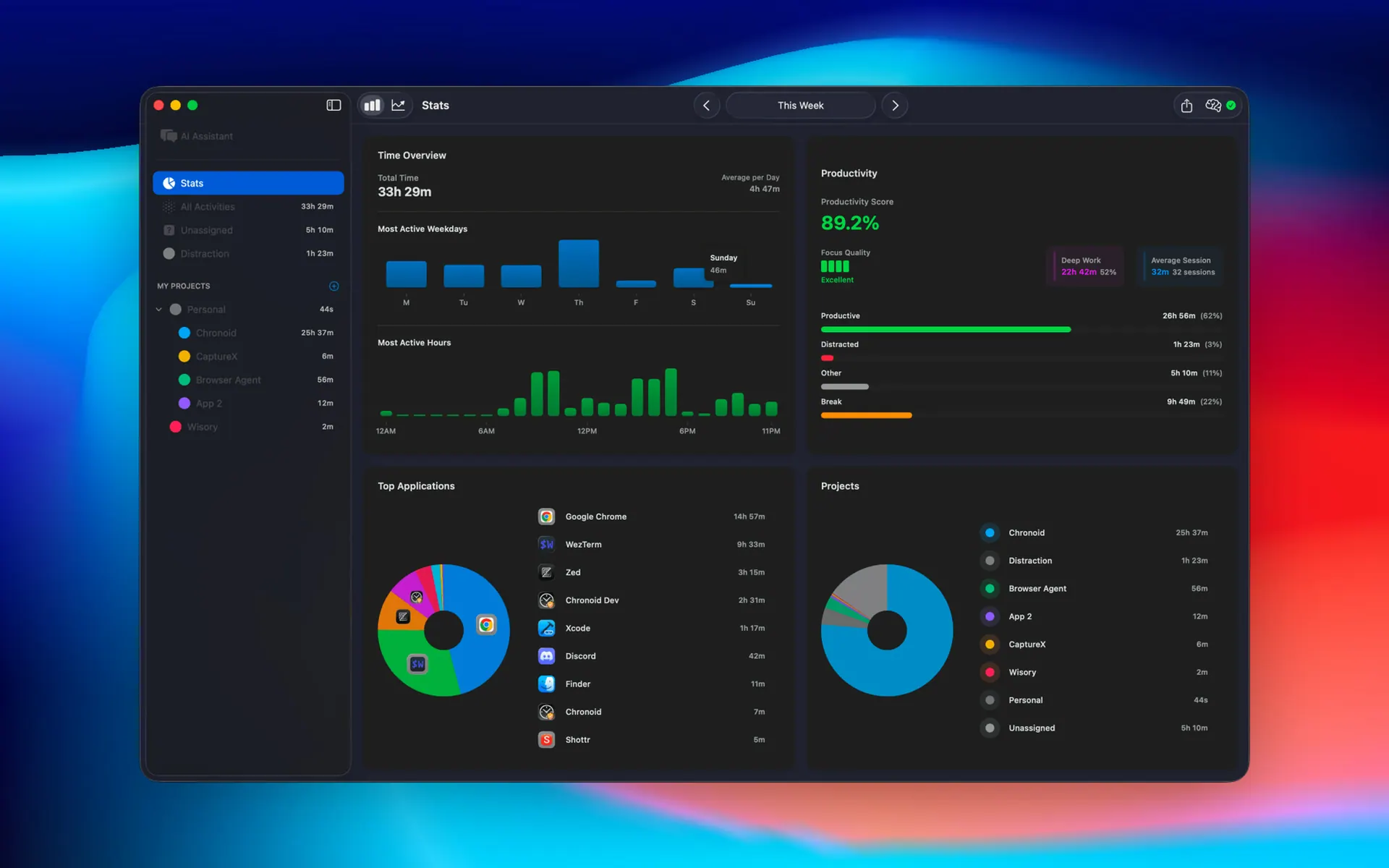
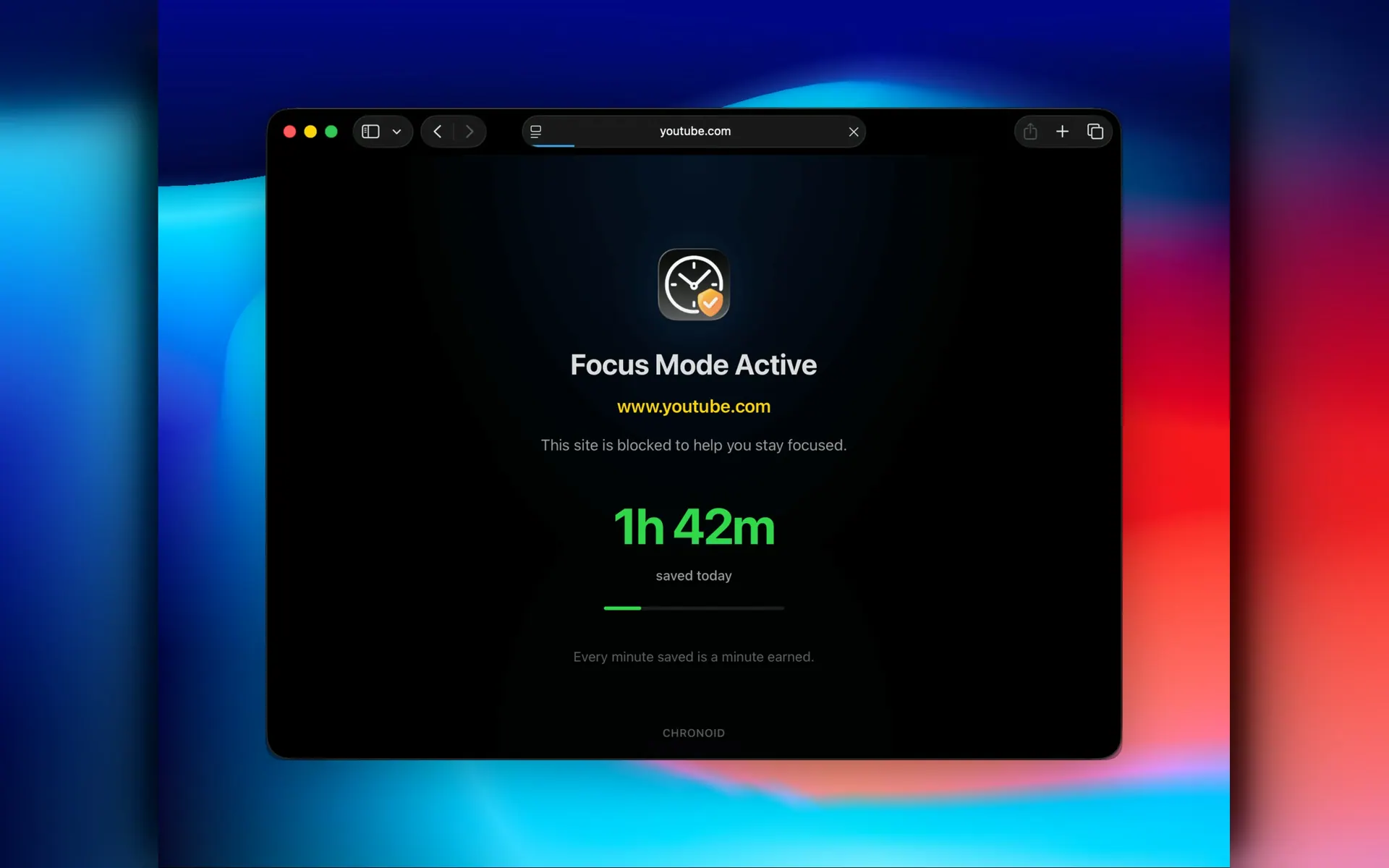
Understand your focus. A day timeline, Deep Work time, productivity trends and a daily AI recap show what you actually did. A website blocker and Pomodoro timer help when you drift.
Yours, on your Mac. Your history is stored on your Mac, with no account needed. Sync between your own Macs uses your private iCloud. Bring your own AI, including local models and Apple Intelligence.
Native, universal app for macOS 14 or later. Free 7-day trial, then pay once from $59.