Overview
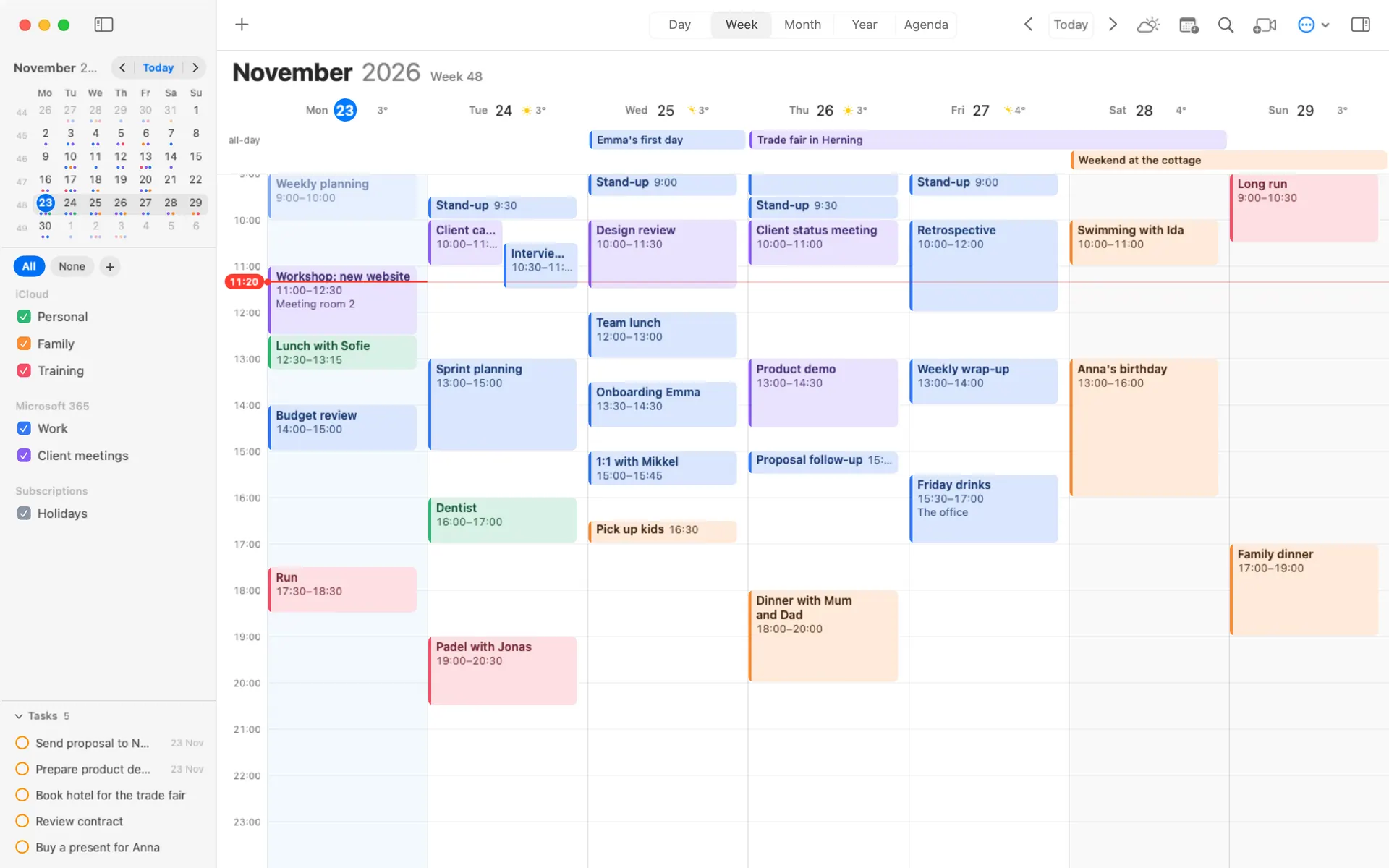
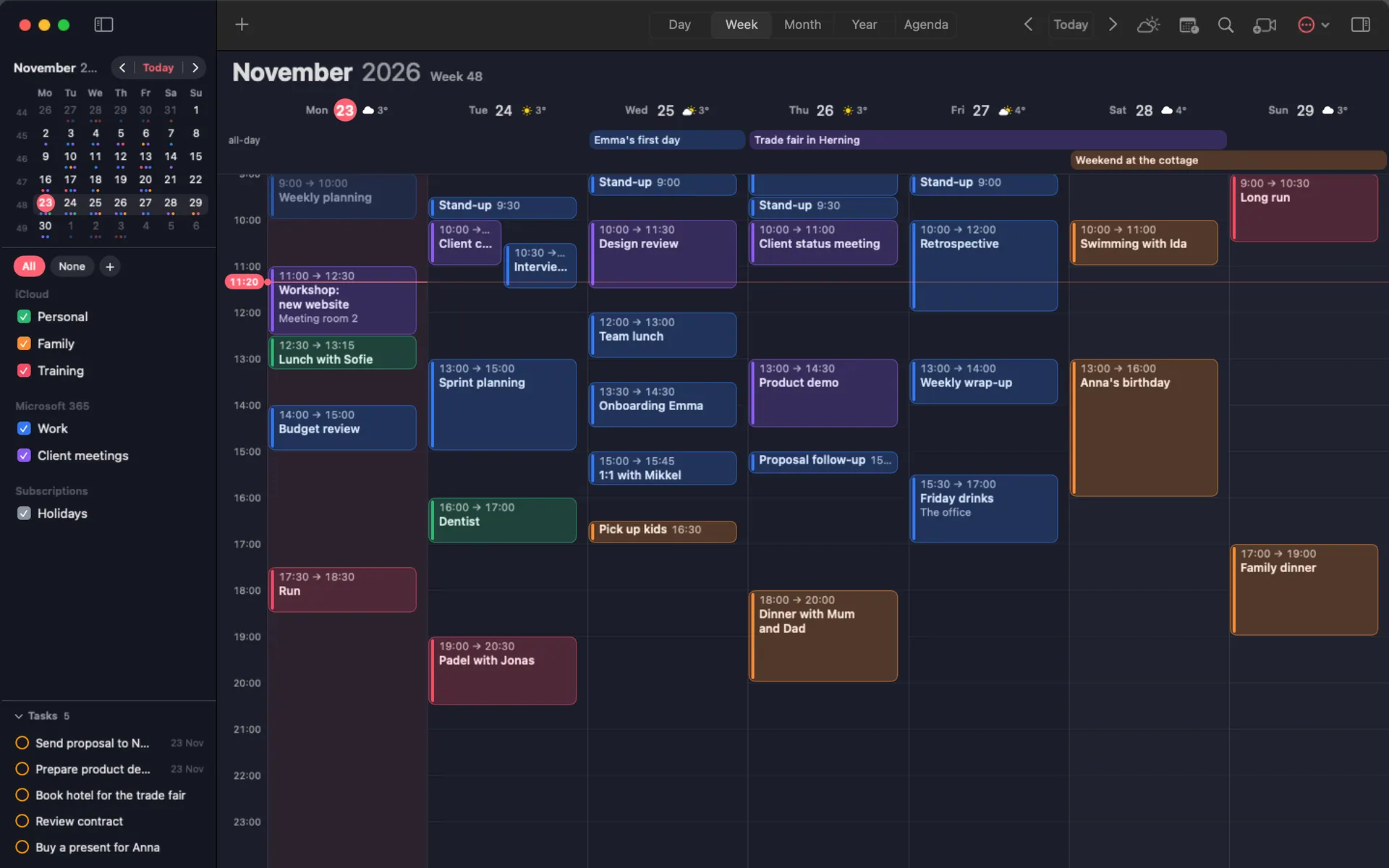
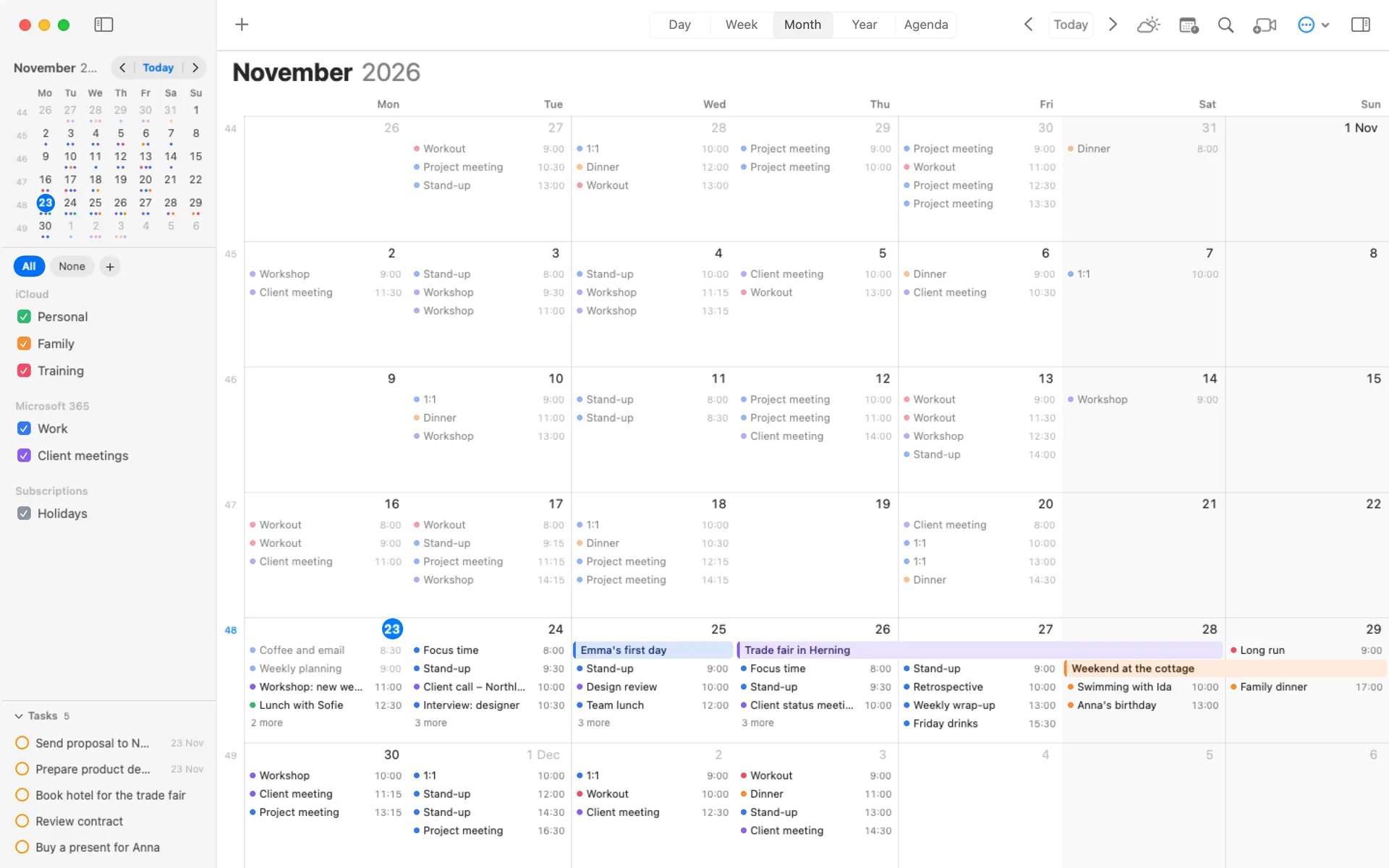
CalDeck is a fast, native macOS calendar built in SwiftUI. It shows every calendar already set up on your Mac (Microsoft 365, Outlook.com, iCloud and Google) in one place. There's no CalDeck account, no server and no tracking: your events stay on your Mac and with your calendar provider.
Highlights
- Type events the way you talk: "Lunch with Peter Friday 12 @Cafe" (English and Danish)
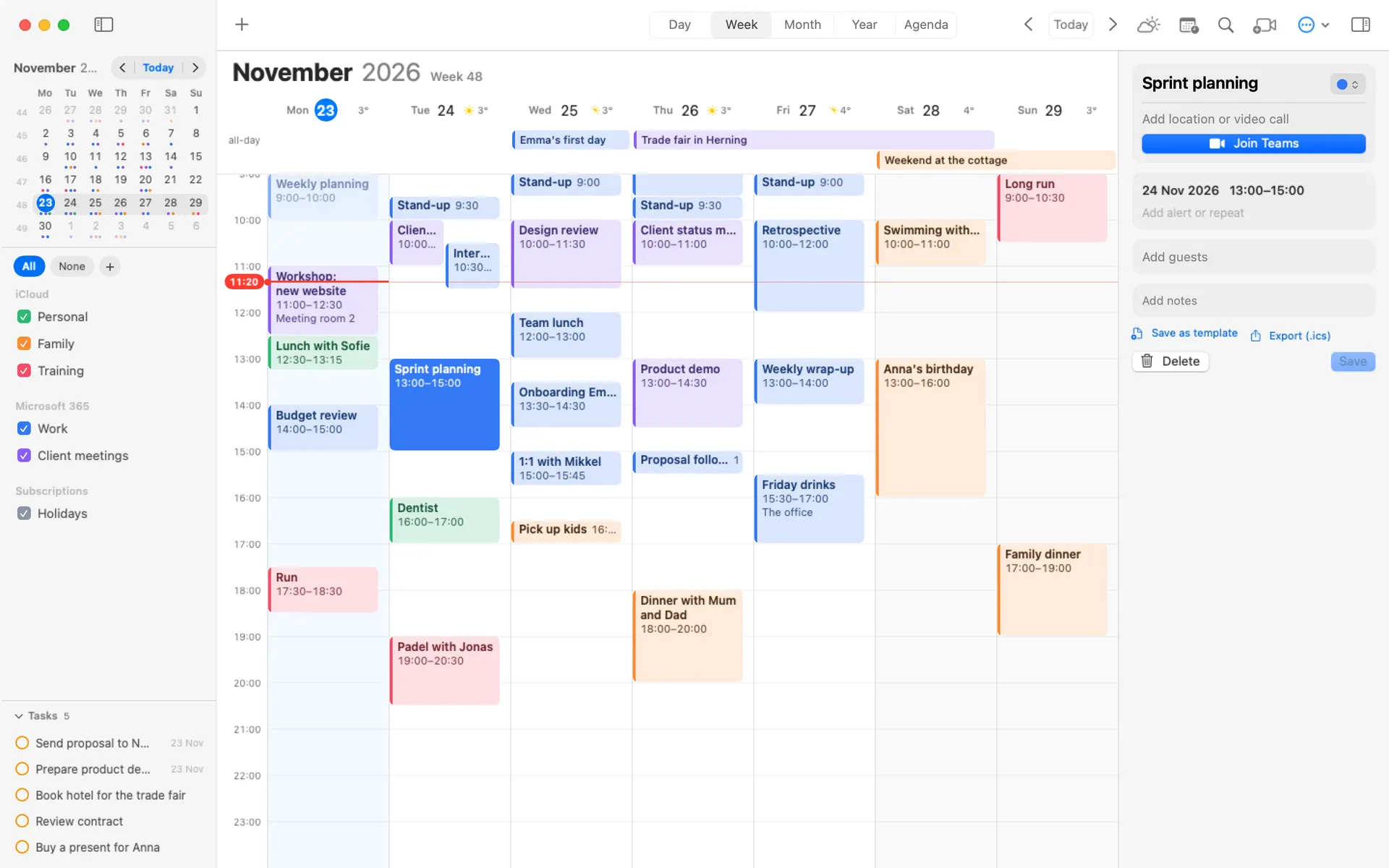
- One-click Join for Teams meetings, a full-screen countdown reminder, and Ctrl+Opt+J to join the next meeting from any app
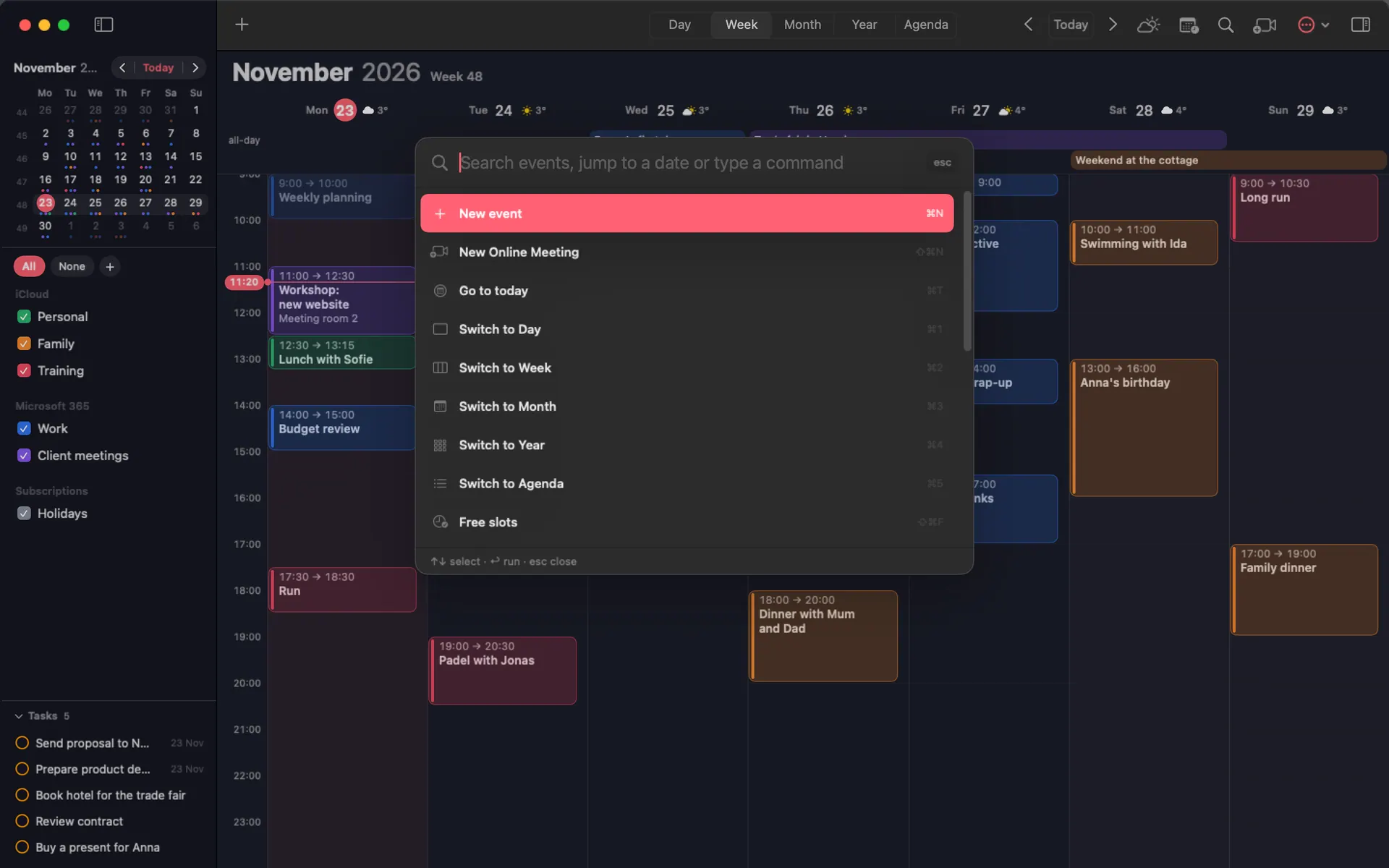
- Command palette (Cmd+K), quick entry from any app (Opt+C) and fully remappable shortcuts
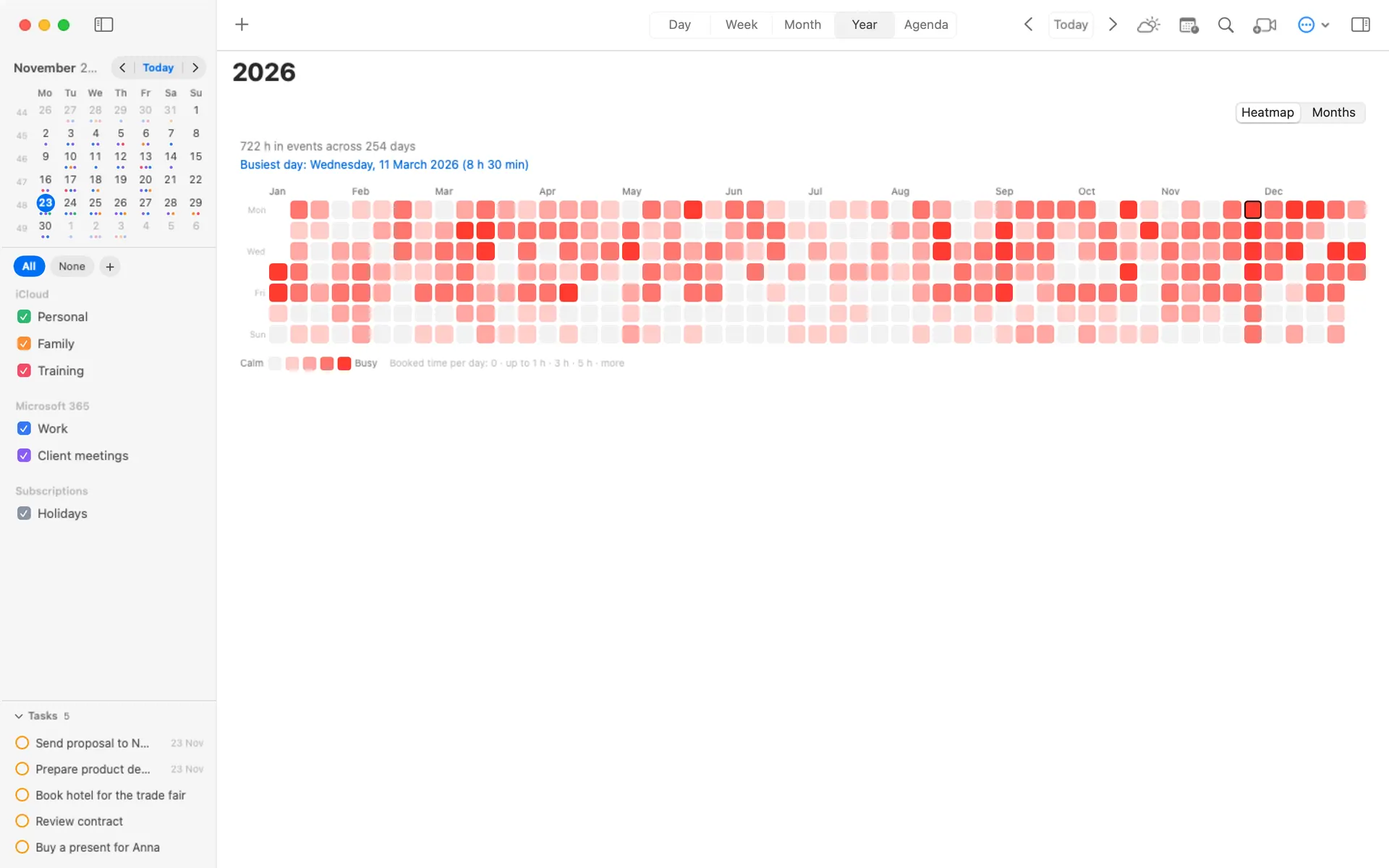
- Day, week, month, year (booked-time heatmap) and agenda views
- Find free time and copy slots as text
- Calendar sets, templates, recurring events, .ics import/export
- Reminders tasks in the sidebar, desktop widget, Shortcuts actions and Focus filter
- Create Teams meetings and reply to invitations with a Microsoft work account
- Two designs (Classic and Studio) in light and dark mode
15-day free trial, then a one-time purchase with a year of updates. No subscription.