
Submit app
Edist icon
New

Edist

The native macOS Typst editor

20$ · Jules LE PRINCE

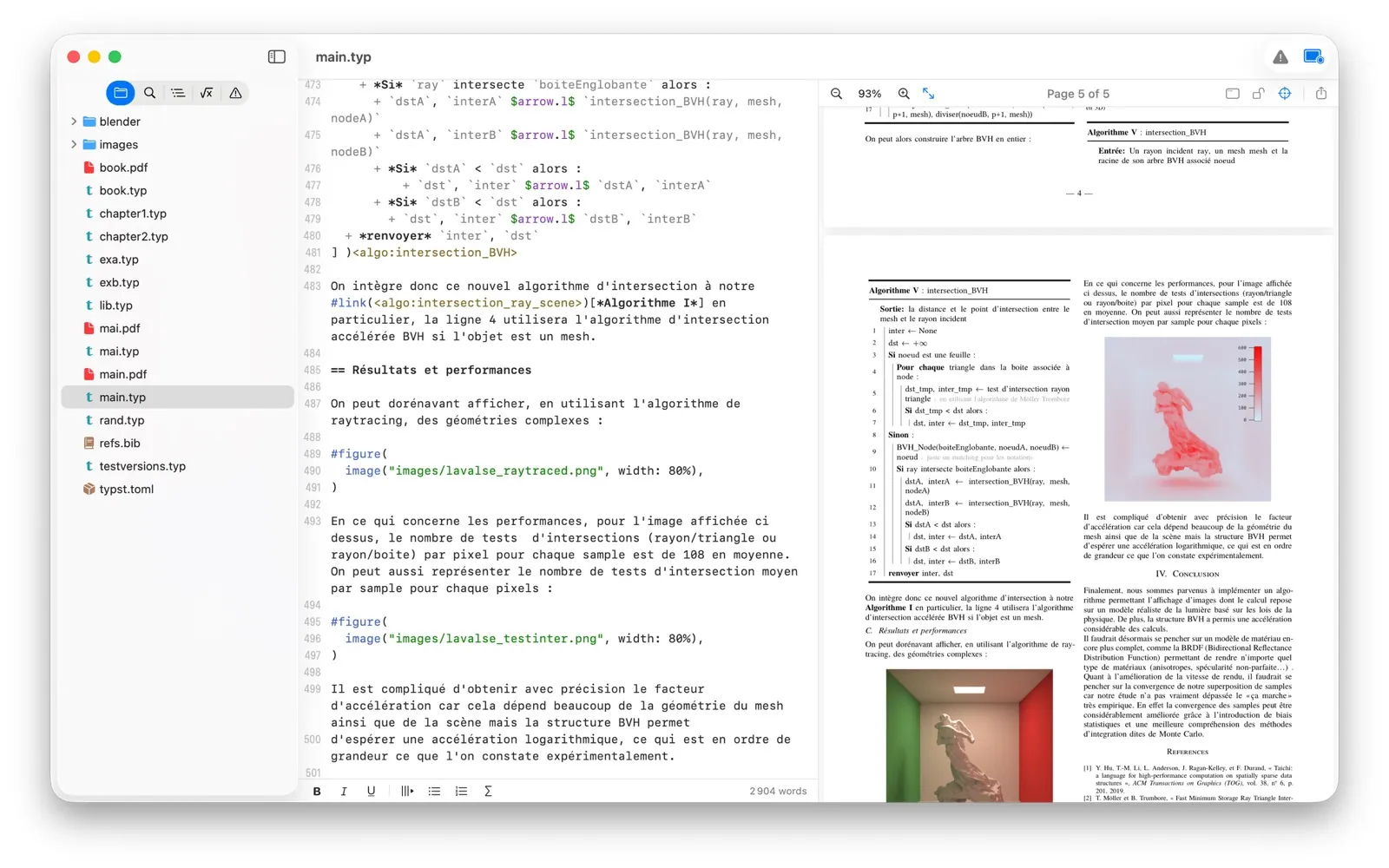
Edist screenshot 1
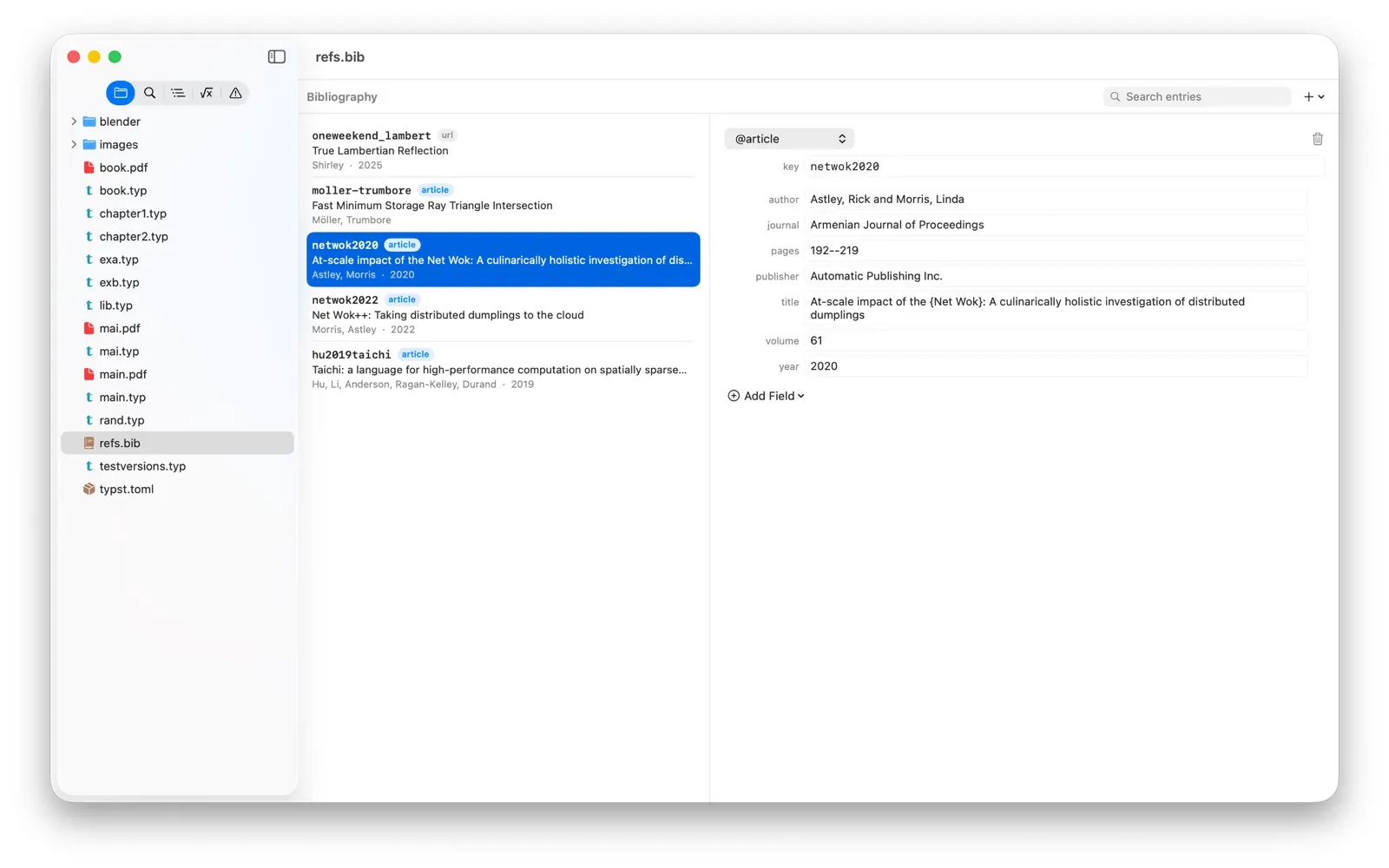
Edist screenshot 2
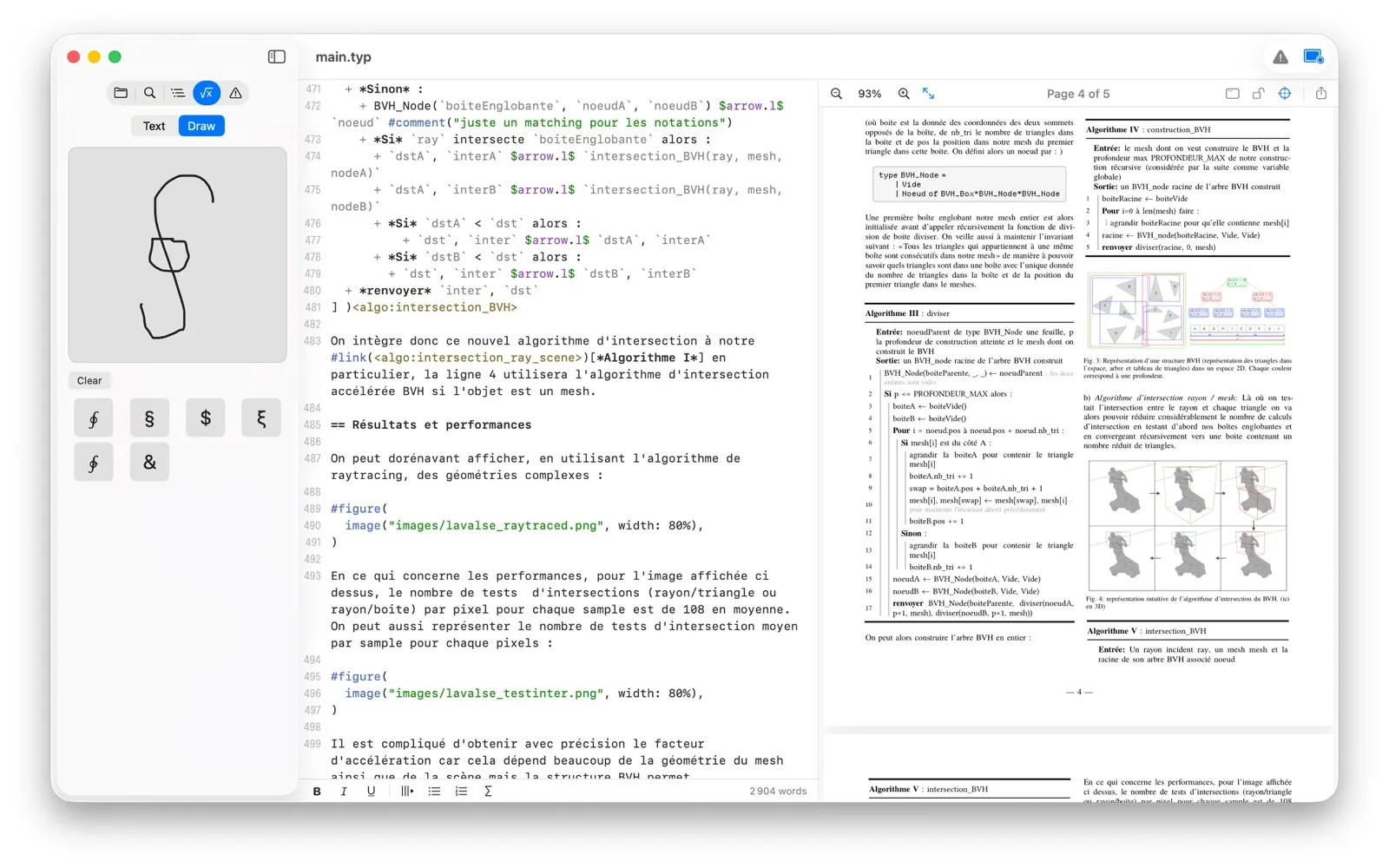
Edist screenshot 3
Mac
Mac
Version 1.5
Version 1.5
macOS 15.0 or later
macOS 15.0 or later
100 MB
100 MB
20$
20$

Overview

Edist is a native macOS editor for creating Typst documents. It shows a live PDF preview as you type, flags errors inline, and offers context-aware code suggestions. The Typst toolchain is built into the app, so there is no separate installation or command-line setup.

Features include clicking text in the preview to jump to its source, a preview window for a second display, handwritten symbol recognition, spell checking, and support for fonts installed on your Mac. Edist offers a free 7-day trial, followed by a one-time purchase that includes future updates. It runs on Apple silicon and Intel Macs with macOS 15 Sequoia or later.

Highlights

  • Live PDF preview as you type
  • Context-aware Typst suggestions and inline errors
  • Built-in Typst toolchain and package handling
  • Click PDF text to jump to its source
  • Handwritten symbol recognition and spell checking

Questions about Edist

How much does Edist cost?
Edist costs 20$ as a one-time purchase, with no subscription.
What are the system requirements for Edist?
Edist runs on macOS 15.0 or later. The download is about 100 MB.
Who makes Edist?
Edist is developed by Jules LE PRINCE. The latest version we list is 1.5.
Where can I download Edist?
Edist is available on the Mac App Store and from the developer's website, edist.app.
What are the best alternatives to Edist?
Bear, Craft and Pages are the top-ranked alternatives to Edist on Mac App Index, by shared features and community votes. Compare all 24 on the Edist alternatives page.

More like Edist


Edist: The native macOS Typst editor – Mac App Index