
Submit app
Beavery icon
New

Beavery

Pick many Live Photos, GIFs and stills from one video

$6.99 or $3.99/yr · SaveTimeForFun

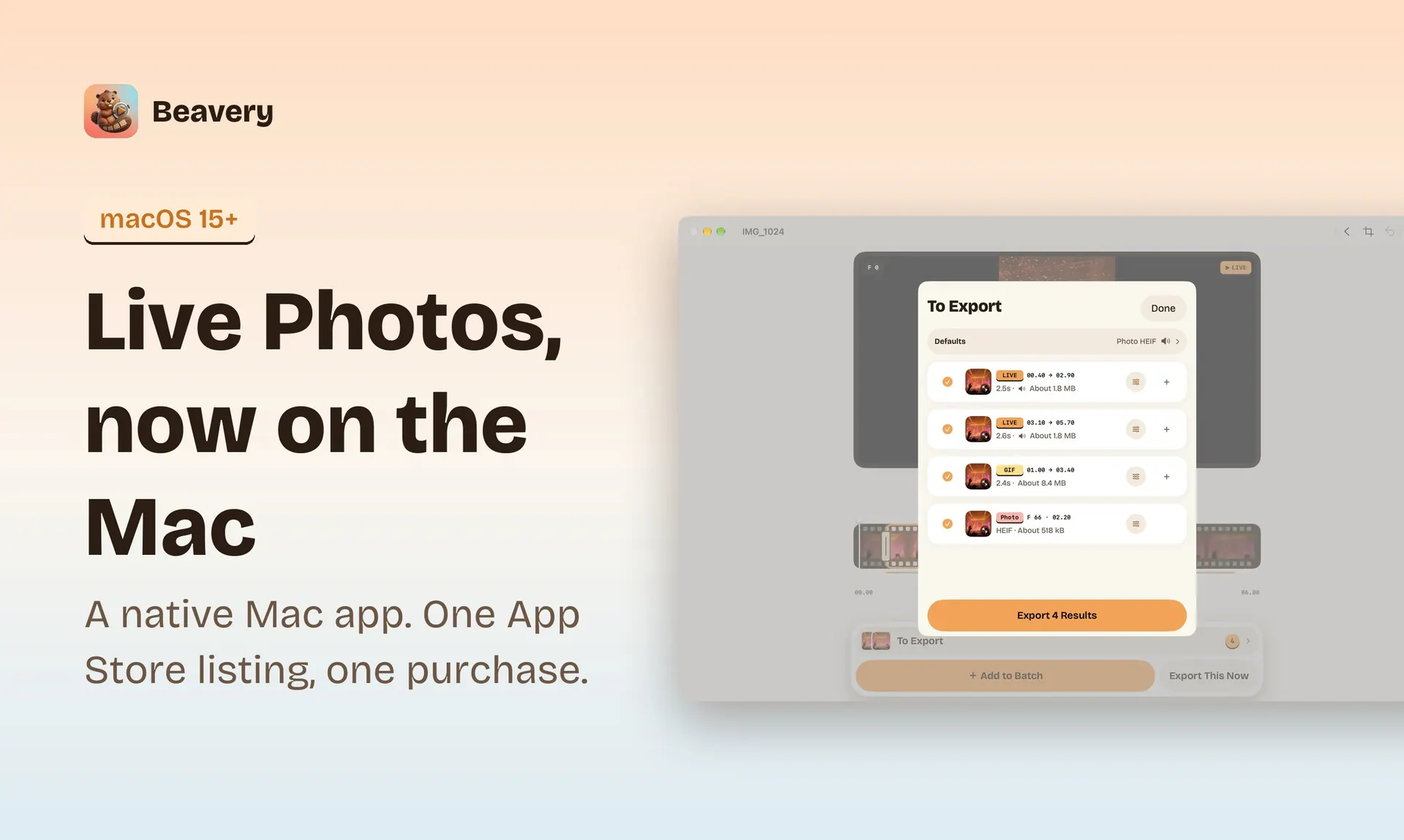
Beavery screenshot 1
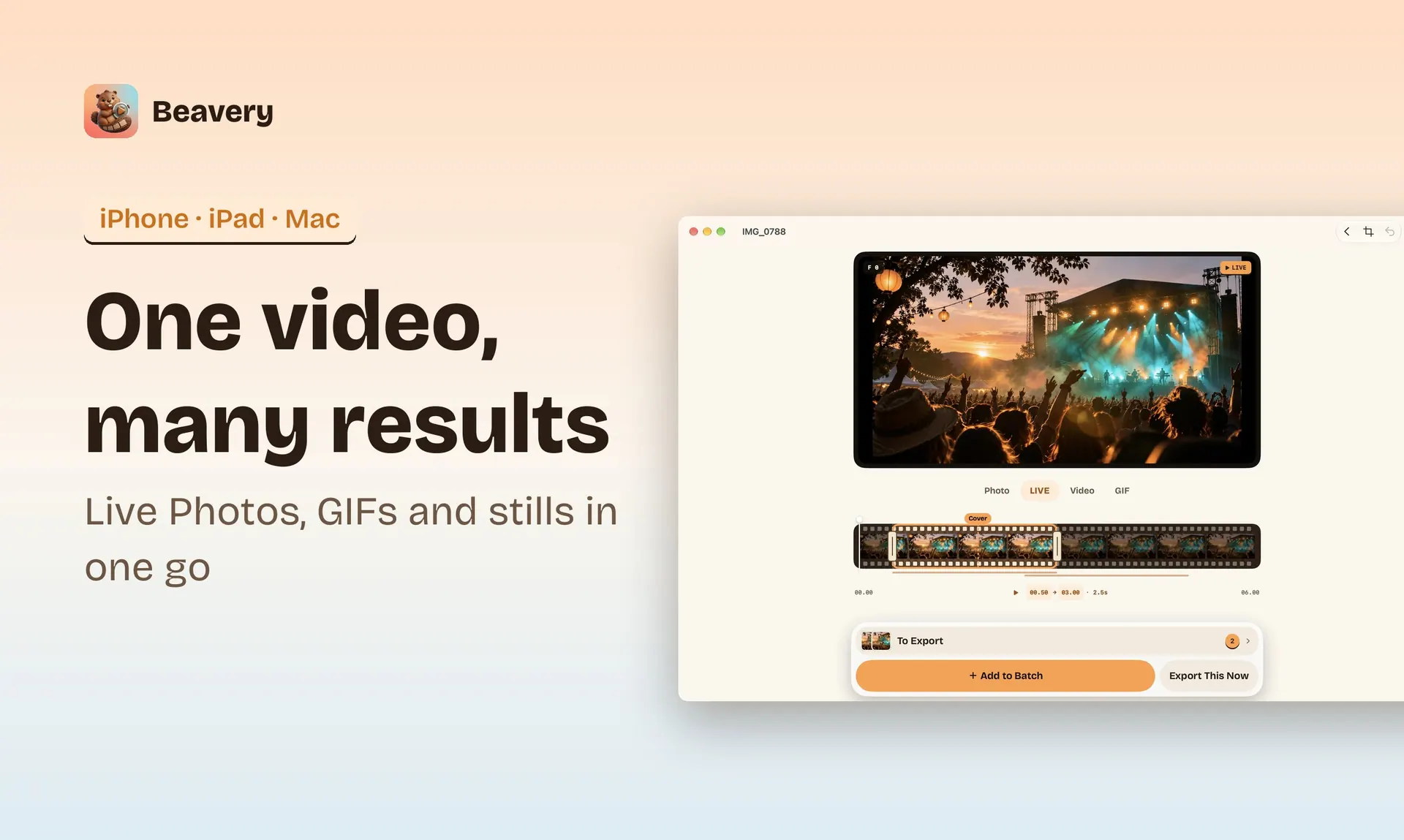
Beavery screenshot 2
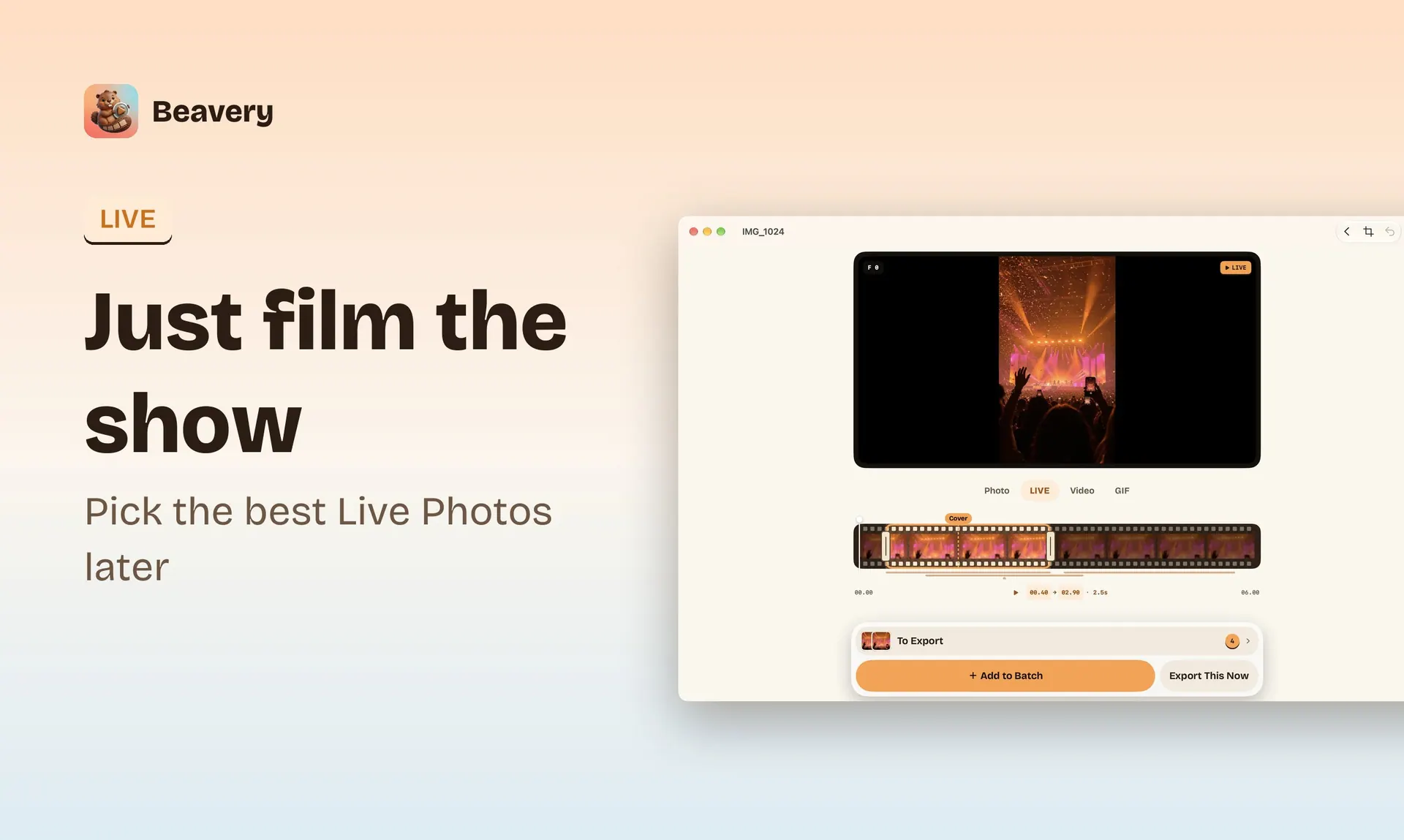
Beavery screenshot 3
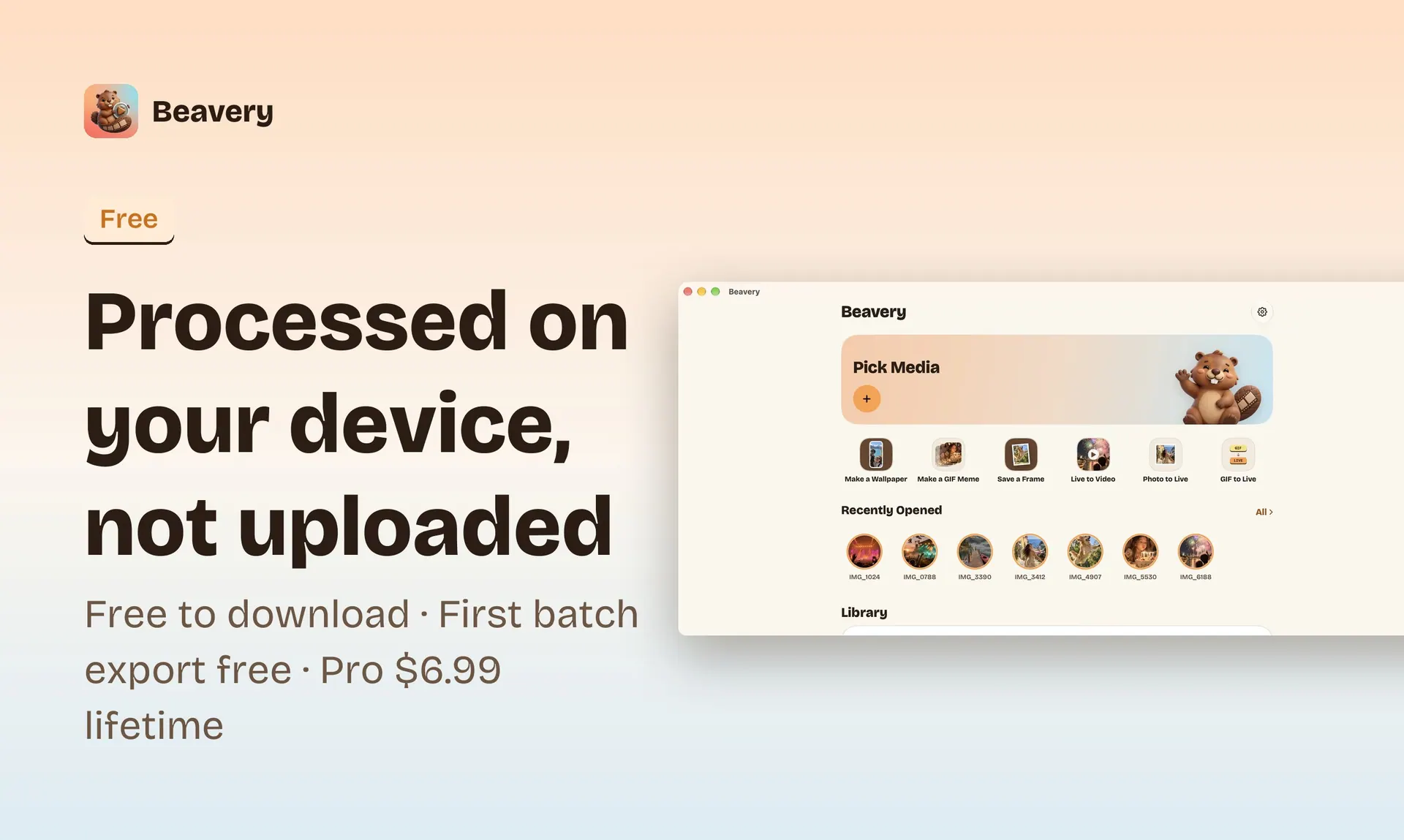
Beavery screenshot 4
Mac
Mac
Version 1.0
Version 1.0
macOS 15.0 or later
macOS 15.0 or later
$6.99 or $3.99/yr
$6.99 or $3.99/yr

Overview

Native Mac app: drag a video onto the window, step frames with the arrow keys, ⌘E opens the export list.

Beavery turns video into Live Photos. Pick many moments from one video and export them all at once: a Live Photo here, a GIF there, a full-quality photo from another frame. Drag the timeline slowly and it opens up to single frames; any frame can be the cover. Live Photos keep HDR, sound and the original capture date and place, with no length limit. It is one app for iPhone, iPad and Mac, with a native Mac version. Photos and videos are processed on your device and not uploaded; no account. Free to download; exporting one result at a time is free, and the first batch export is free. Pro unlocks batch export.


Questions about Beavery

Is Beavery free?
Beavery is free to download. Extra features are unlocked with in-app purchases or a paid upgrade.
What are the system requirements for Beavery?
Beavery runs on macOS 15.0 or later.
Who makes Beavery?
Beavery is developed by SaveTimeForFun. The latest version we list is 1.0.
Where can I download Beavery?
Beavery is available on the Mac App Store and from the developer's website, beavery.savetimefor.fun.
What are the best alternatives to Beavery?
Gifski, Blender and SmoothCapture are the top-ranked alternatives to Beavery on Mac App Index, by shared features and community votes. Compare all 24 on the Beavery alternatives page.

More like Beavery