Submit app
Automater Lite icon
New

Automater Lite

Menu bar app for your AI coding agents, sessions and limits

Free, optional paid PRO · AUTOMATER.ai

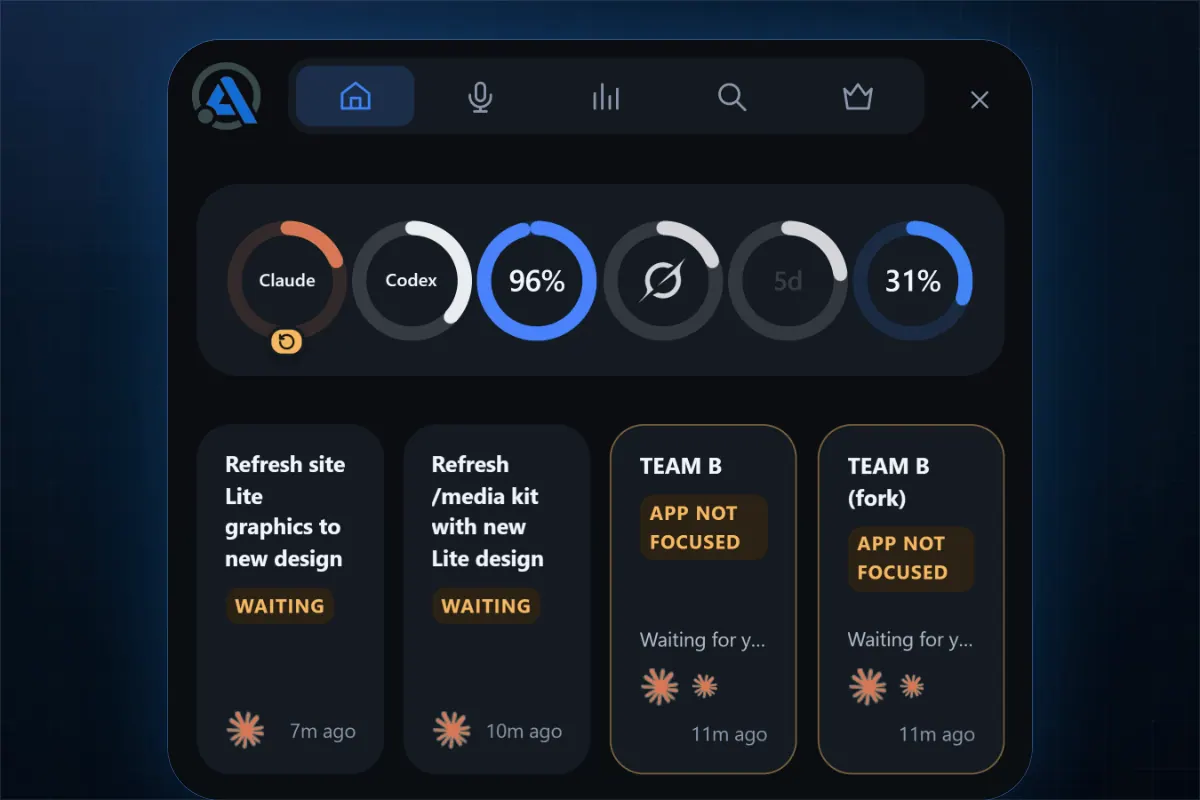
Automater Lite screenshot 1
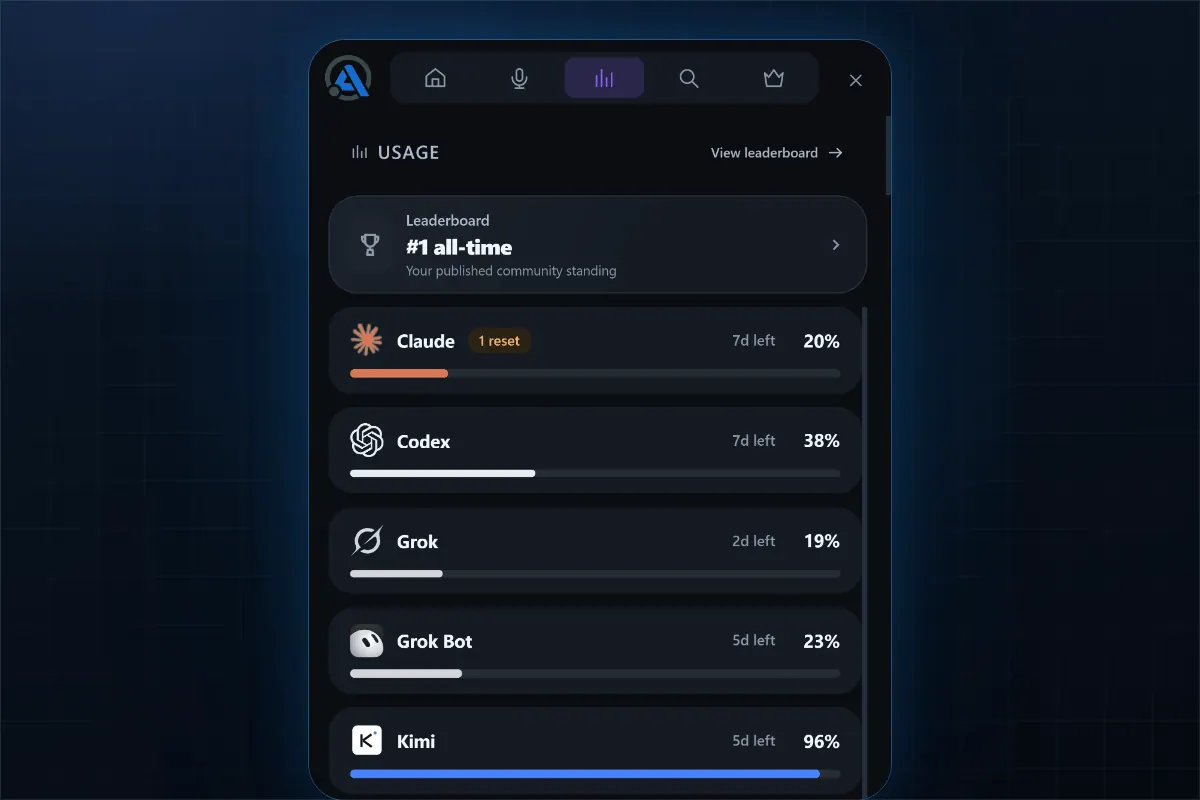
Automater Lite screenshot 2
Mac
Mac
Free, optional paid PRO

Overview

Automater Lite gathers sessions from 41 AI apps and CLIs (45 session formats) into one searchable library, shows what each agent is doing in a live activity view, and meters token usage and plan limits across 9 providers. Eleven tools support one-click resume, so you can jump back into a past session. No account or card is needed.

It is built for people who run several AI coding agents and tools side by side. Automater runs on macOS (Apple silicon), Windows x64 and Linux. Lite is free; there is an optional paid PRO tier.

Highlights

  • One searchable library for sessions from 41 AI apps and CLIs
  • Live activity view of what each agent is doing
  • Usage and limit meters across 9 providers
  • One-click resume for 11 tools
  • No account or card required

Questions about Automater Lite

Is Automater Lite free?
Automater Lite is free to download. Extra features are unlocked with in-app purchases or a paid upgrade.
Who makes Automater Lite?
Automater Lite is developed by AUTOMATER.ai.
Where can I download Automater Lite?
You can download Automater Lite from the developer's website, automater.ai.
What are the best alternatives to Automater Lite?
Tilora, Magnet and Paste are the top-ranked alternatives to Automater Lite on Mac App Index, by shared features and community votes. Compare all 24 on the Automater Lite alternatives page.

More like Automater Lite